Christmas E-Cards Made Just for Your People
Type the message you want to send, pick a scene, and watch the AI turn it into a Christmas card that looks nothing like the ones in the store. Ready to download or share in under a minute.

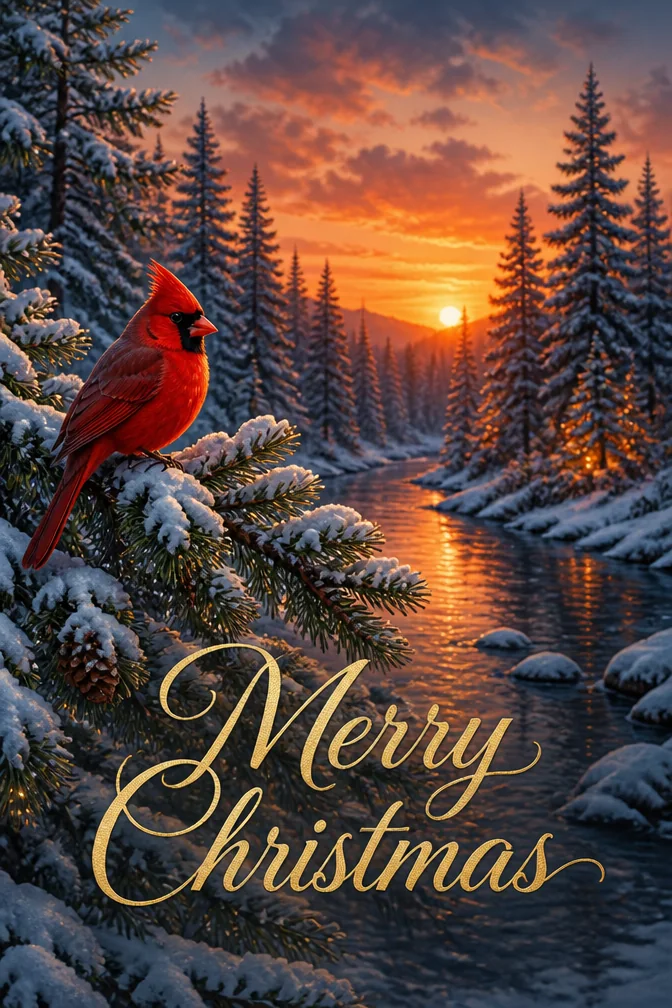
The average household gets more holiday cards through a phone screen than through the mailbox these days, and the ones that stand out are the ones that clearly weren't picked off a rack. An AI-built Christmas card starts with what you actually want to say, then builds artwork around it, so the design and the words match instead of fighting each other.
There's no template to scroll through and settle for. Describe the mood — a candlelit church window, a chaotic living room full of wrapping paper, a single ornament on a bare branch — and the card maker renders a few options in the time it takes to pick a filter for a photo. Keep the one that actually feels like your family.
Because it's digital, distance stops being a problem. A card for grandparents three states away and one for the group chat can go out the same afternoon, each written and styled for the person receiving it, with nothing to reprint if you think of one more name to add to the list.
One occasion, four completely different cards
Each of these was generated from the message and theme written below it. Click any card to start from that exact combination — then make it yours.
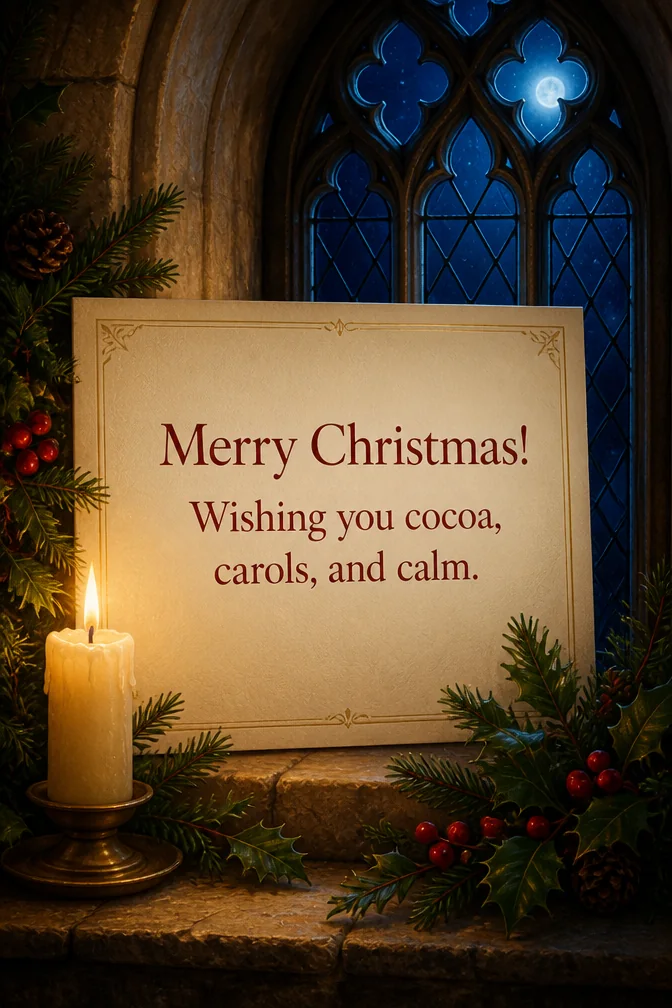
Start from this card →
“Merry Christmas! Wishing you cocoa, carols, and calm.”
Candlelit church window at midnight
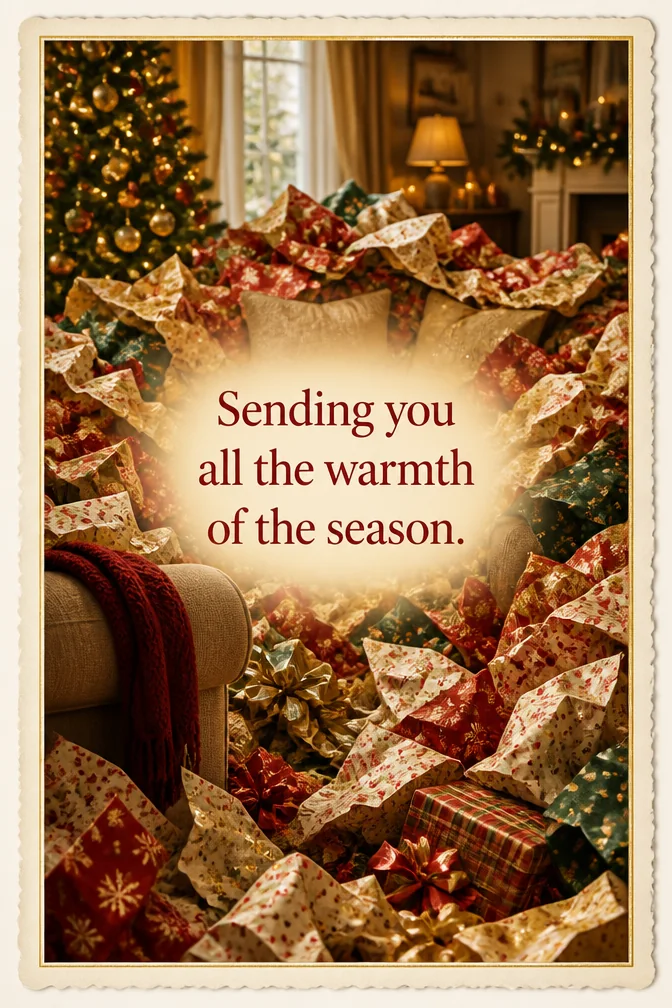
Start from this card →
“Sending you all the warmth of the season.”
Living room buried in wrapping paper
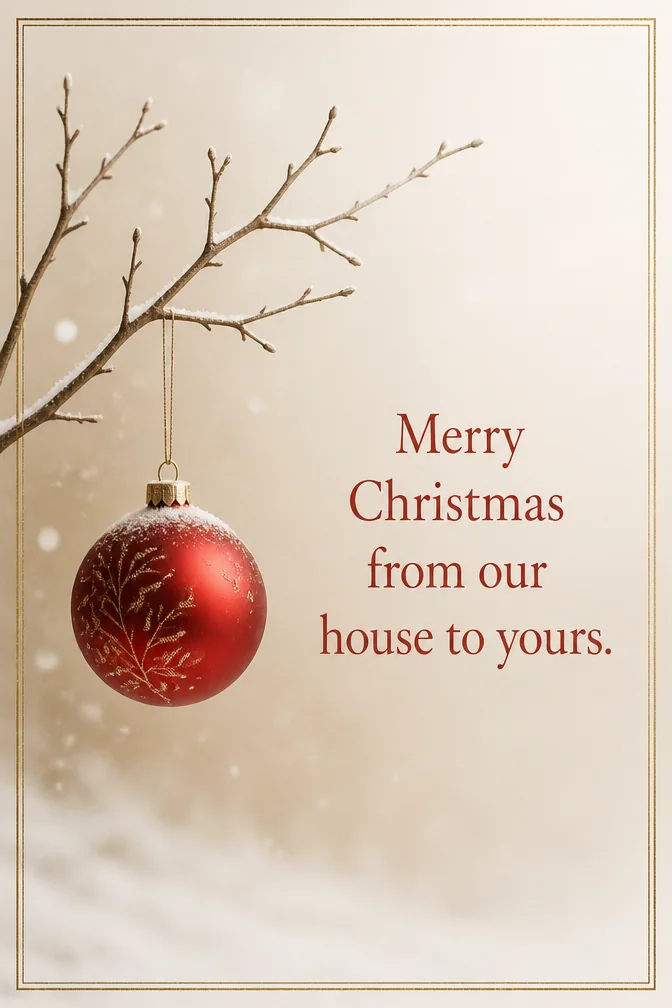
Start from this card →
“Merry Christmas from our house to yours.”
Single ornament on a bare branch
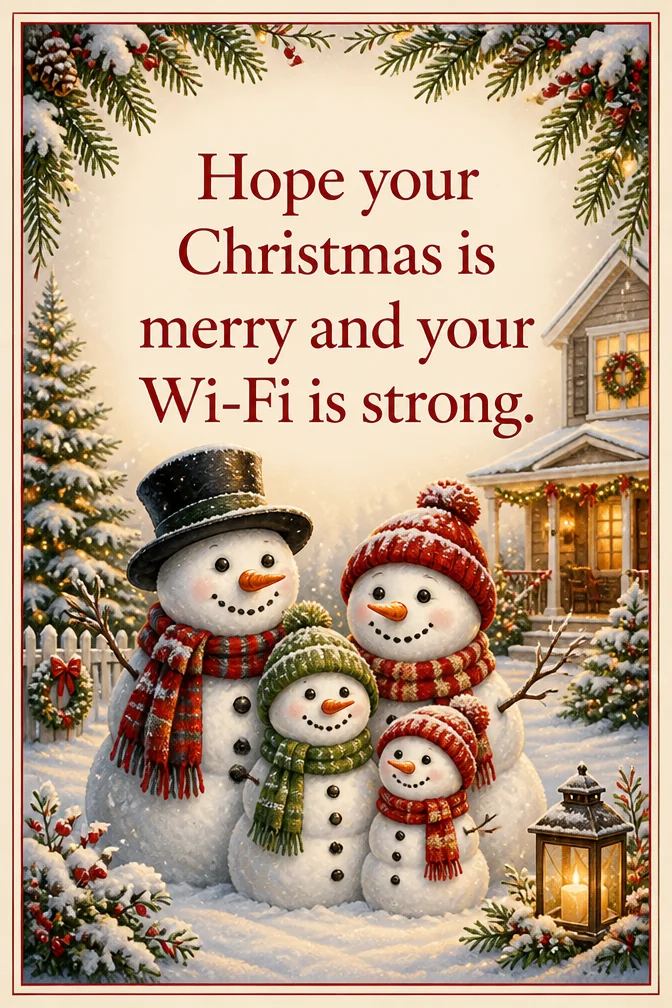
Start from this card →
“Hope your Christmas is merry and your Wi-Fi is strong.”
Snowman family in the front yard
What to write on your christmas card
- “Merry Christmas! Wishing you cocoa, carols, and calm.”Use this
- “Sending you all the warmth of the season.”Use this
- “Merry Christmas from our house to yours.”Use this
- “Hope your Christmas is merry and your Wi-Fi is strong.”Use this
- “Wishing you a season wrapped in good company.”Use this
- “Merry Christmas — thanks for a year worth celebrating.”Use this
Theme ideas the AI paints beautifully
Candlelit church window at midnight
Try this theme →
Living room buried in wrapping paper
Try this theme →
Single ornament on a bare branch
Try this theme →
Snowman family in the front yard
Try this theme →
Christmas market string lights
Try this theme →
Train set circling the tree
Try this theme →
Tips for the perfect card
- Open with the recipient's name — a card addressed to "the Kim family" reads warmer than a blank greeting
- Choose one scene instead of several — a single strong image renders more clearly than a busy collage
- If the card is going to coworkers or neighbors, "happy holidays" keeps it welcoming to everyone
- Mention something specific from the year — a trip, a new baby, a shared joke — it's what people remember
Your christmas card in three steps
Write your message
Type the exact words you want on the card.
Describe a theme
A scene, a style, a mood — anything you can imagine.
Download & share
Get an HD card in seconds. Print it or send the link.
Christmas card questions, answered
- How do I personalize an AI Christmas card?
- Type the exact message you want on the front — a name, an inside joke, a Bible verse, whatever fits — and describe the scene you picture. The AI builds original art around your words, so the card is shaped by what you wrote instead of a template you have to fit into.
- What's a good Christmas message if I'm stuck?
- Start with the recipient's name, add one true detail from the year, and close with a simple wish for the season. Any of the messages on this page can be used as-is or tweaked — just tap one to load it into the card maker.
- Can I send the same card to my whole list?
- Yes — once it's generated, download it in HD or share a link as many times as you like. Some people also make two or three versions, since each one only takes a few seconds, and send different scenes to family versus coworkers.
- Does it cost anything to make a Christmas e-card?
- No — the card maker is free to use on the website and in the iOS app. If you want the sharpest possible resolution for printing, a higher-quality rendering option is available.
Recently created christmas cards
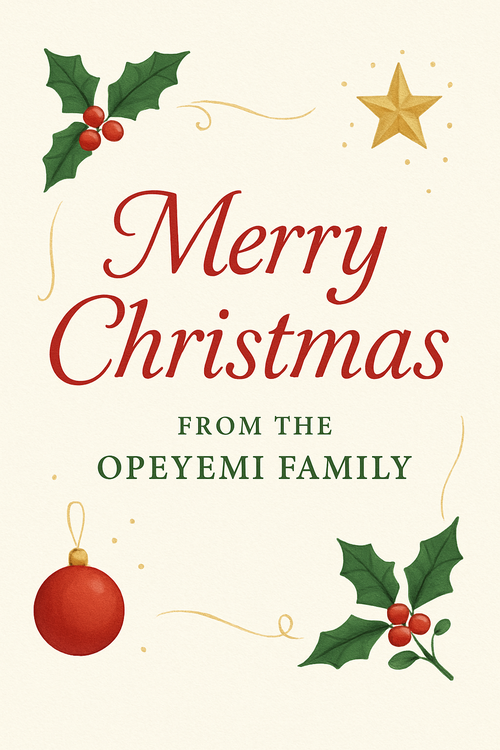
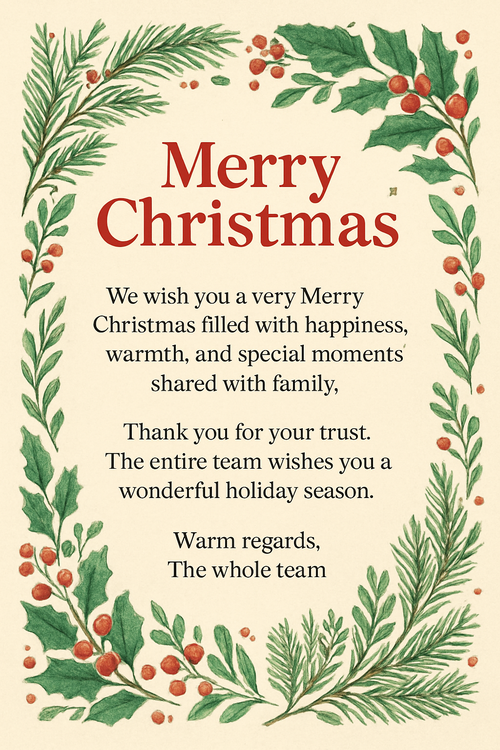
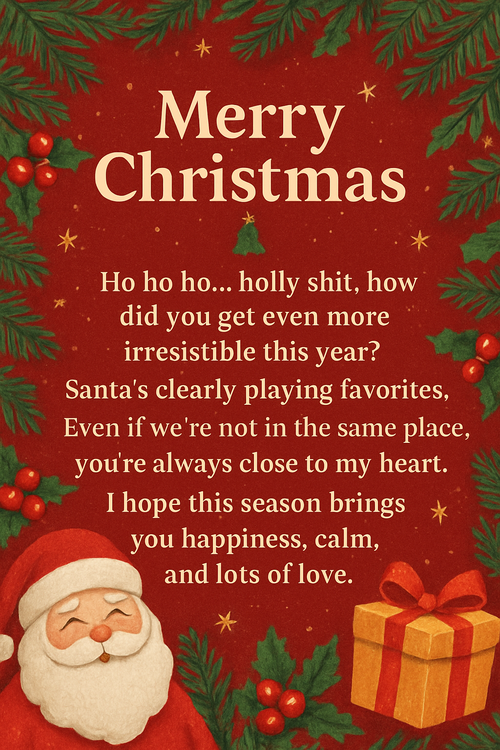
Real cards from the community — click any card to see it up close

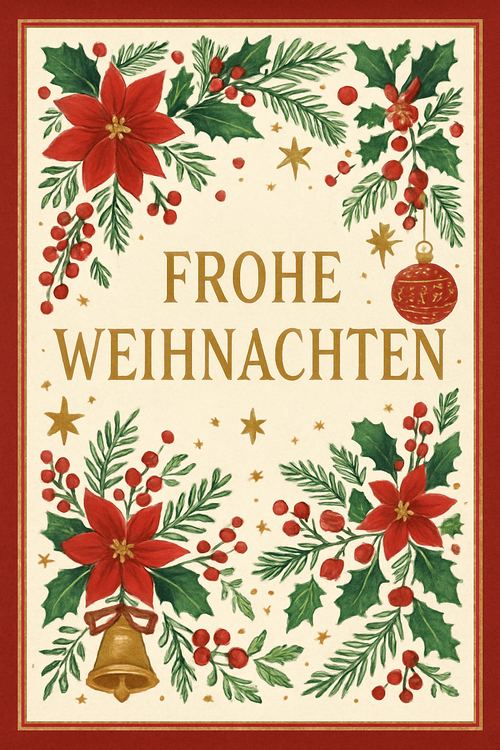
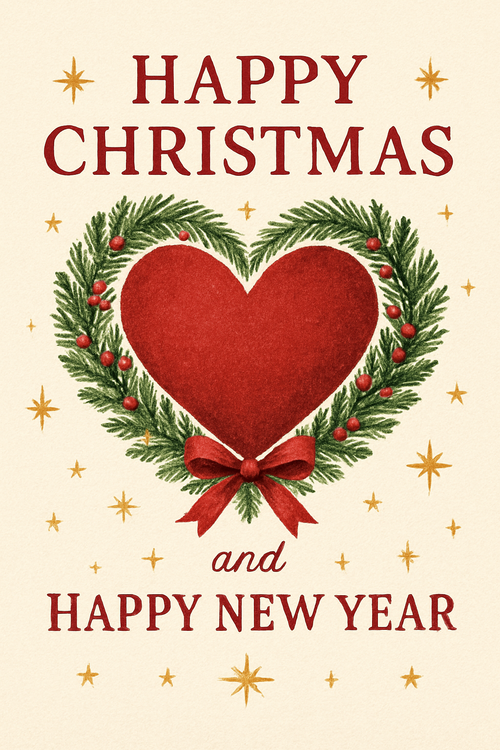
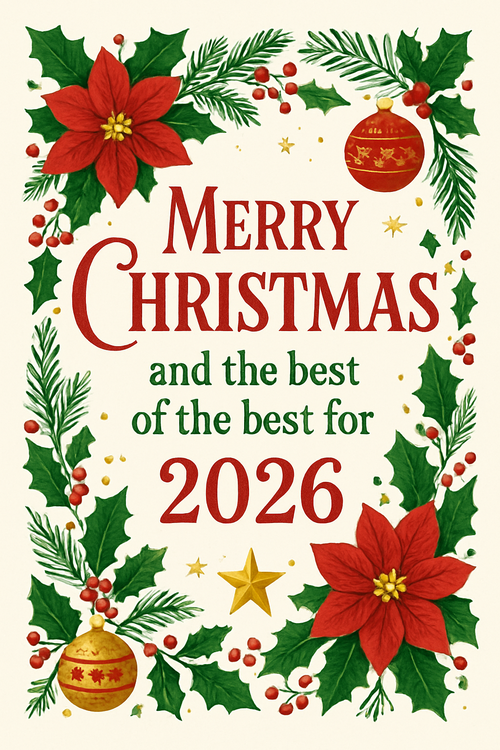
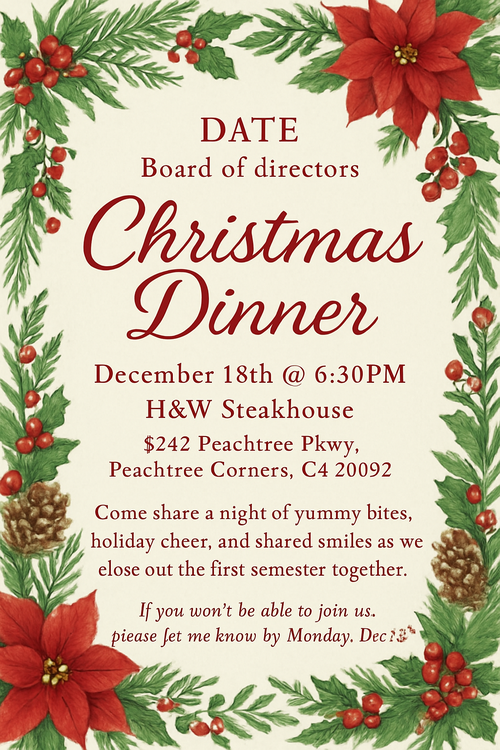

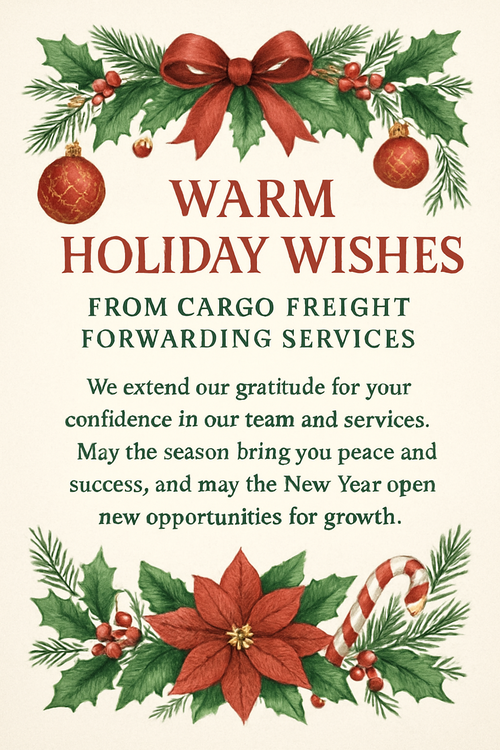

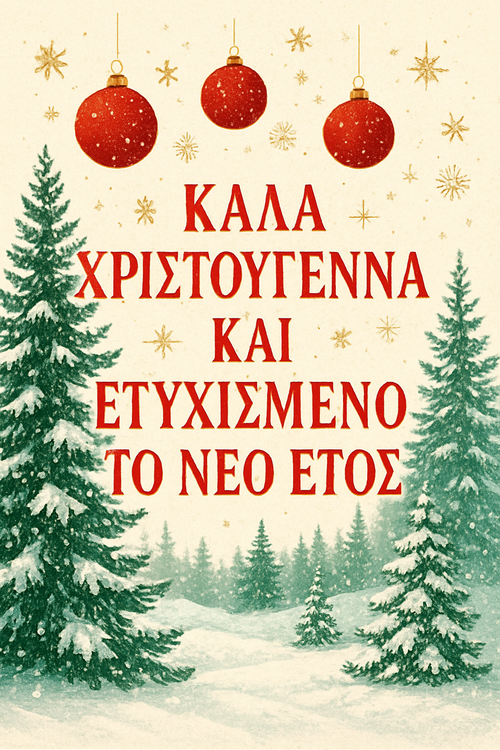
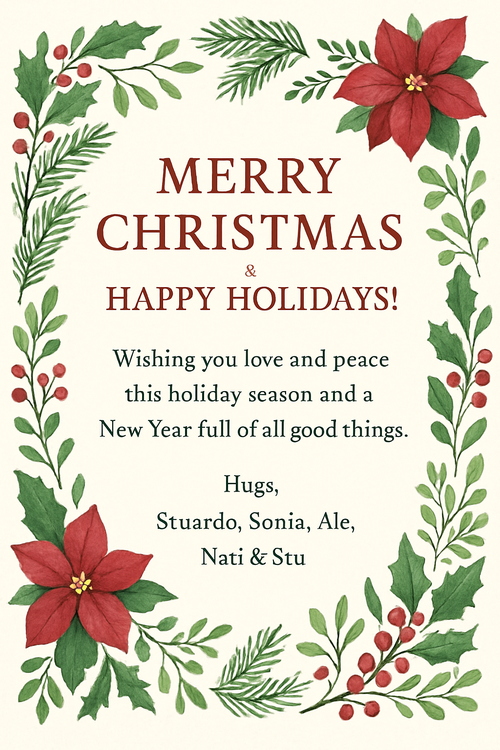
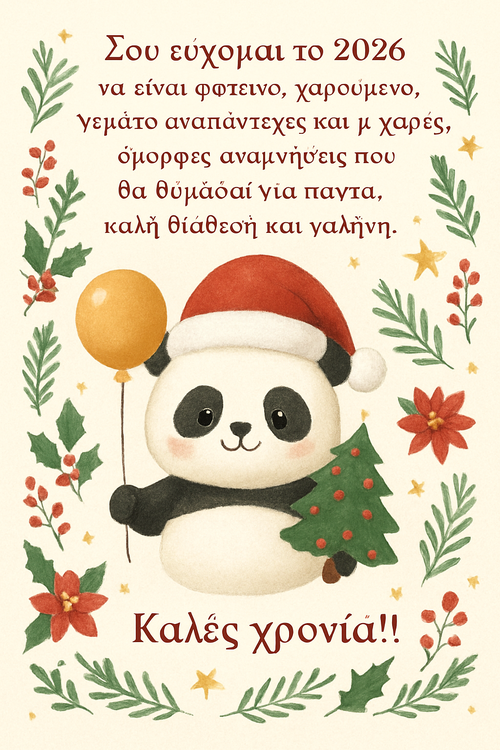


![Marami ang nawawalan ng pag-asa ngayong 2025 dahil sa dami ng problema sa mundo. Pero may magbibigay sa atin ng pag-asa. Ano? ANG SABI NG BIBLIYA Sinasabi ng Bibliya na ang mga problemang nagpapahirap sa atin kaya nawawalan tayo ng pag-asa ay sosolusyunan ng Diyos. Malapit na niyang pahirin "ang bawat luna sa mga mata [natin], at mawawala na ang kamatayan, pati ang pagdadalamhati at ang pag-iyak at ang kirot."-Apocalipsis 21:4.](https://media.e-card.com/4bd2c89d-f34d-4ac2-99a9-9388862ca1b3-thumbnail.png)
![Maraming nawawalan ng pag-asa ngayong 2025 dahil sa dami ng problema sa mundo. Pero may magbibigay saatin ng pag-asa. Ano? ANG SABI NG BIBLIYA Sinasabi ng Bibliya na ang mga problemang nagpapahirap saatin kaya nawawalan tayo ng pag-asa ay sosolusyunan ng Diyos. Malapit na niyang pahirin ang “bawa luha sa mga mata [natin], at mawawala na ang kamatayan, pati ang pagdadalamhati at ang pag-iyak at ang kirot”-Apocalipsis 21:4](https://media.e-card.com/656dfe28-a6ce-4c65-8843-69b5c29ecead-thumbnail.png)
Ready to make your christmas card?
Write it, style it, send it — all in under a minute.