Valentine's Day Cards for the One You Love
Skip the drugstore aisle of the same dozen designs. Tell the AI who this is for and what you want to say, and it paints a Valentine's Day card built around your exact words — not a template with your name dropped in.

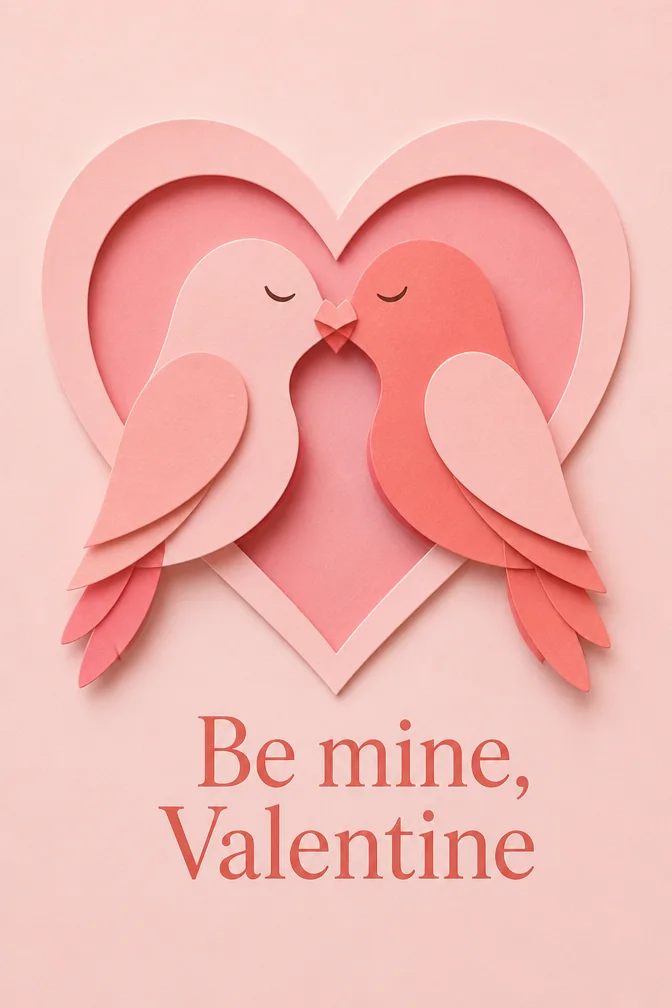
Valentine's Day cards get compared more than almost any other card you'll send — everyone in the group chat is posting theirs. A generated card sidesteps the comparison entirely, because the scene only exists because of what you typed. Describe your partner's favorite color, an inside joke, or the trip you're planning, and the AI builds the art around that instead of the other way around.
The words matter more than the wrapping here. "Still my favorite person" over a candlelit table reads nothing like the same line over a field of wildflowers — try both, see which one feels like the two of you, and keep that one. It takes about ten seconds per version, so there's no reason to settle for the first draft.
Every card renders in tall portrait format, ready to text first thing on February 14th or print and tuck into a gift. Make one for your partner and a lighter, funnier one for your best friend or your mom — Valentine's Day isn't only for romance, and the card maker doesn't mind switching tones.
One occasion, four completely different cards
Each of these was generated from the message and theme written below it. Click any card to start from that exact combination — then make it yours.
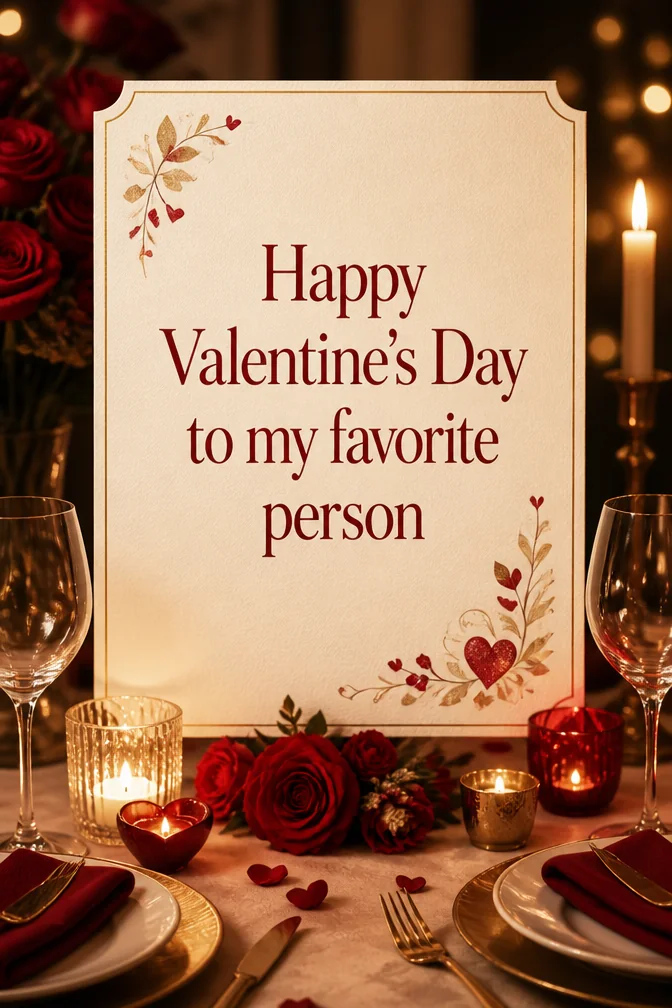
Start from this card →
“Happy Valentine's Day to my favorite person”
Candlelit table for two
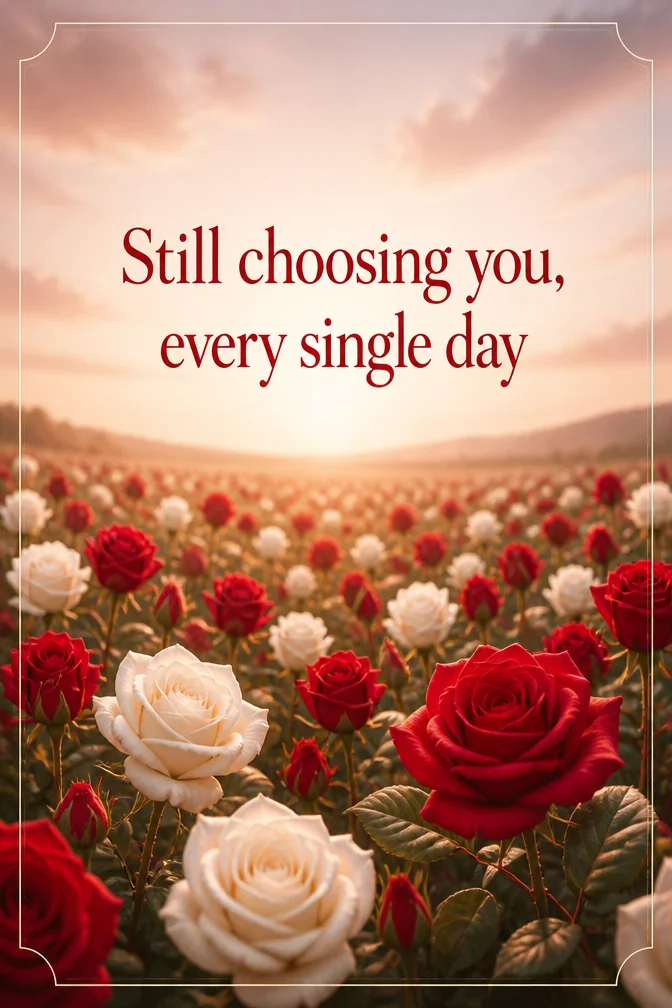
Start from this card →
“Still choosing you, every single day”
Field of red and white roses
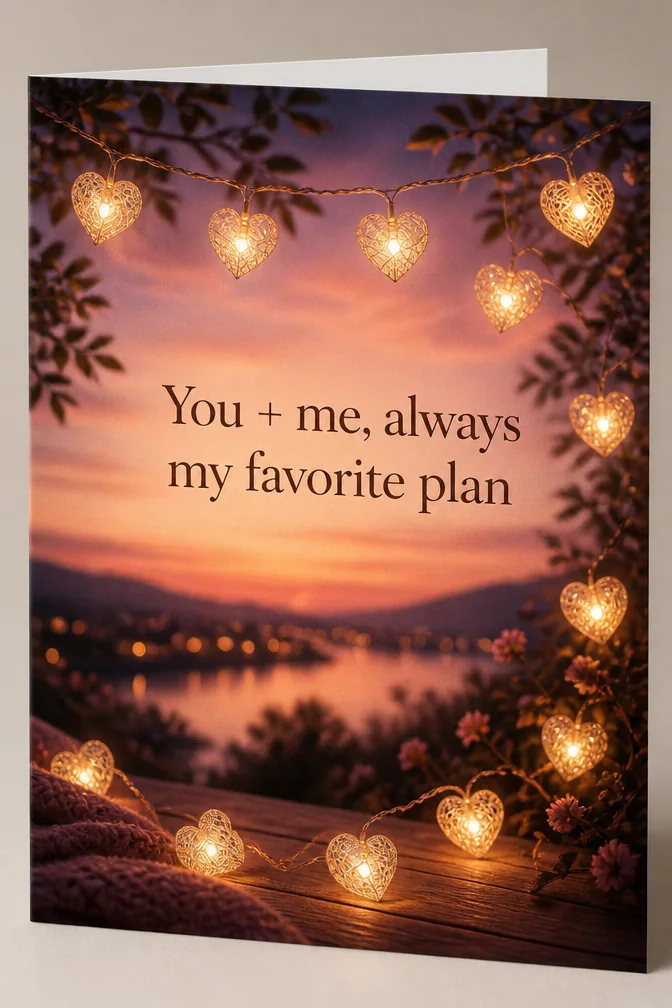
Start from this card →
“You + me, always my favorite plan”
Heart-shaped fairy lights at dusk
Start from this card →
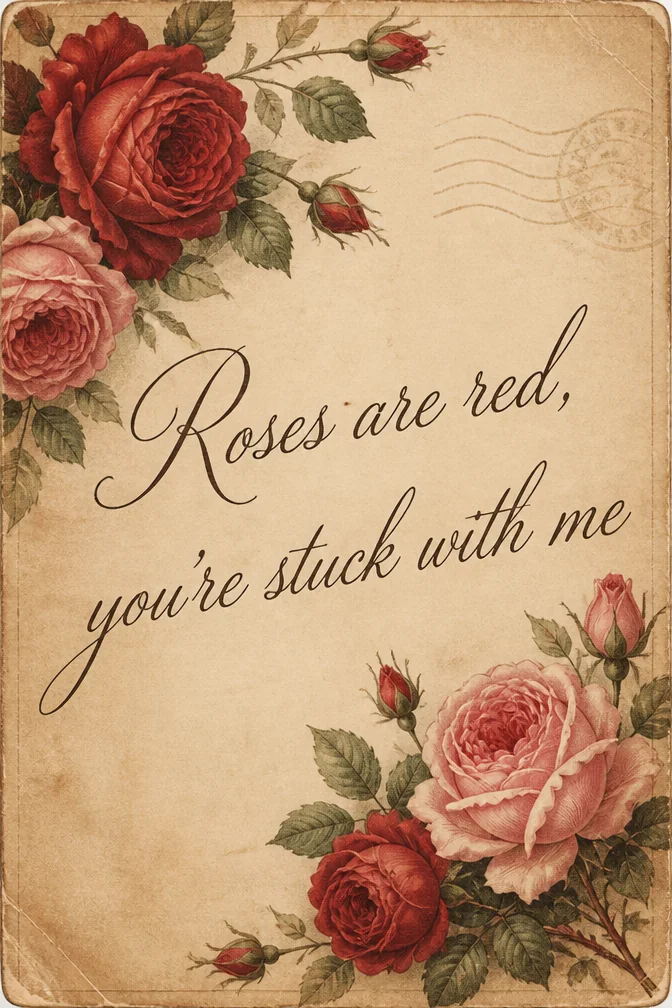
“Roses are red, you're stuck with me”
Vintage postcard with cursive script
What to write on your valentine's day card
- “Happy Valentine's Day to my favorite person”Use this
- “Still choosing you, every single day”Use this
- “You + me, always my favorite plan”Use this
- “Roses are red, you're stuck with me”Use this
- “Happy Valentine's Day — you're the good part”Use this
- “My heart picked you and never looked back”Use this
Theme ideas the AI paints beautifully
Candlelit table for two
Try this theme →
Field of red and white roses
Try this theme →
Heart-shaped fairy lights at dusk
Try this theme →
Vintage postcard with cursive script
Try this theme →
Two coffee cups and a sunrise window
Try this theme →
Watercolor hearts drifting on pink
Try this theme →
Tips for the perfect card
- Name the specific thing you love, not just "I love you" — specifics read as more sincere
- Match the scene to your relationship's actual vibe, not a magazine-cover version of romance
- Sending to a parent, friend, or kid? Swap "Happy Valentine's Day" in for the romantic angle
- Keep it to one clear feeling — a card trying to be sweet, funny, and deep at once reads as neither
Your valentine's day card in three steps
Write your message
Type the exact words you want on the card.
Describe a theme
A scene, a style, a mood — anything you can imagine.
Download & share
Get an HD card in seconds. Print it or send the link.
Valentine's Day card questions, answered
- What should I write in a Valentine's Day card?
- Start with the person's name, add one specific reason you love them or a shared memory, and keep the closing simple. A single honest detail beats a generic "I love you" — the AI takes care of making it look striking.
- Can I make a Valentine's card for someone other than a partner?
- Definitely. Plenty of people send Valentine's cards to parents, kids, or best friends — just swap the romantic language for something warmer and platonic, and pick a lighter theme like flowers or hearts instead of candlelight.
- How does the AI Valentine's Day card maker work?
- Type your message and describe the mood or scene you want, like "soft pink watercolor with roses." The AI generates original art built around your words in seconds, and you get a portrait-format card ready to send or print.
- Is the Valentine's Day card maker free?
- Yes, you can create and share cards free on the website and in the iOS app. Higher-resolution downloads are available if you want a print-ready version.
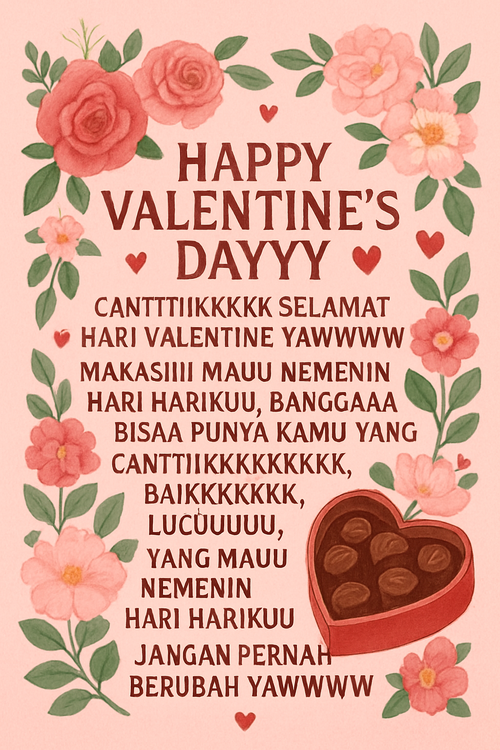
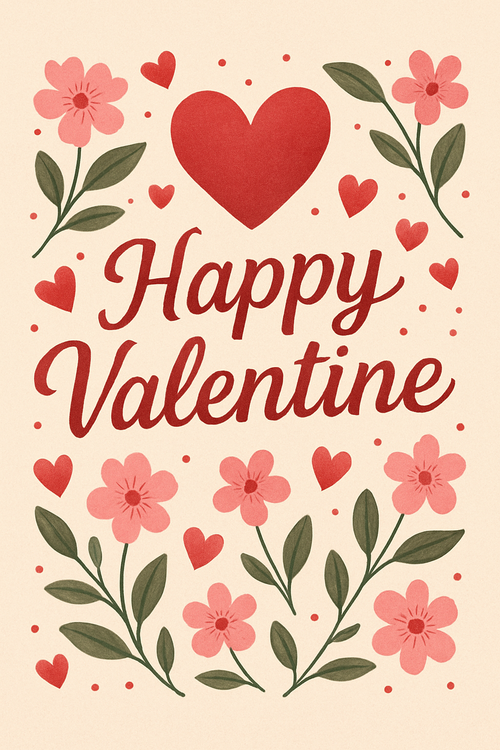
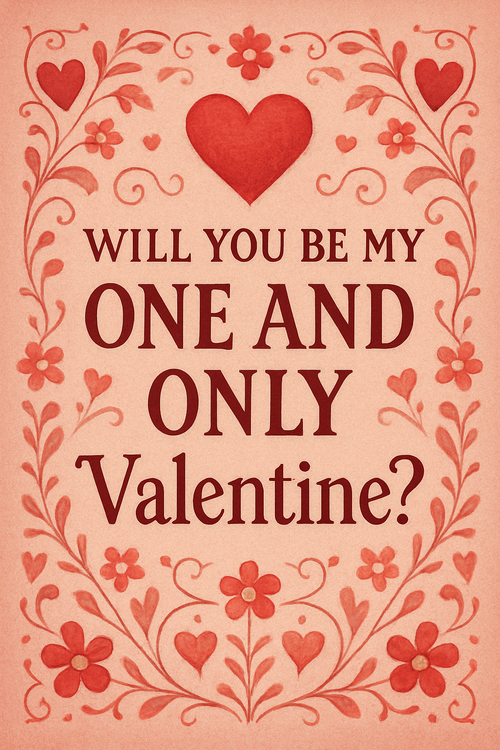
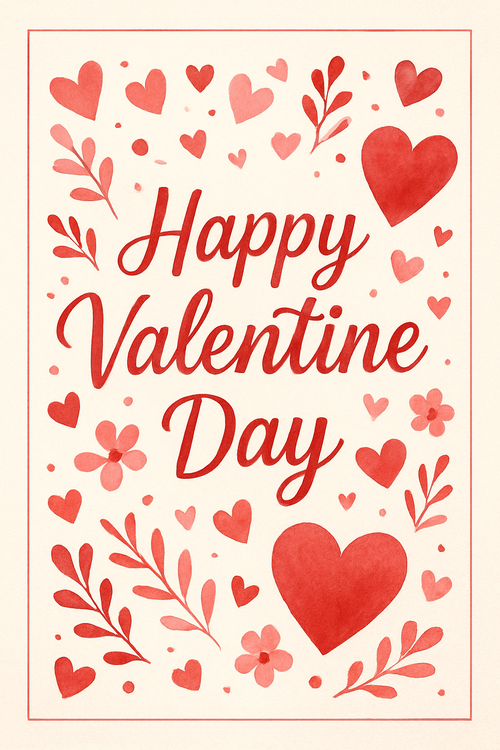
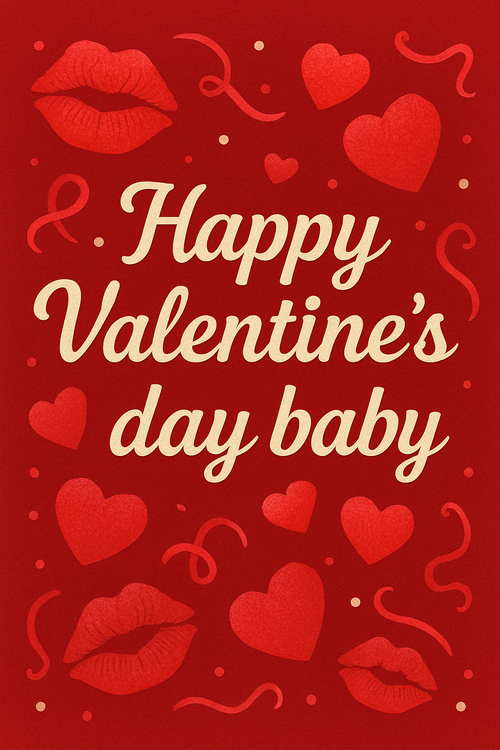
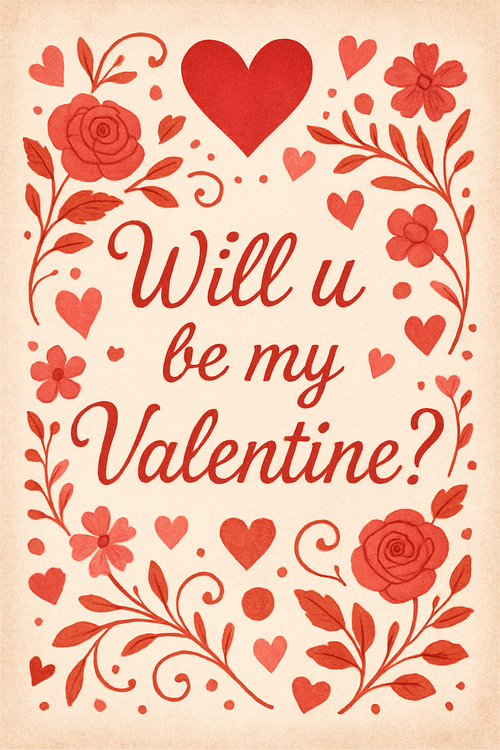
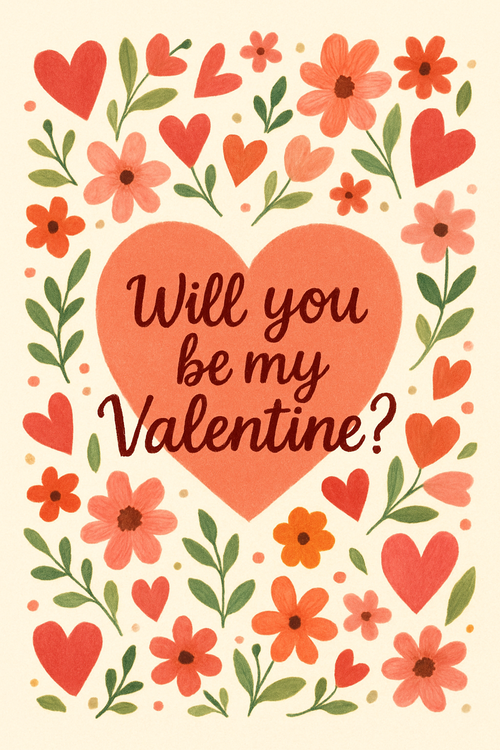
Recently created valentine's day cards
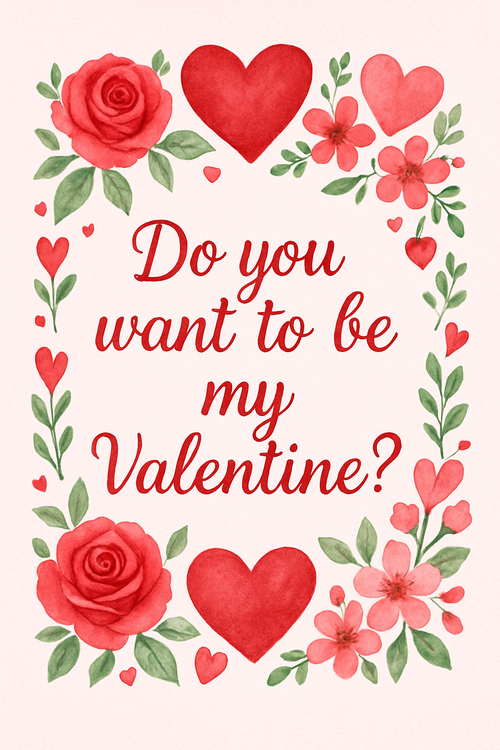
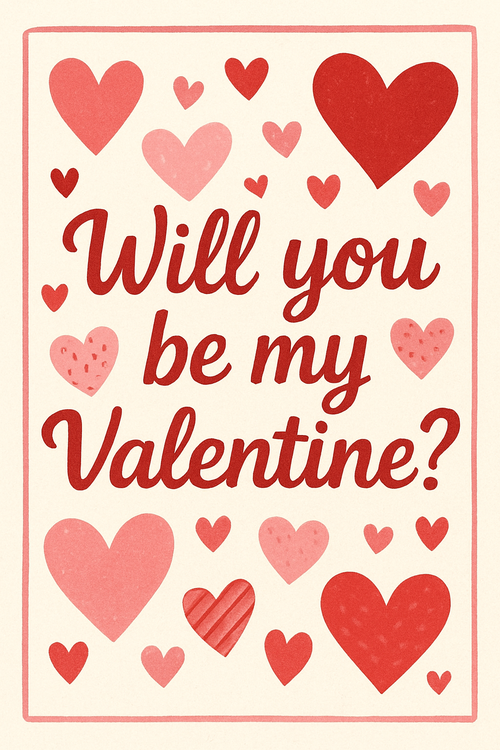
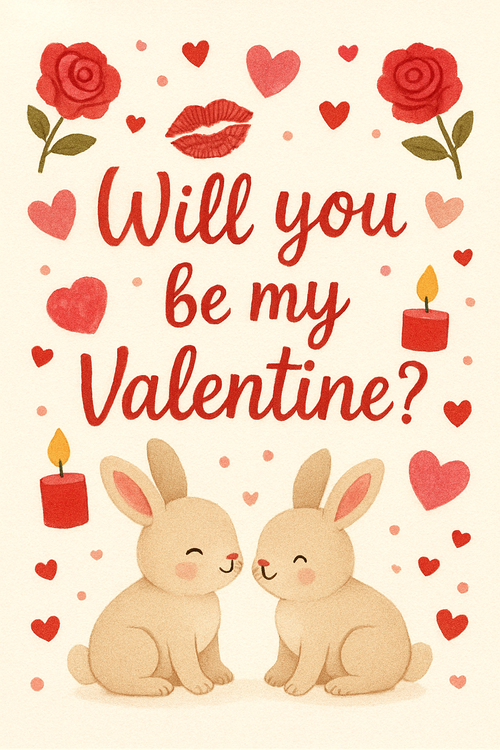
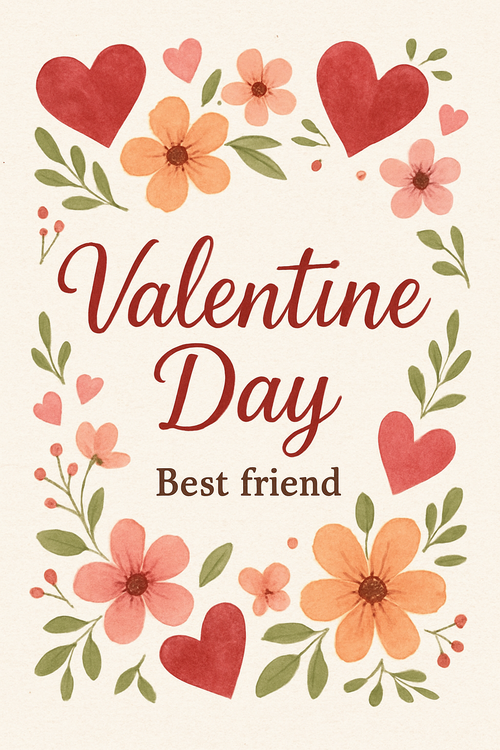
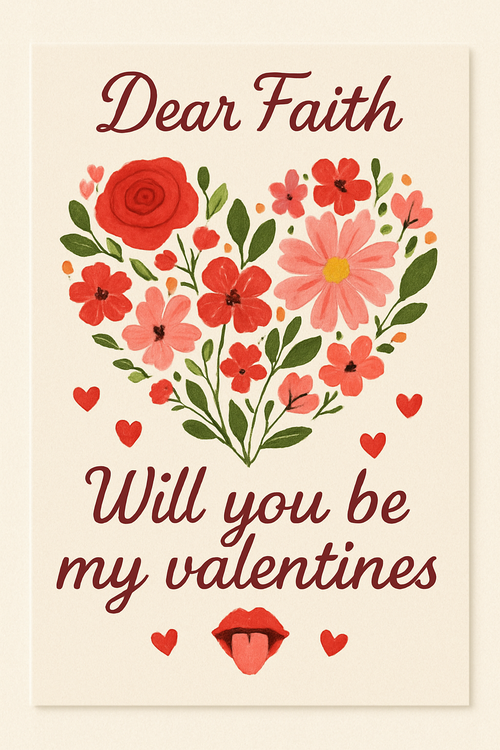
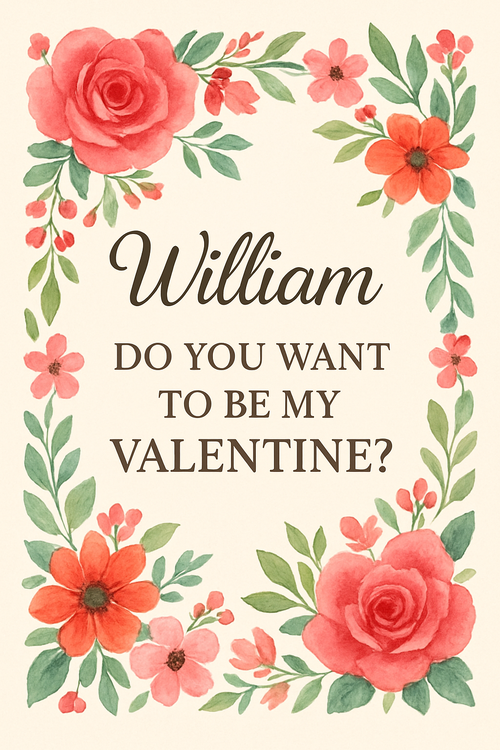
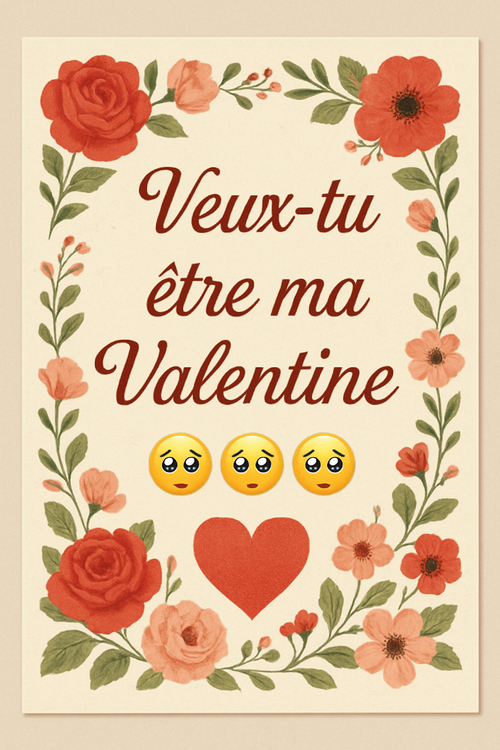
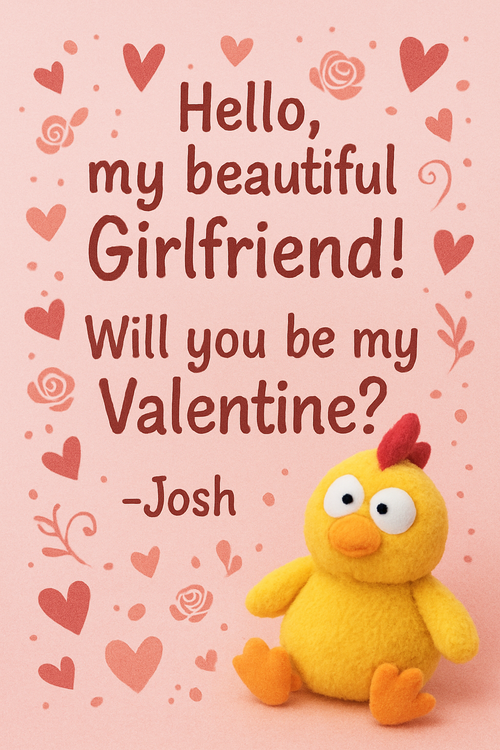
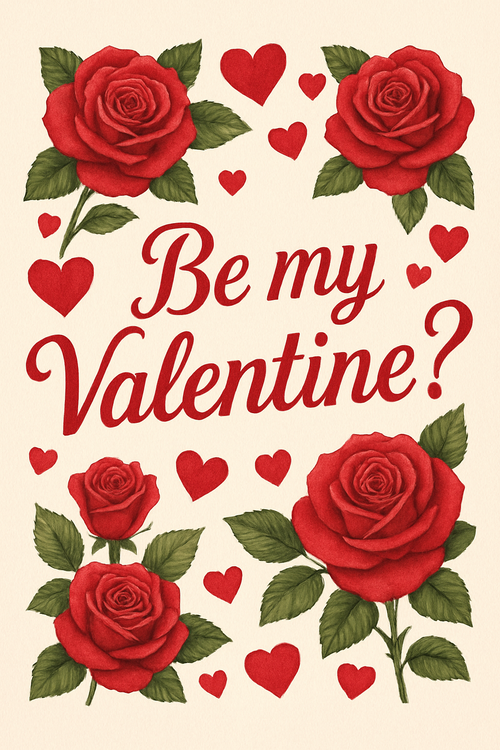
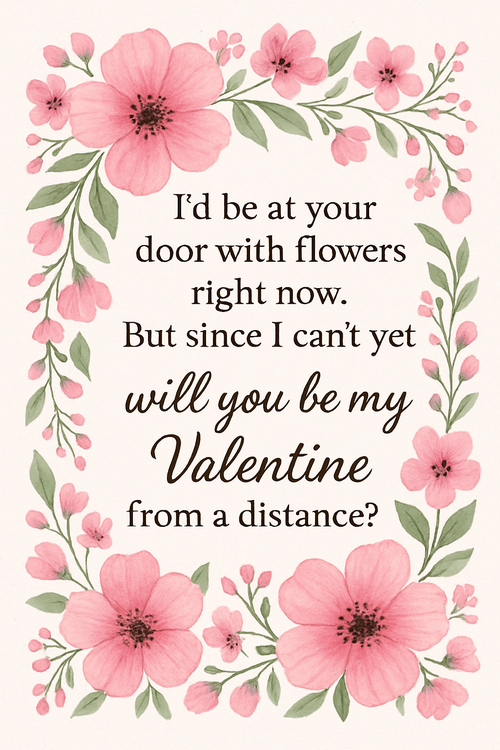
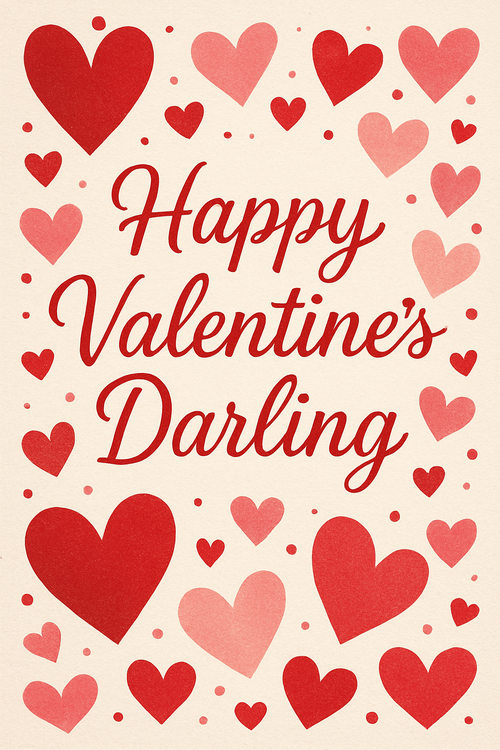
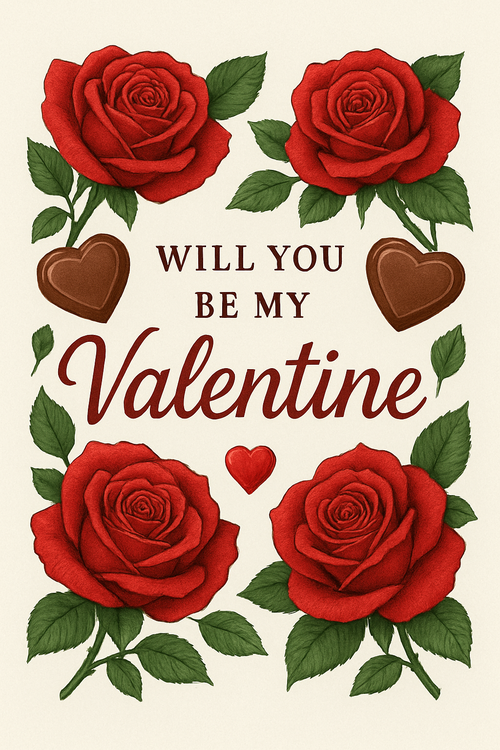
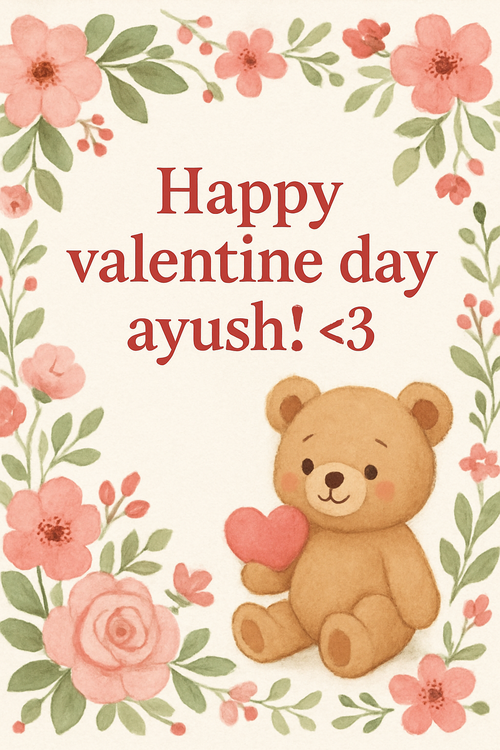
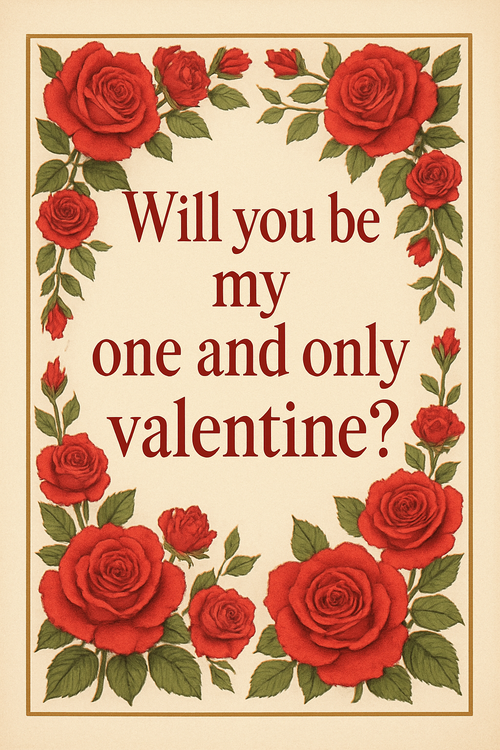
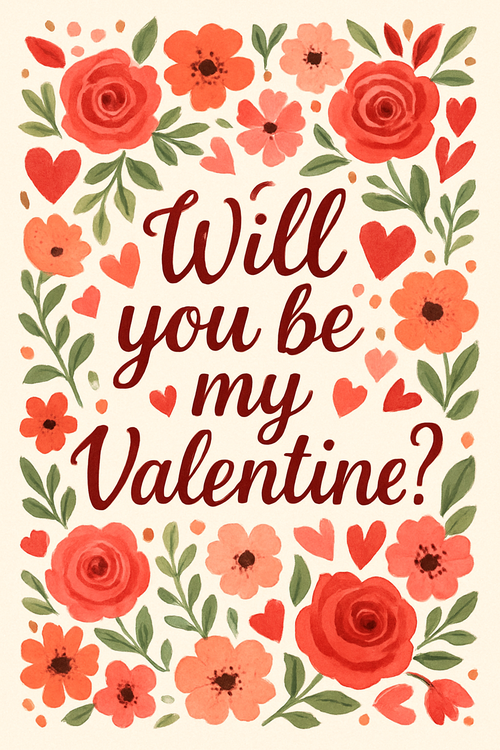
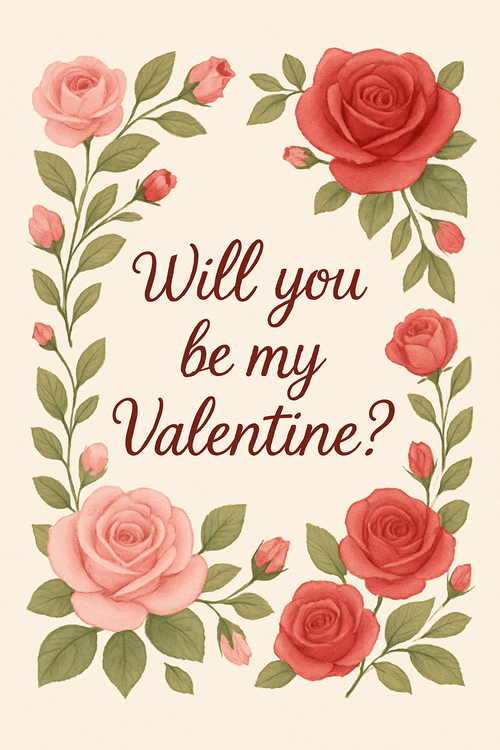
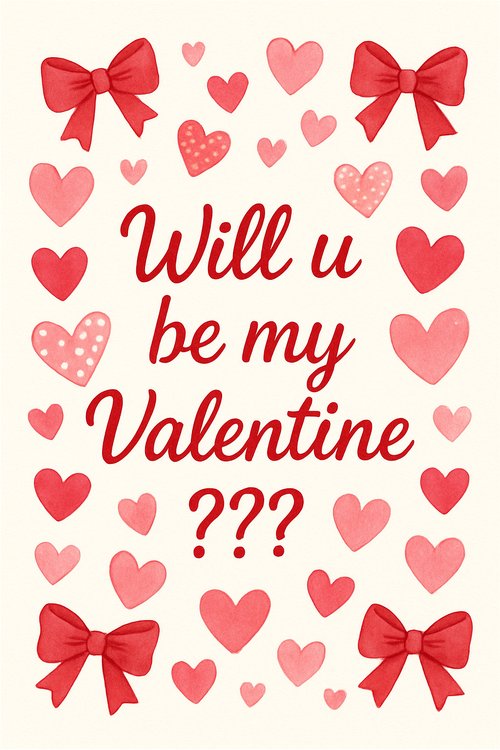
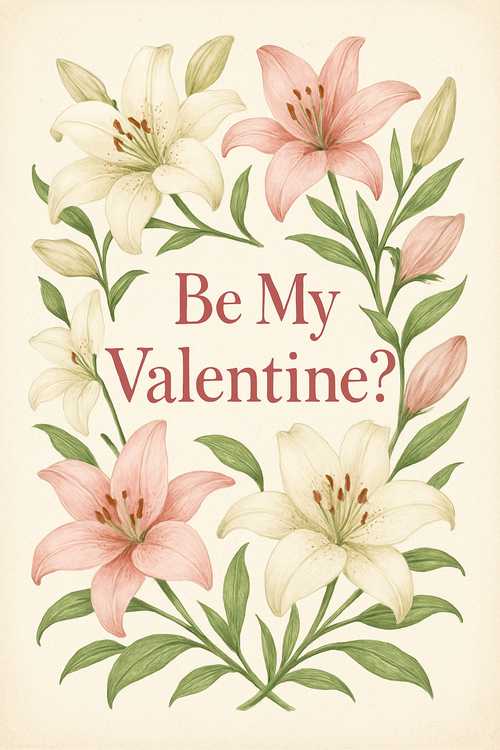
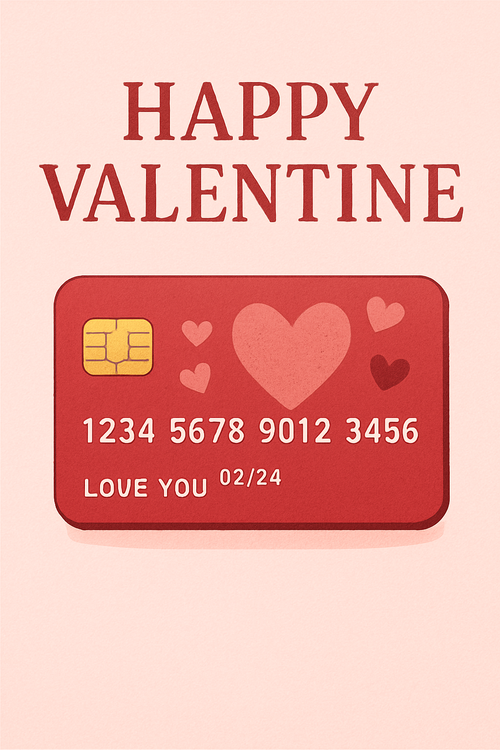
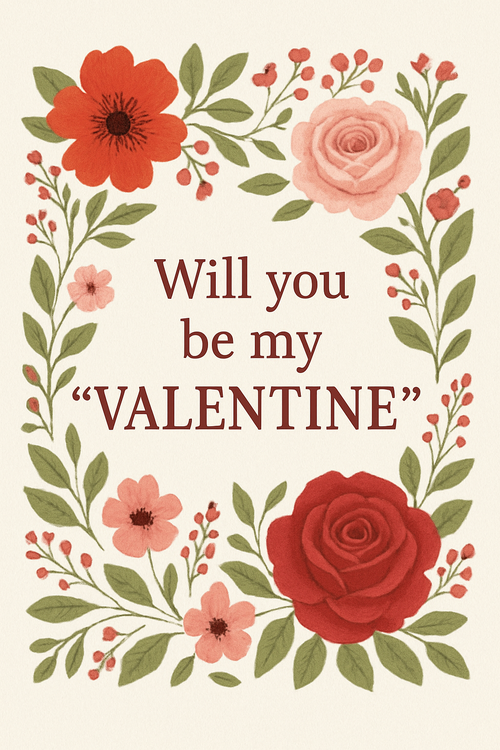
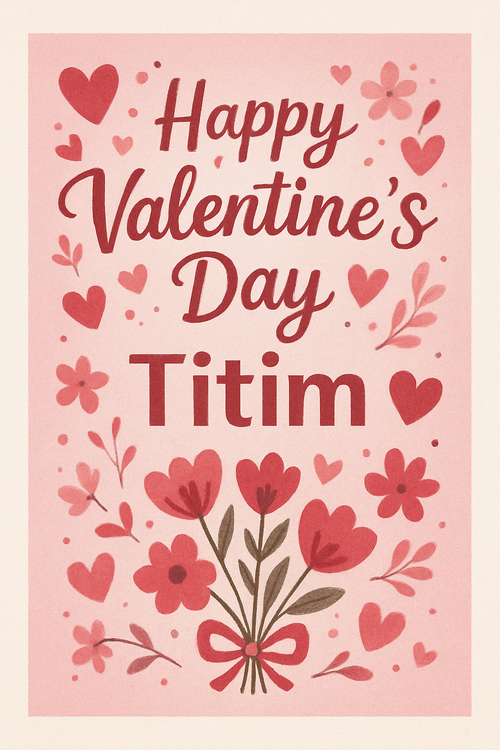
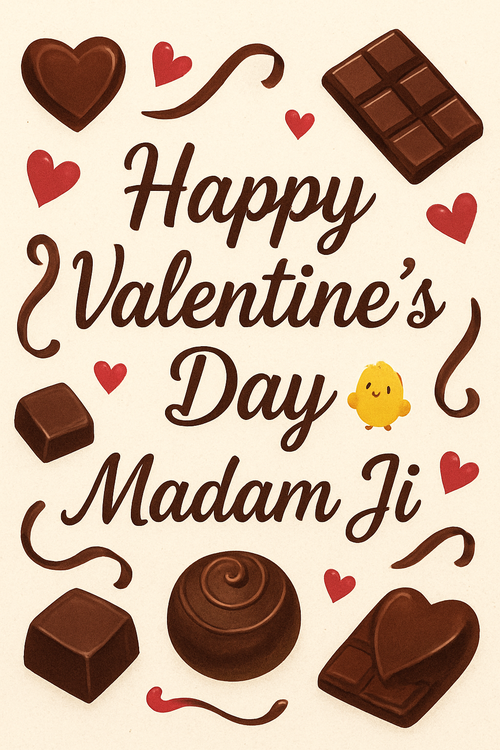
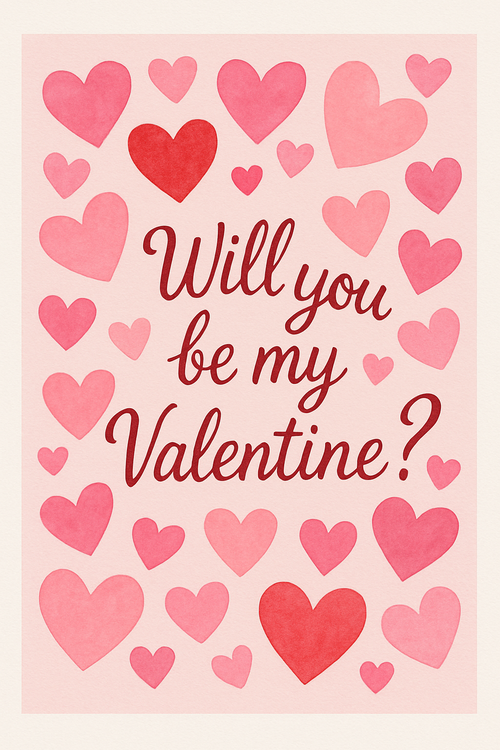
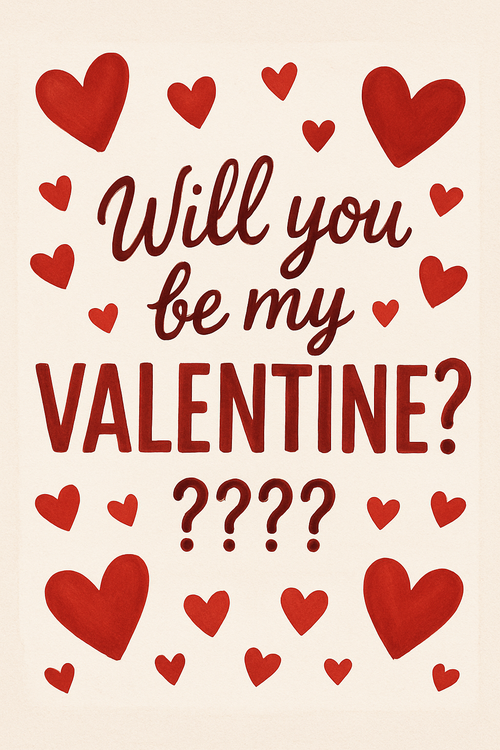
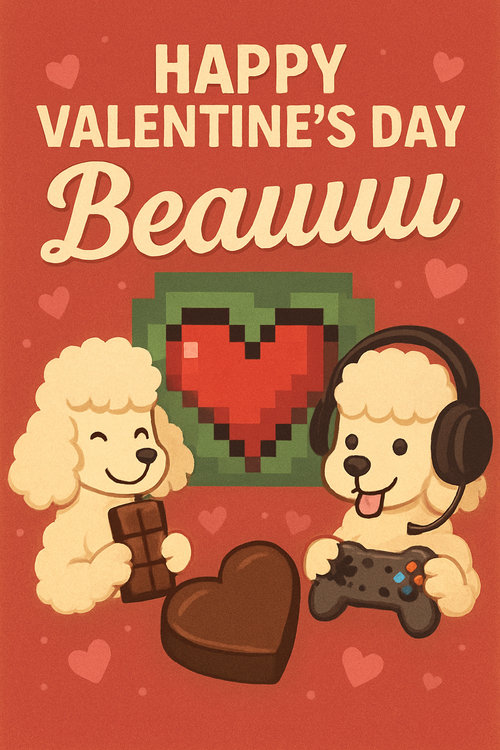
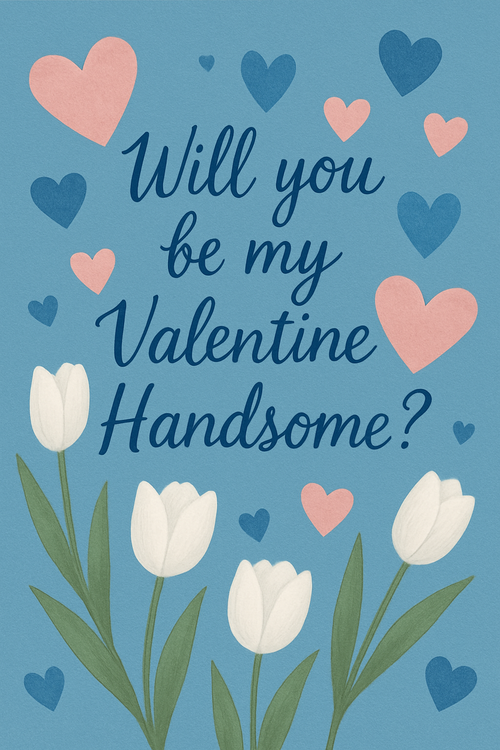
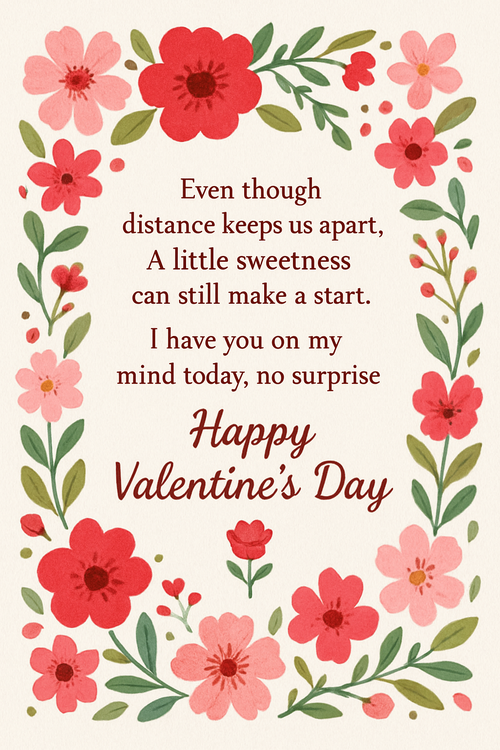
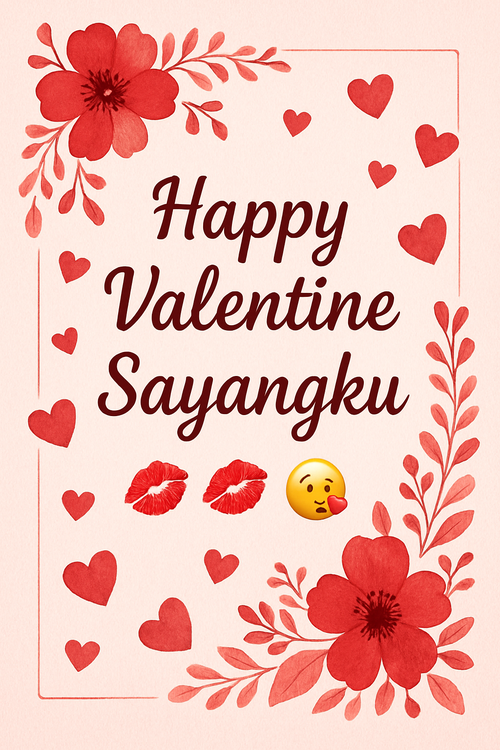
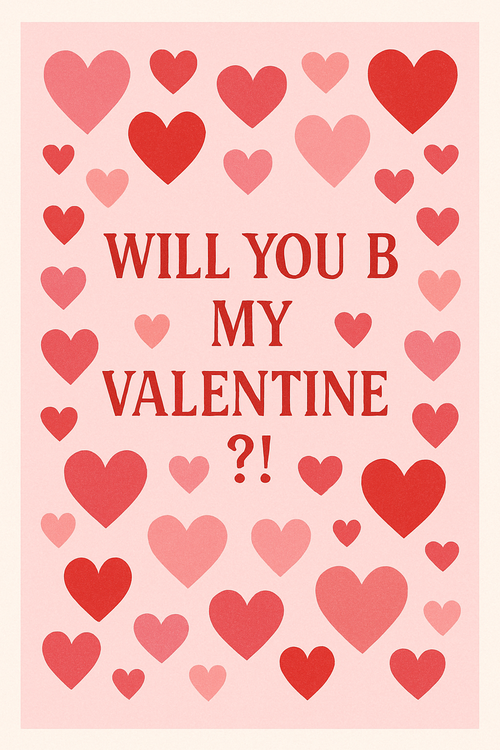
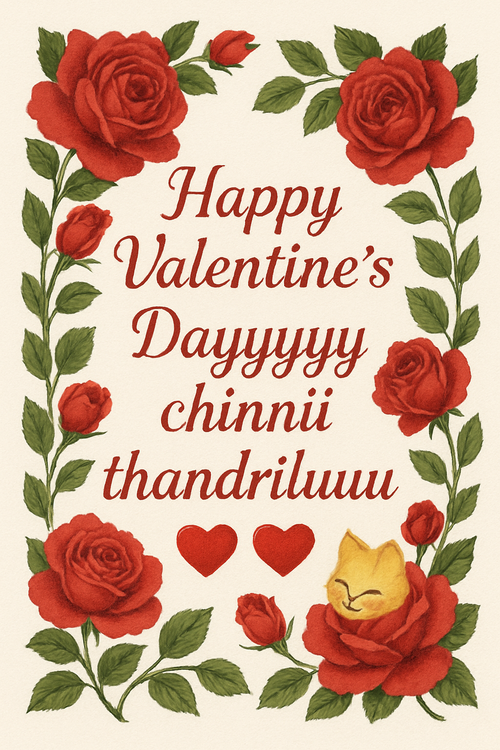
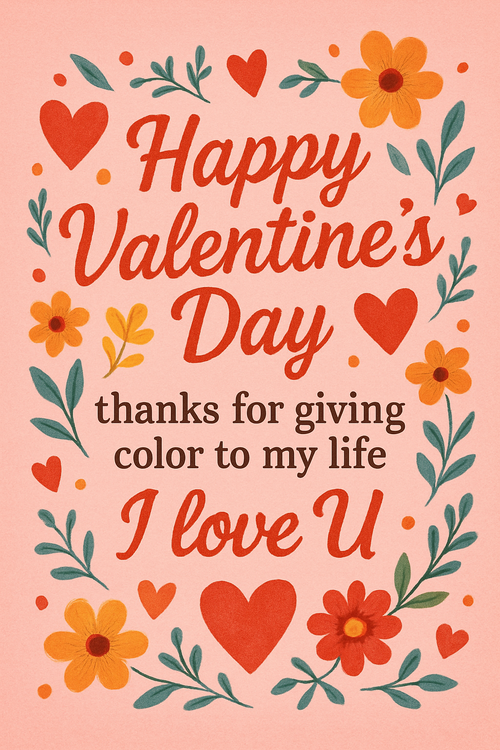
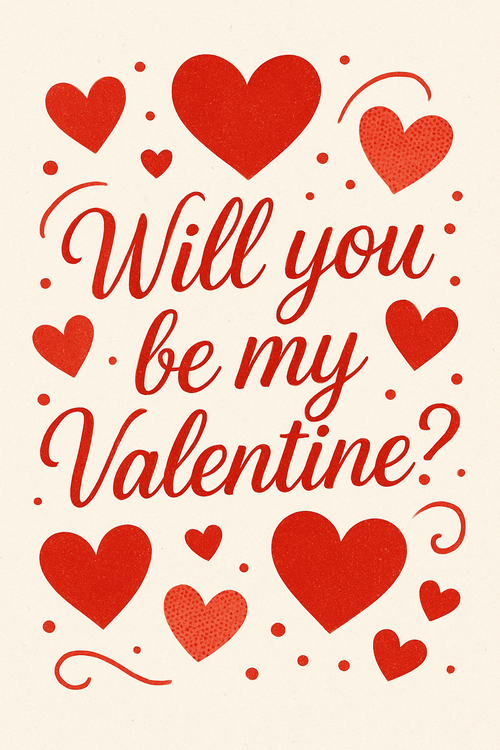
Real cards from the community — click any card to see it up close


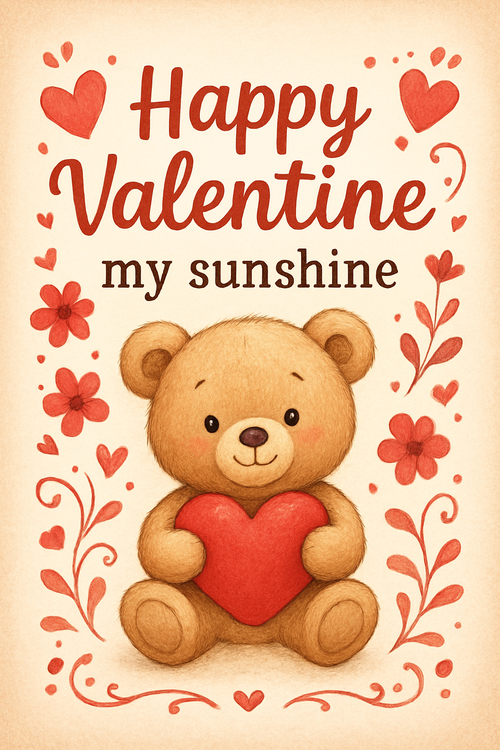
Ready to make your valentine's day card?
Write it, style it, send it — all in under a minute.