Wedding Cards for Every Part of the Celebration
A wedding touches a dozen different cards — congratulations, invitations, save-the-dates — and each one deserves its own look. Type what you need to say and the AI builds the art around it, whatever stage of the wedding you're celebrating.

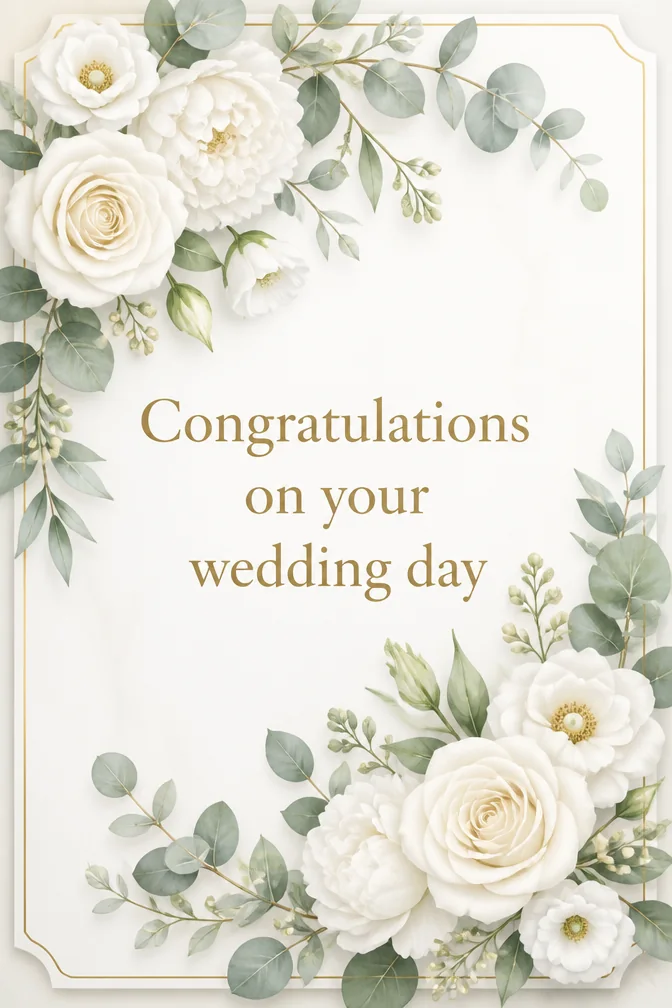
Weddings generate more cards than almost any other life event: congratulating the newly engaged, inviting guests, sending a save-the-date months out, and finally celebrating the marriage itself. A generated card adapts to whichever one you need instead of forcing the same floral template onto all of them — describe the couple, the vibe, or the venue, and the art follows your words.
For congratulations cards, specifics carry the most weight — the couple's names, how you know them, one line about why they're great together. For save-the-dates and invitations, the job is different: clear information wrapped in a design good enough that no one loses it in their inbox. Either way, you can generate a few versions in the time it takes to pick a font.
Every card renders in portrait format, easy to text, email, or print for a physical mailing. Wedding parties often need dozens of near-identical invitations — generate one design you love, then reuse it as many times as your guest list requires.
One occasion, four completely different cards
Each of these was generated from the message and theme written below it. Click any card to start from that exact combination — then make it yours.
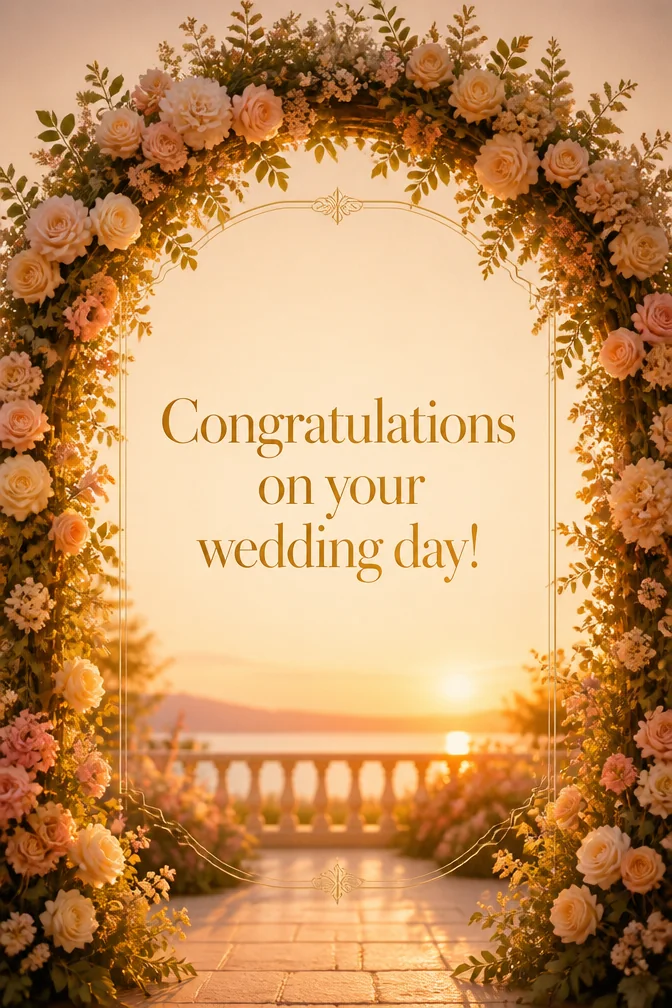
Start from this card →
“Congratulations on your wedding day!”
Floral arch at golden hour
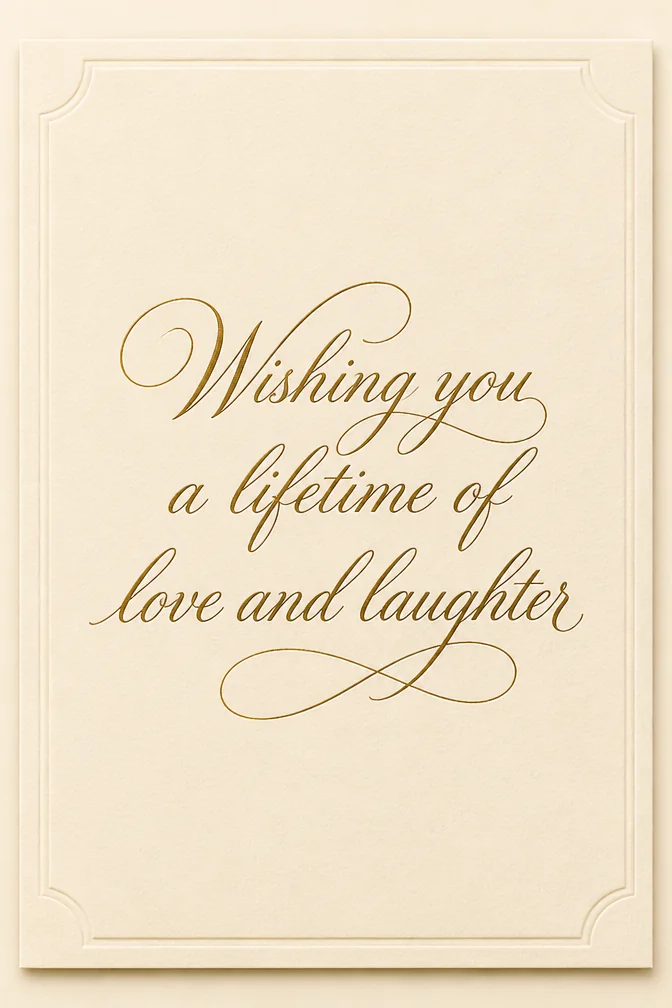
Start from this card →
“Wishing you a lifetime of love and laughter”
Elegant script on cream card stock
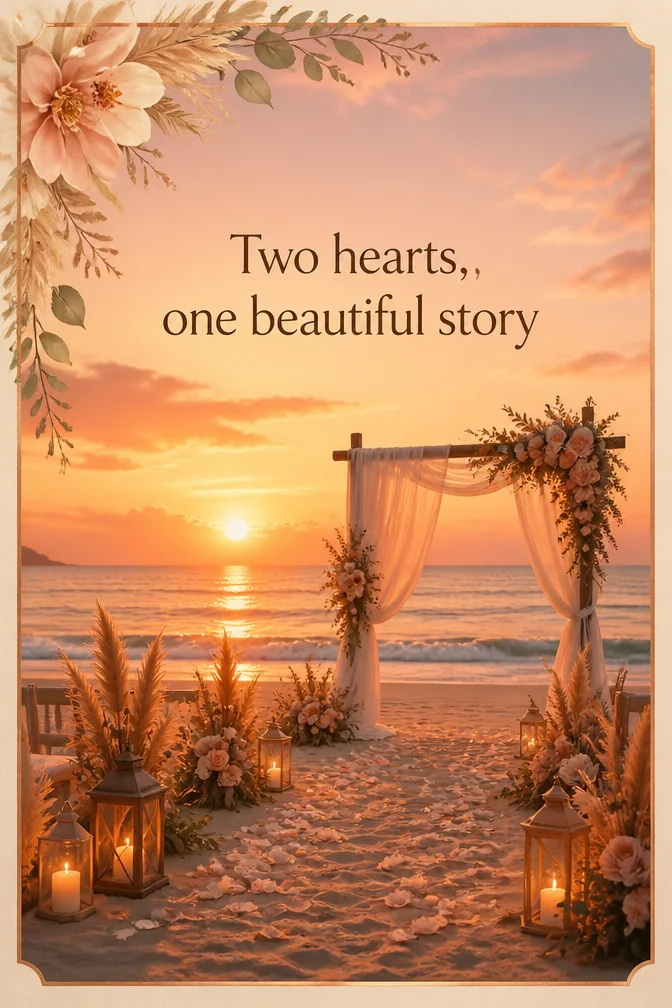
Start from this card →
“Two hearts, one beautiful story”
Beach ceremony at sunset
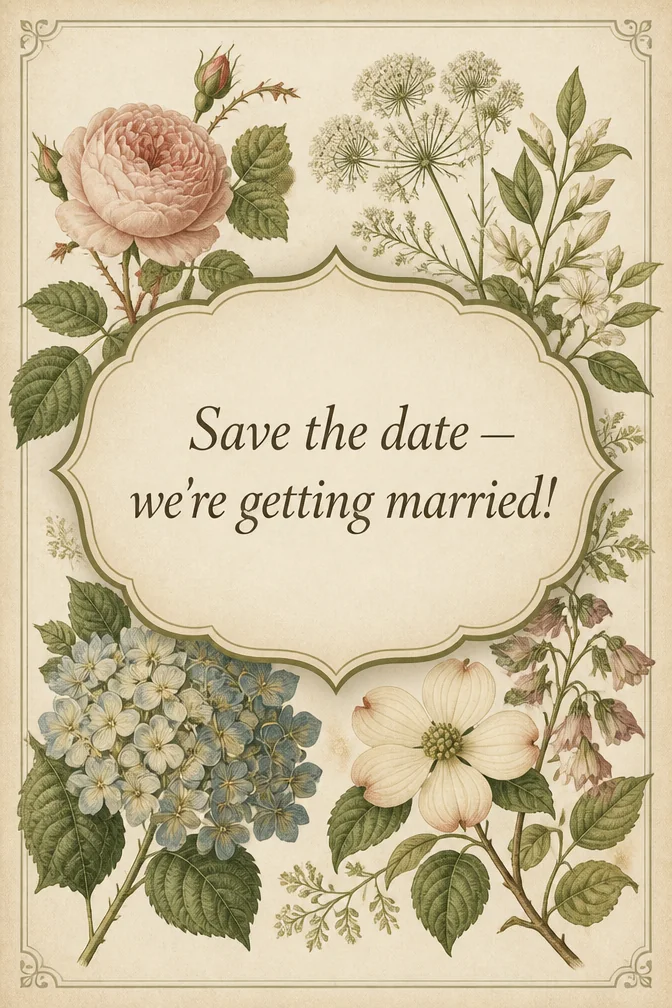
Start from this card →
“Save the date — we're getting married!”
Vintage botanical illustration
What to write on your wedding card
- “Congratulations on your wedding day!”Use this
- “Wishing you a lifetime of love and laughter”Use this
- “Two hearts, one beautiful story”Use this
- “Save the date — we're getting married!”Use this
- “So happy for the two of you”Use this
- “Here's to happily ever after”Use this
Theme ideas the AI paints beautifully
Floral arch at golden hour
Try this theme →
Elegant script on cream card stock
Try this theme →
Beach ceremony at sunset
Try this theme →
Vintage botanical illustration
Try this theme →
Two rings on a soft linen backdrop
Try this theme →
String lights over a garden reception
Try this theme →
Tips for the perfect card
- For congratulations, use the couple's names and one specific reason they're great together
- For invitations, lead with the essential info — date, time, location — before the flourishes
- Match the theme to the wedding's actual style, whether that's formal, rustic, or beach casual
- Sending to a large guest list? Generate one design you love and reuse it for every invite
Your wedding card in three steps
Write your message
Type the exact words you want on the card.
Describe a theme
A scene, a style, a mood — anything you can imagine.
Download & share
Get an HD card in seconds. Print it or send the link.
Wedding card questions, answered
- What should I write in a wedding congratulations card?
- Use the couple's names, mention how you know them or a favorite memory, and keep the wish simple and warm. One genuine sentence about why they work as a couple lands better than a generic "congratulations."
- Can I make a save-the-date or invitation with this card maker?
- Yes. Describe the wedding's style and include your date, time, and location in the message, and the AI will build a design around that information — just double-check the details before sending since the AI focuses on the art, not proofreading.
- How does the AI wedding card maker work?
- Type your message and describe a scene or style, like "elegant floral arch at sunset." The AI generates original artwork built around your exact words and returns a portrait-format card ready to send or print.
- Is it free to make wedding cards?
- Yes, you can design wedding cards, invitations, and save-the-dates free on the website and in the iOS app, with higher-resolution downloads available for printing.
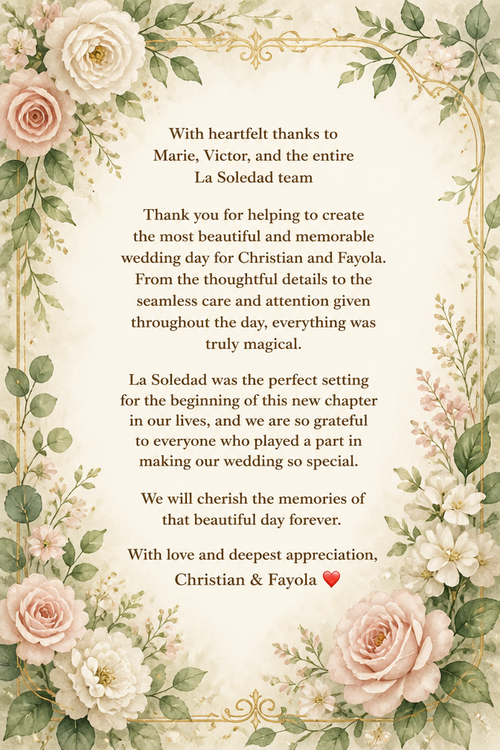
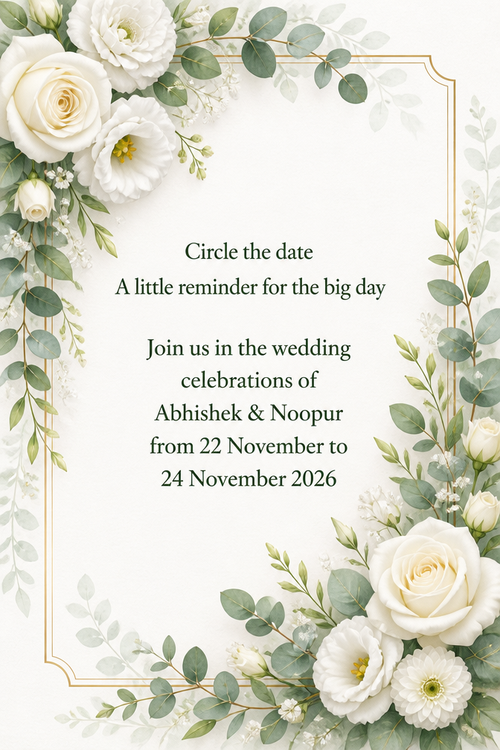
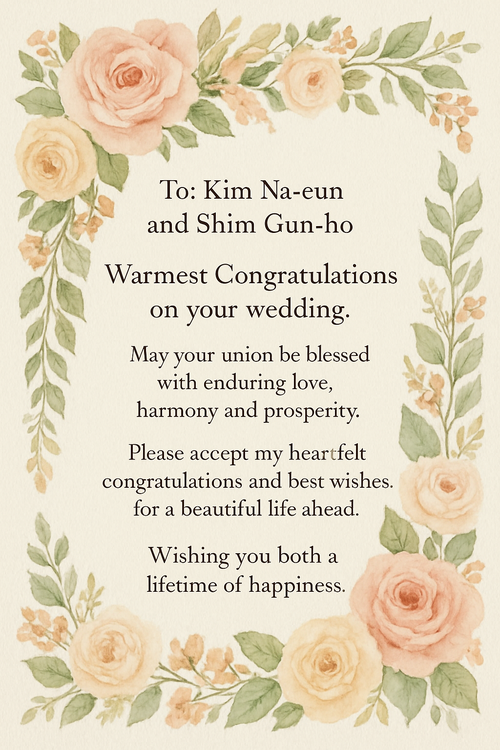
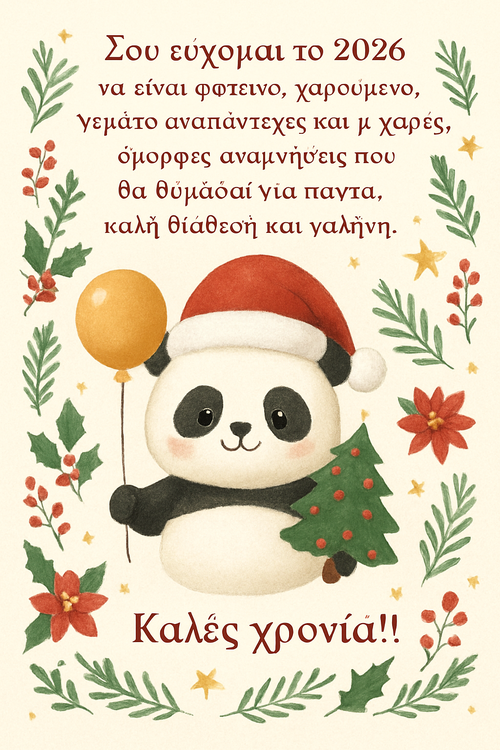
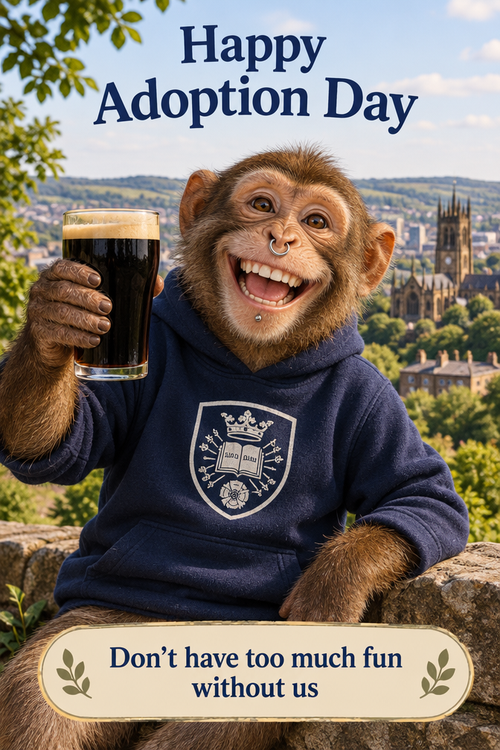
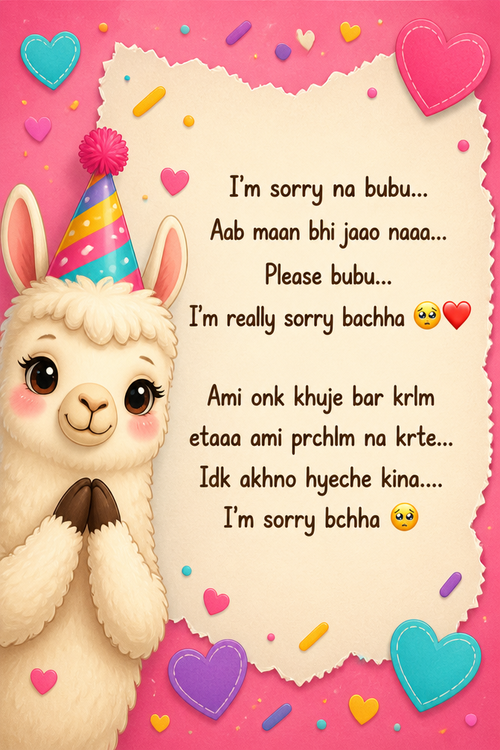
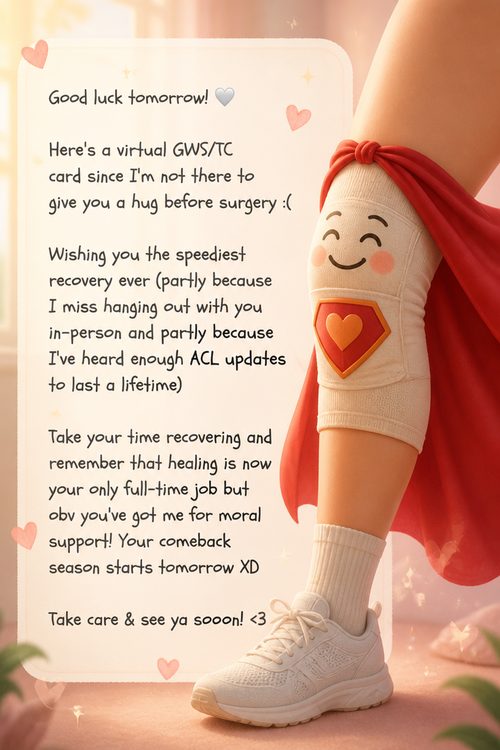
Recently created wedding cards
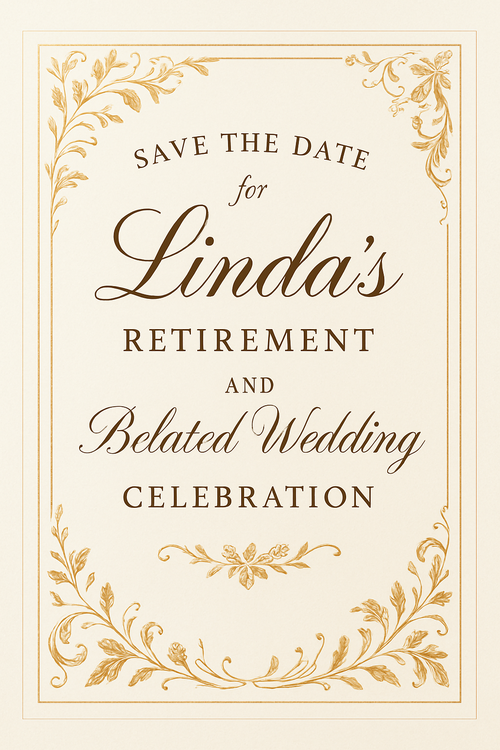
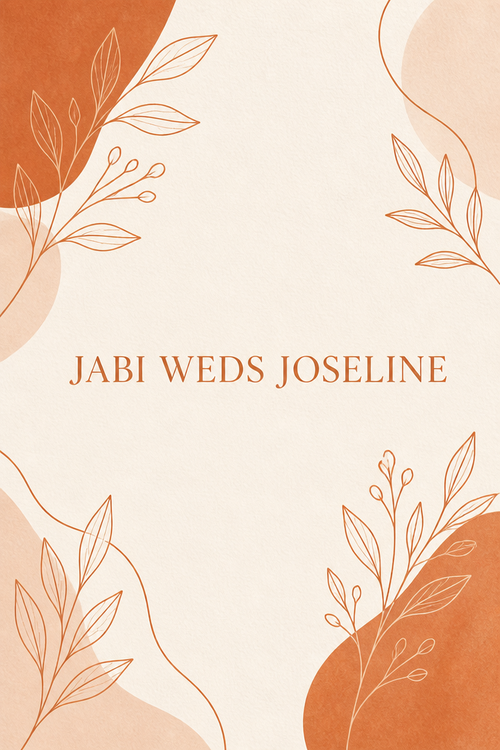
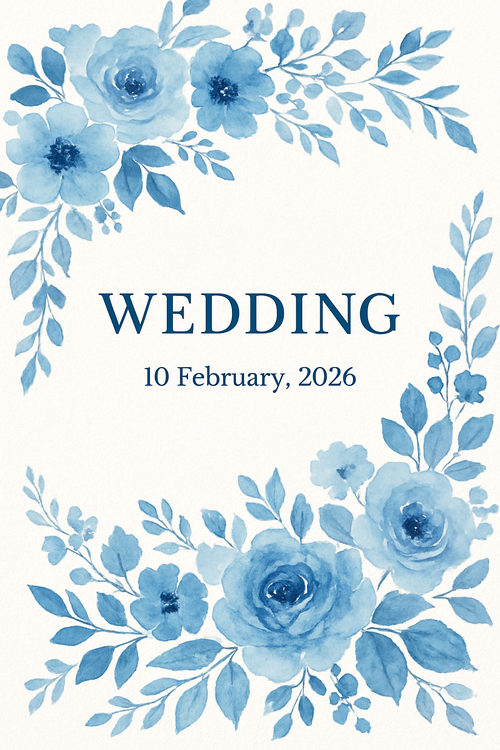
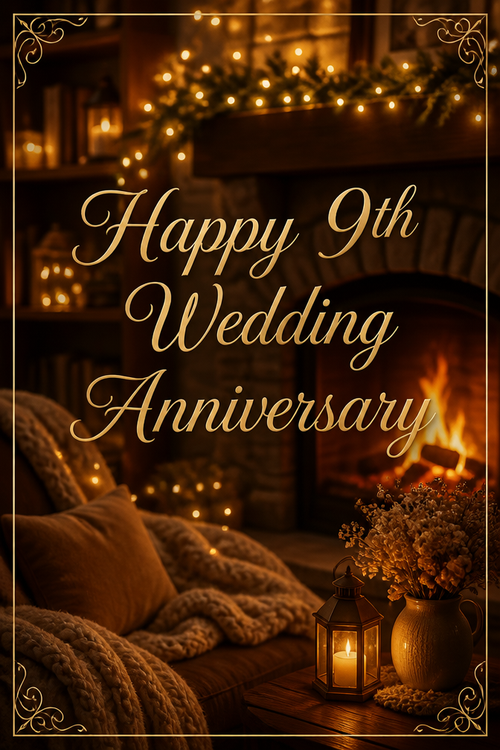
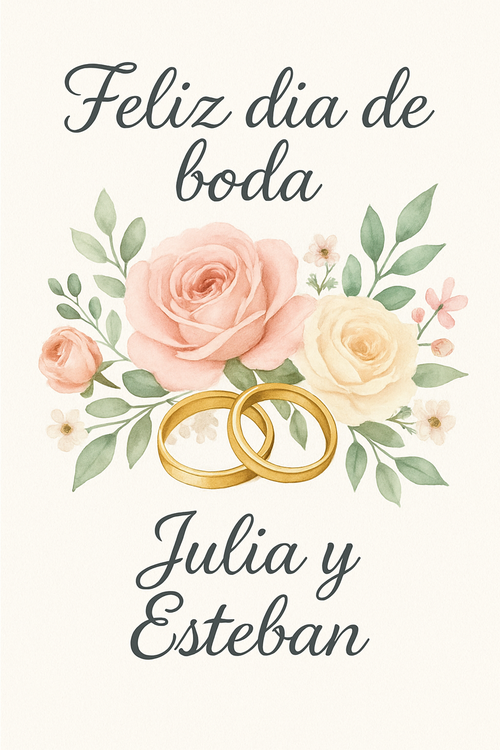
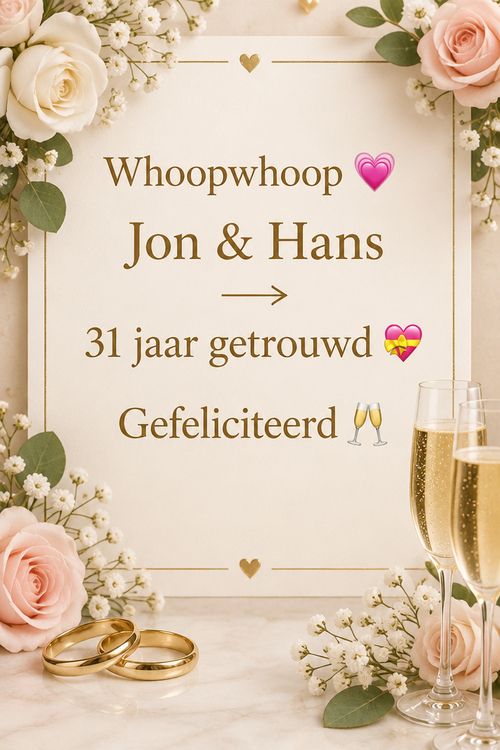
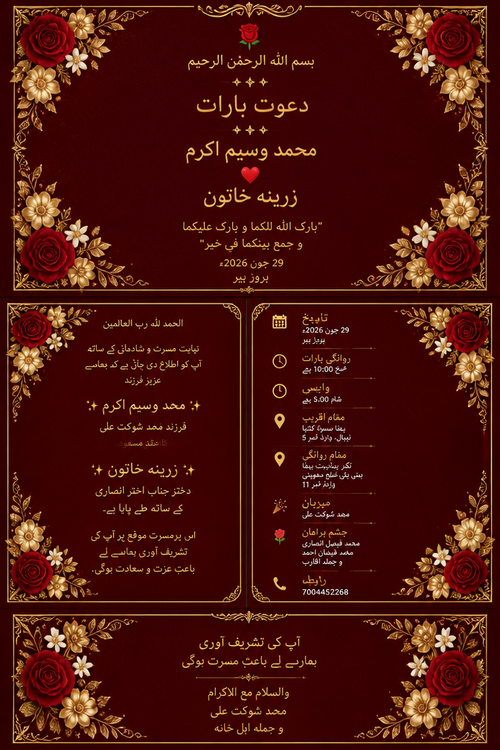
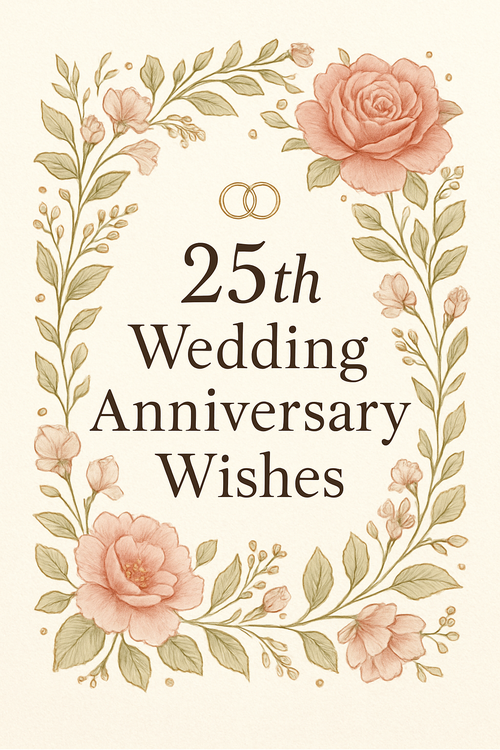
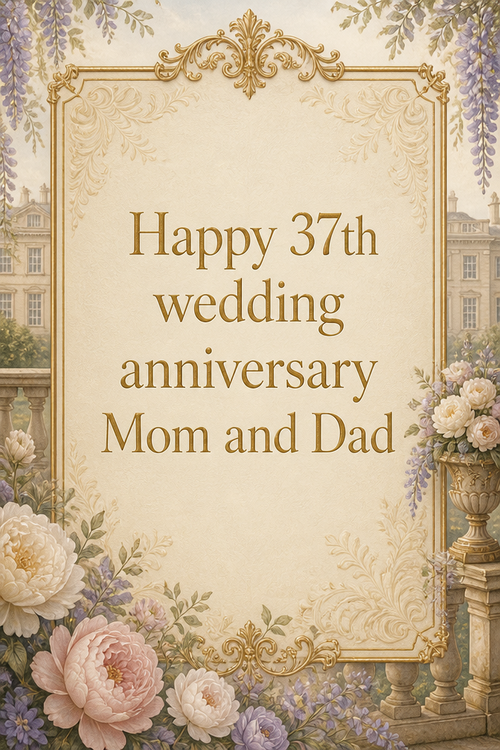
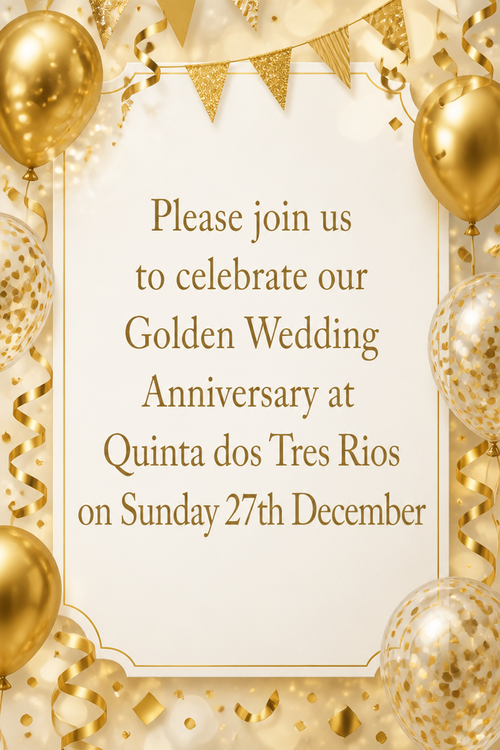
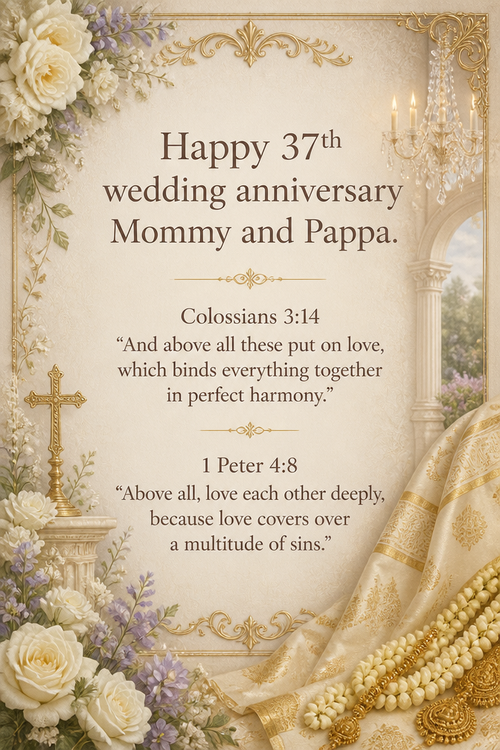
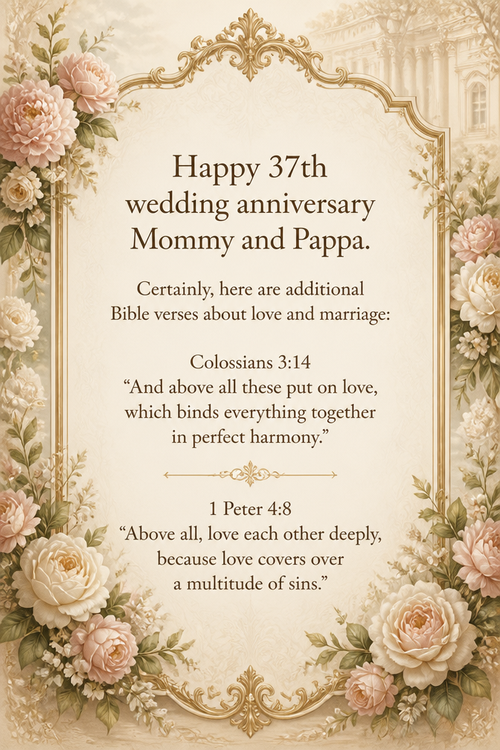
Real cards from the community — click any card to see it up close
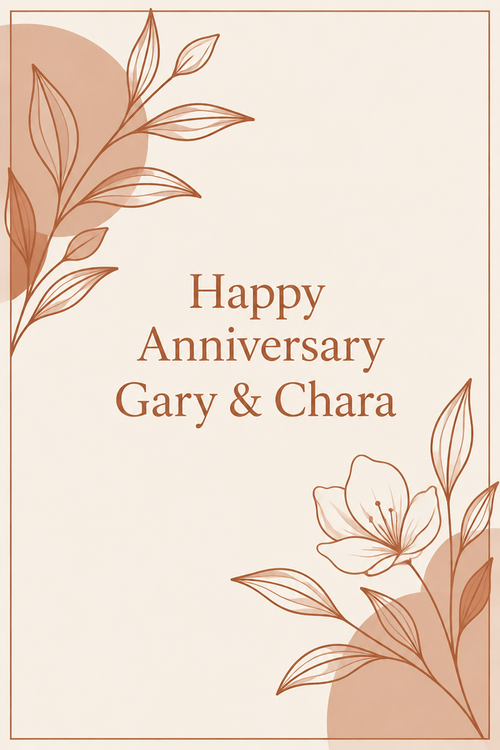
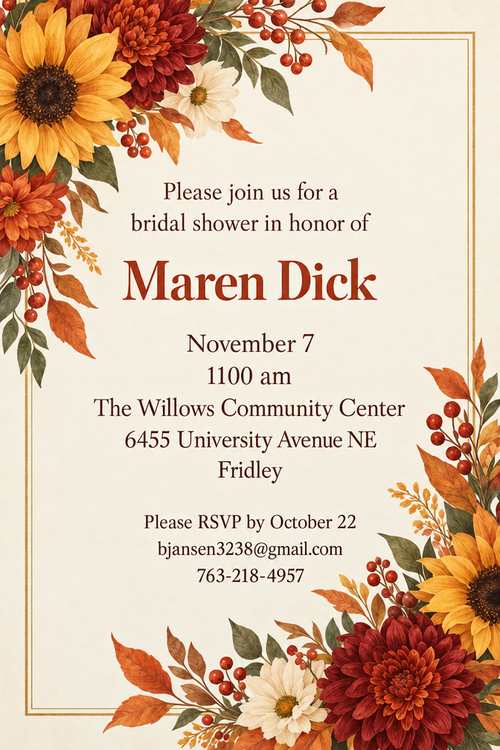
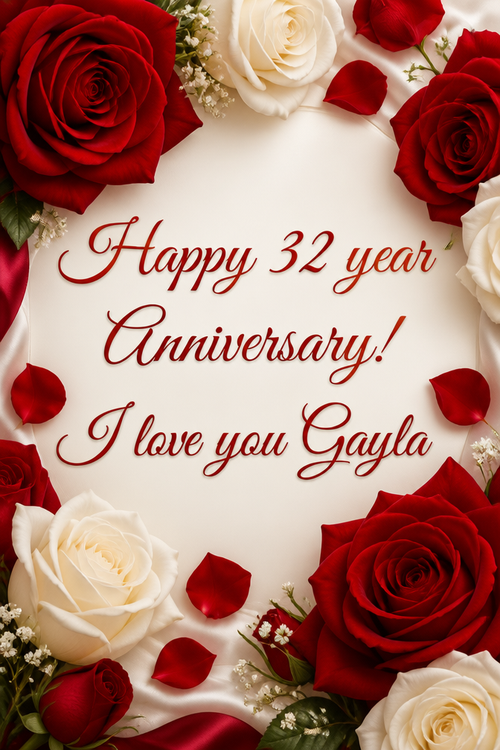
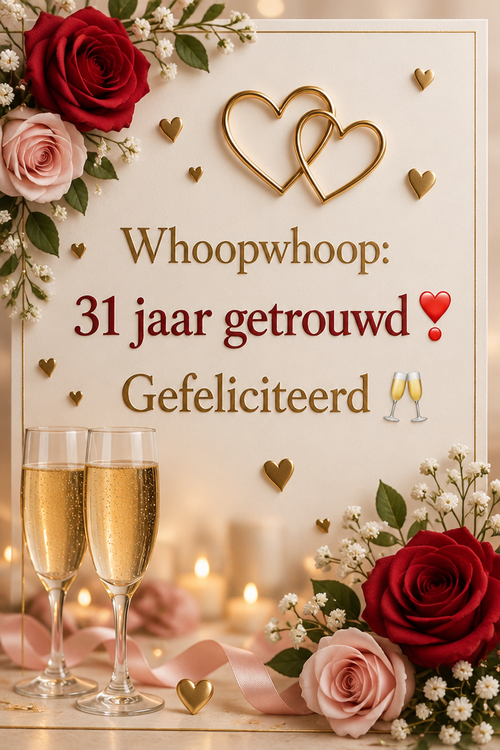


Ready to make your wedding card?
Write it, style it, send it — all in under a minute.