Party Invitations Built Around Your Theme
Birthday bash, backyard cookout, or a theme night with a dress code — describe the party and the AI paints an invitation that actually looks like it.

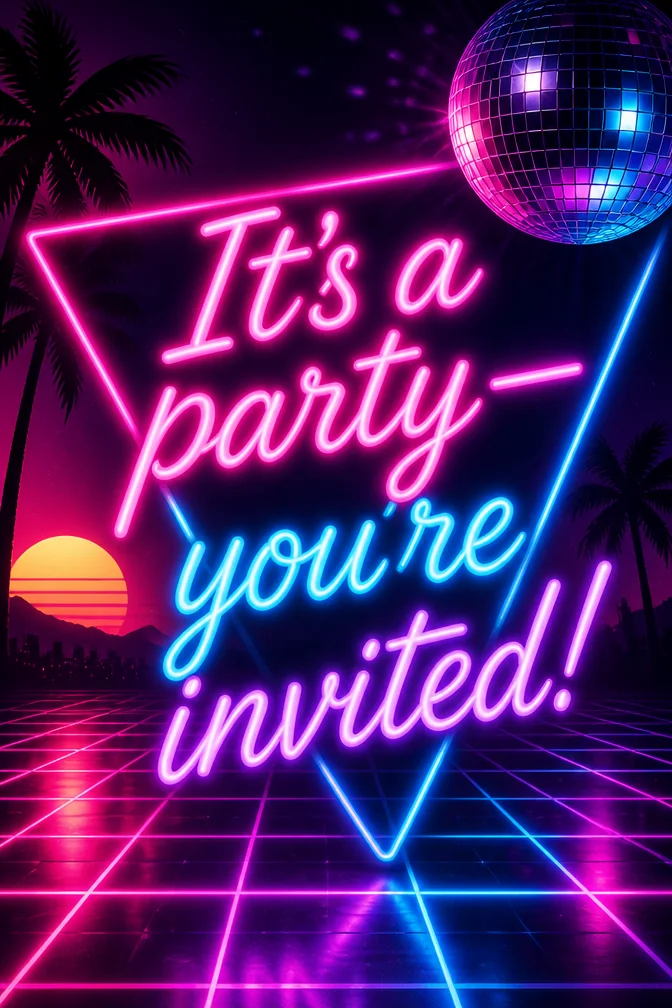
A party invitation has one job before anyone RSVPs: signal exactly what kind of party this is. A kids' birthday party invite needs to look completely different from a 30th birthday cocktail night, and a themed costume party needs its own visual language entirely. Generic templates flatten all of that into the same handful of balloon clip-art.
Describe the party — the theme, the age group, the vibe — and the AI builds original artwork specifically for it. A neon 80s theme gets neon artwork; a backyard cookout gets a backyard cookout. Add your date, time, and location, and the invitation is ready to send.
These work for kids' birthday parties, milestone celebrations, themed nights, graduation parties, or any get-together that deserves an invite with real personality. Share it as a link or image the moment it's generated — no printing required.
What to write on your party invite card
Theme ideas the AI paints beautifully
Neon 80s party scene
Try this theme →
Balloon arch birthday backdrop
Try this theme →
Backyard cookout with string lights
Try this theme →
Costume party silhouettes
Try this theme →
Pool party summer scene
Try this theme →
Disco ball celebration
Try this theme →
Tips for the perfect card
- Describe the theme specifically — "80s neon party" gets very different art than "backyard cookout"
- For kids' parties, mention the age and any character or color theme for art that matches
- Include RSVP details in your message so they're part of the card itself
- Generate a couple of theme variations before locking in the one that fits the vibe best
Your party invite card in three steps
Write your message
Type the exact words you want on the card.
Describe a theme
A scene, a style, a mood — anything you can imagine.
Download & share
Get an HD card in seconds. Print it or send the link.
Party Invite card questions, answered
- Can I make a kids' party invitation with this tool?
- Yes — describe the age, theme, and any characters or colors you want, and the AI builds artwork to match, from superheroes to unicorns to dinosaurs. Add the party details and it's ready to share.
- How specific can I get with the party theme?
- Very — the more specific your description, the more the artwork matches what you're picturing, whether that's a neon 80s theme, a tropical luau, or a backyard cookout. Try a couple of versions if the first one isn't quite right.
- How does the AI party invitation maker work?
- Type your party details and describe the theme you want, and the AI generates an original invitation around your words in seconds. You can share it as a link or download the image directly.
- Is it free to create a party invitation?
- Yes, you can design and share party invitations free on the website and in the iOS app, with a higher-resolution download option available.
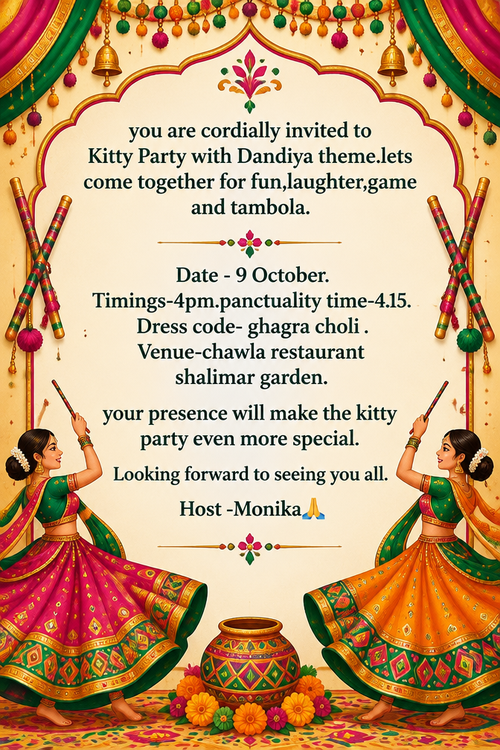
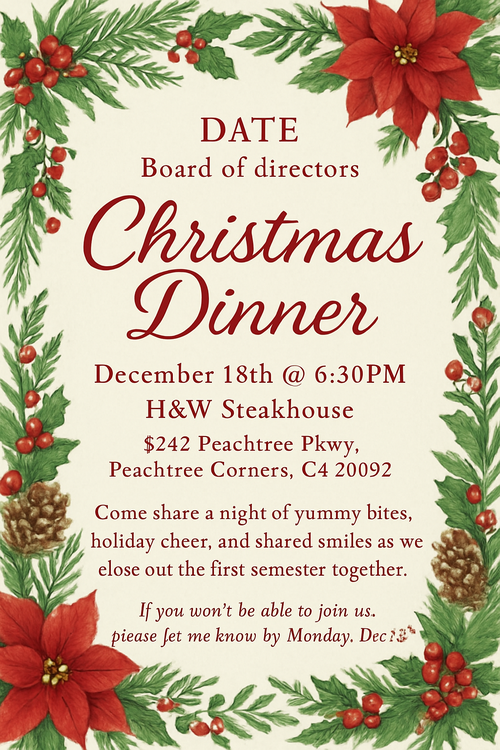
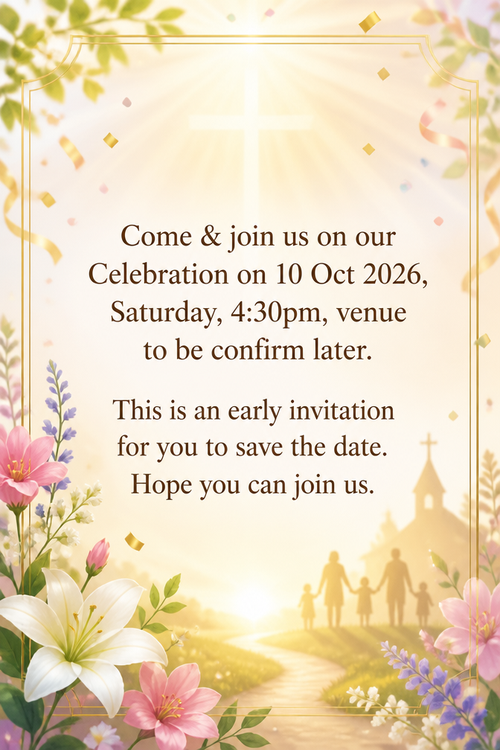
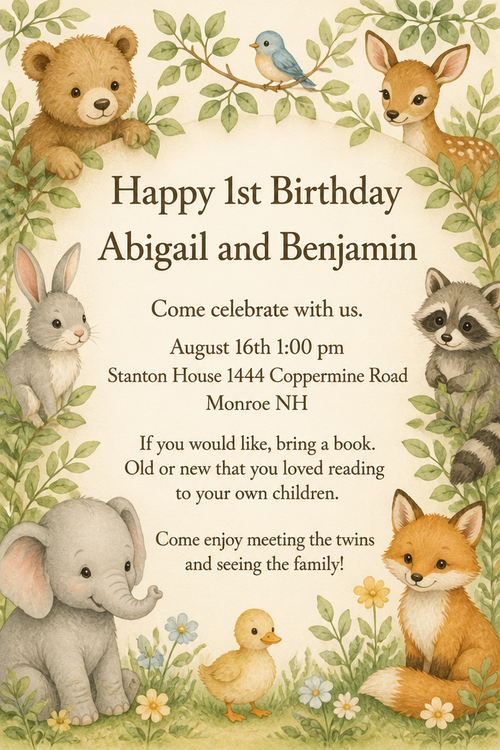
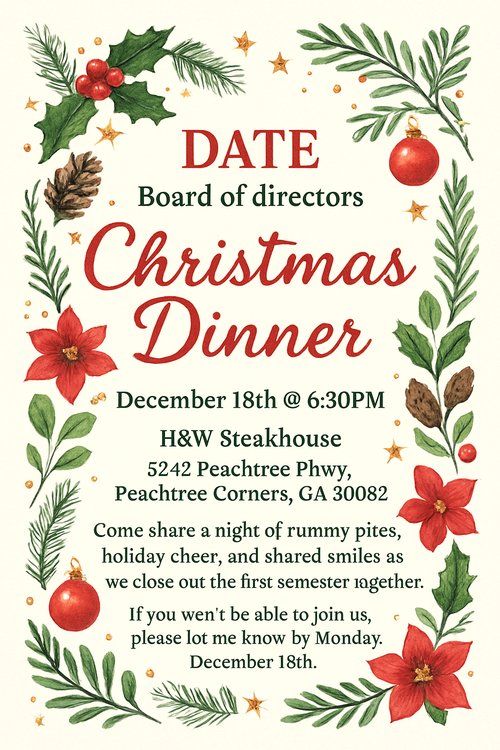
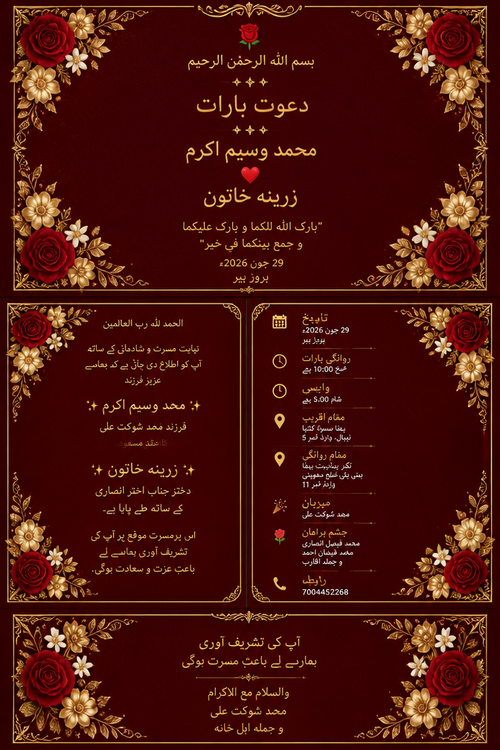
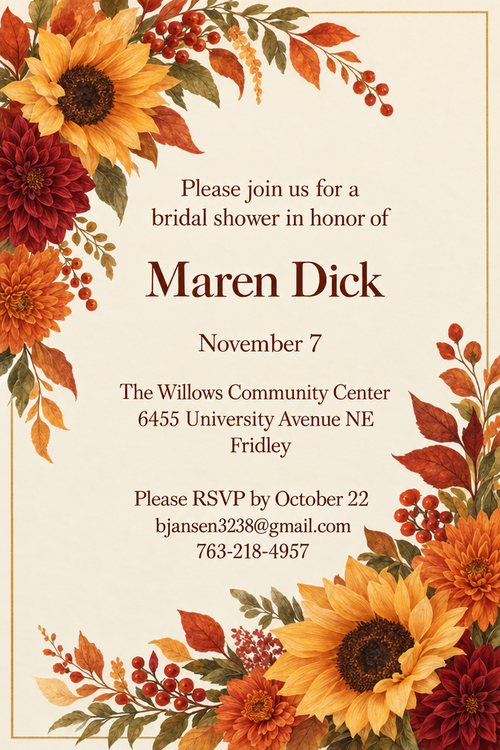
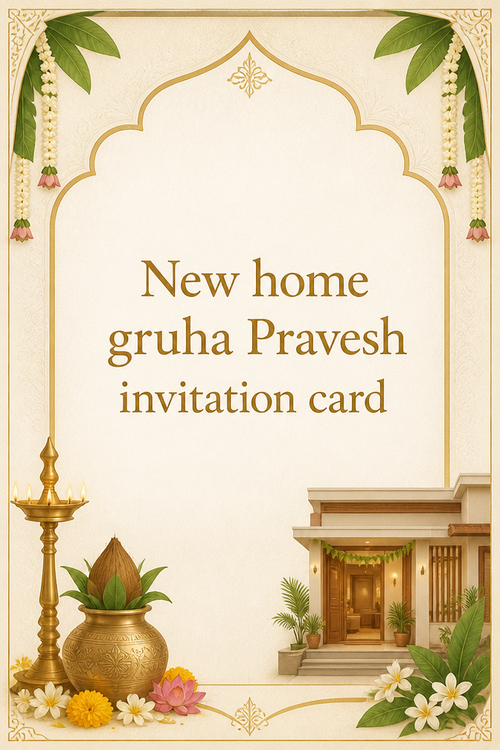
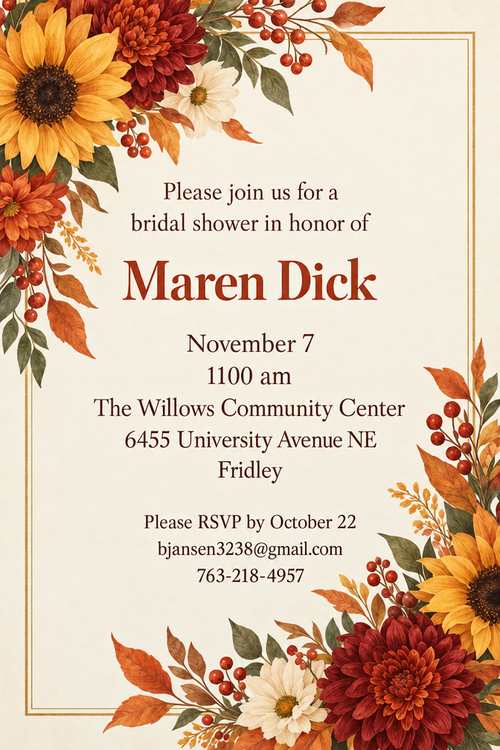
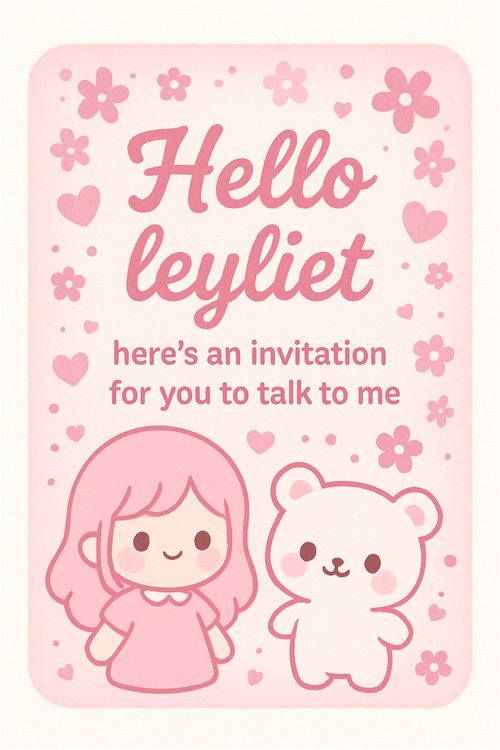
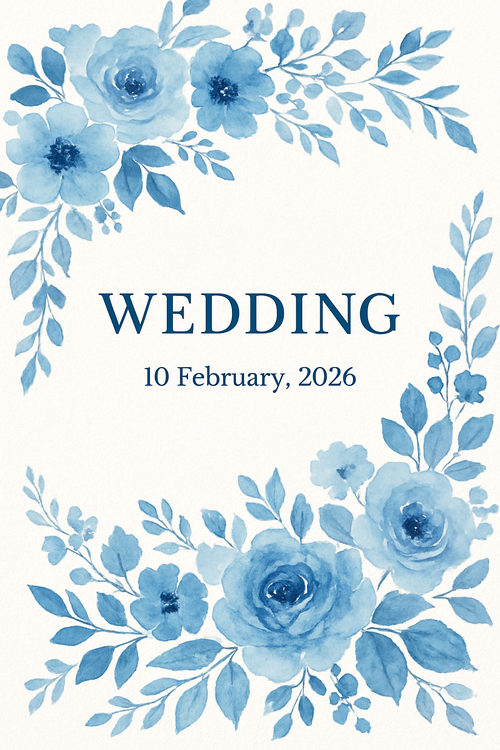
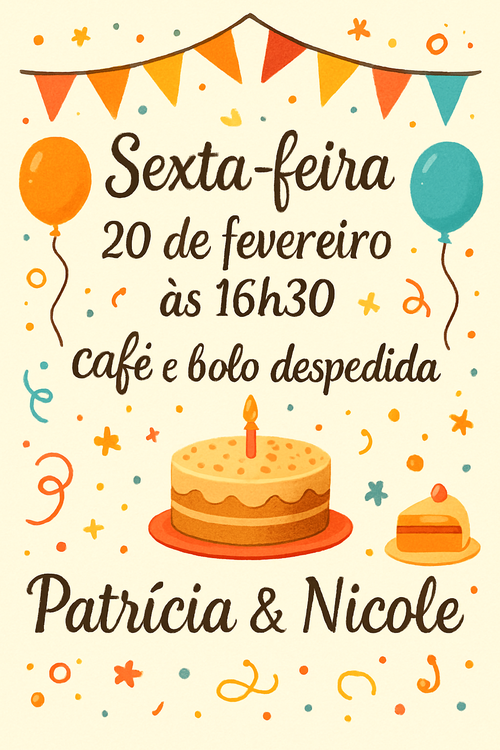
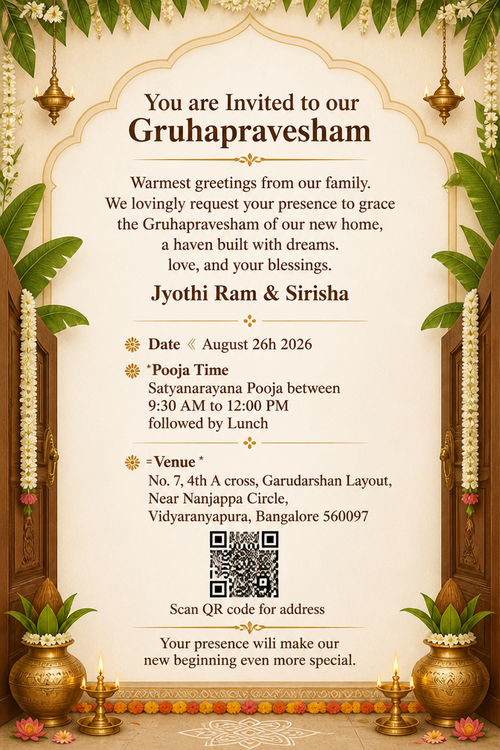
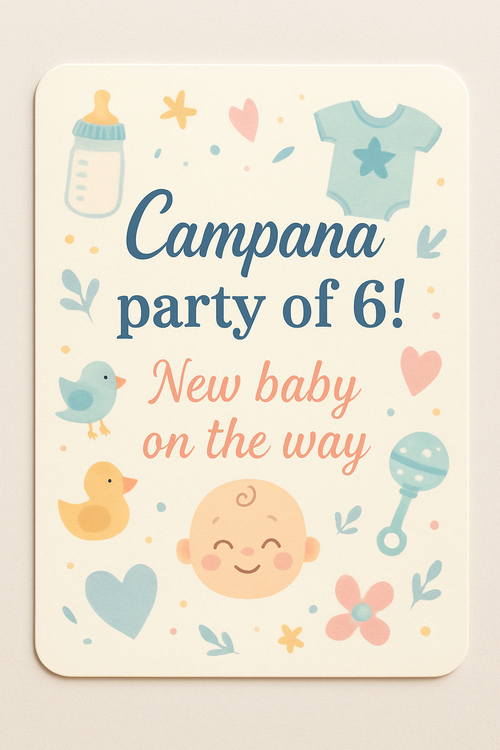
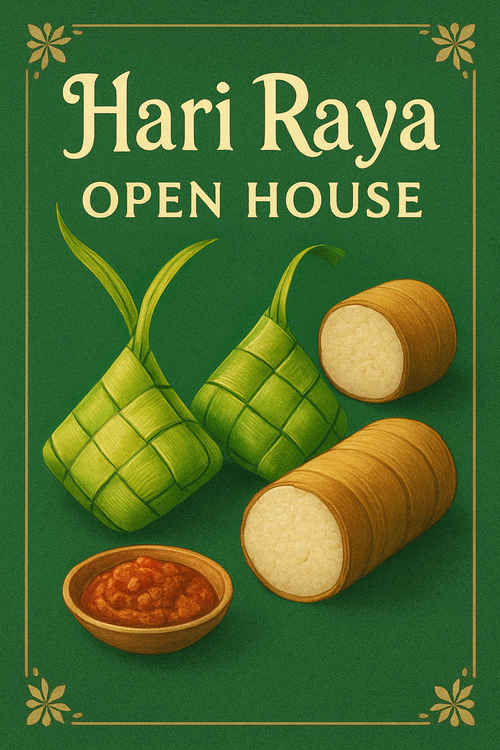
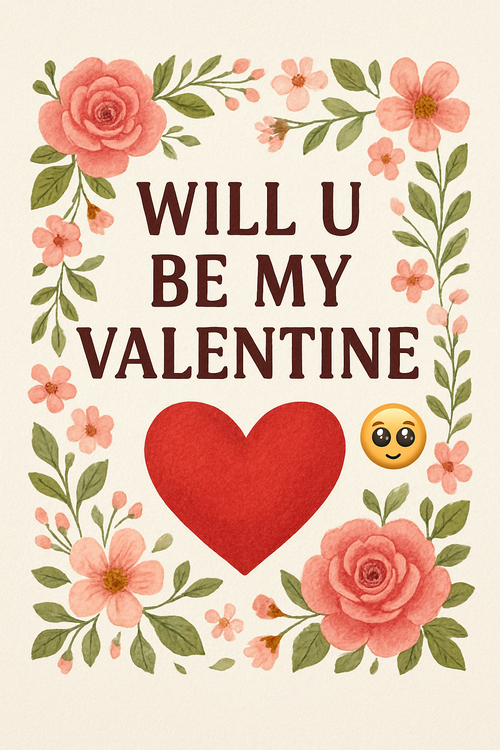
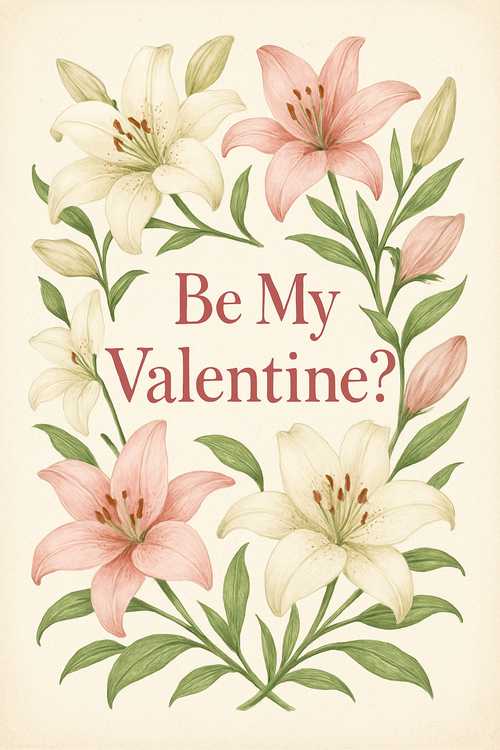
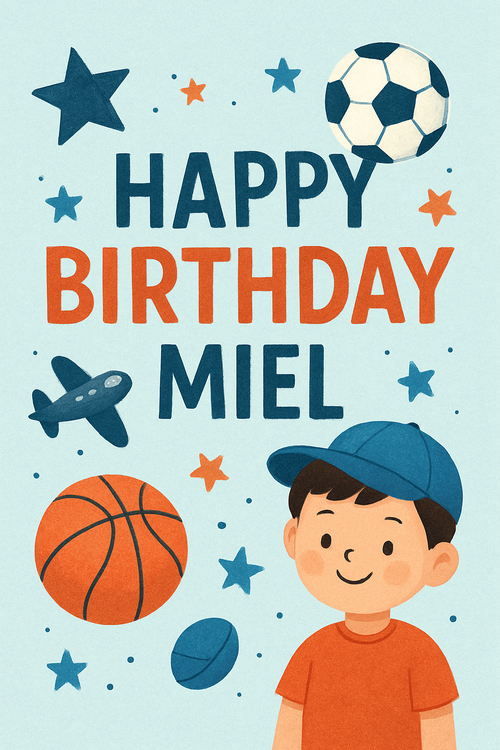
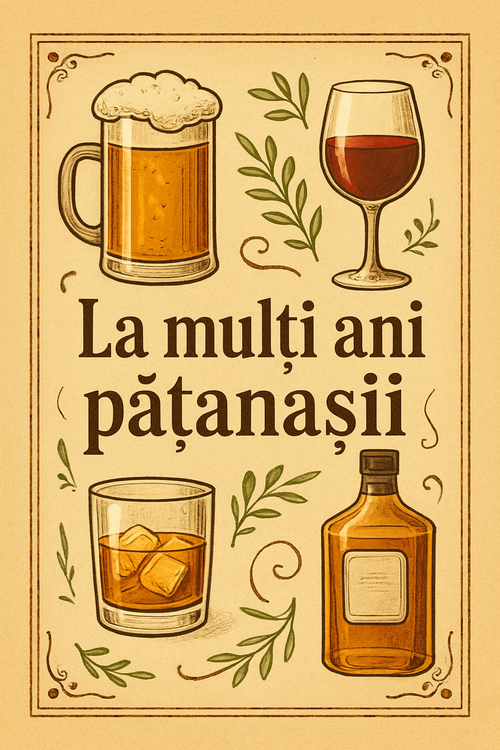
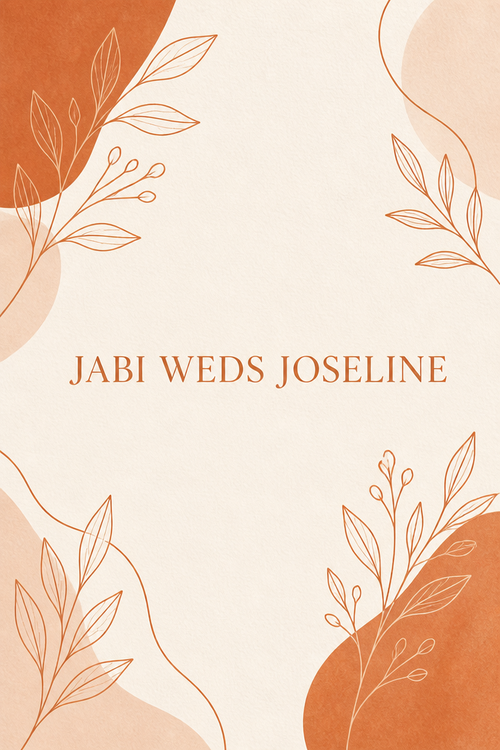
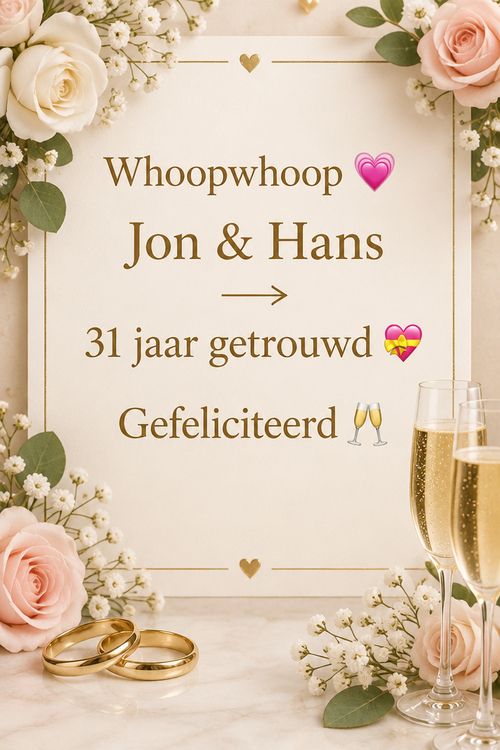
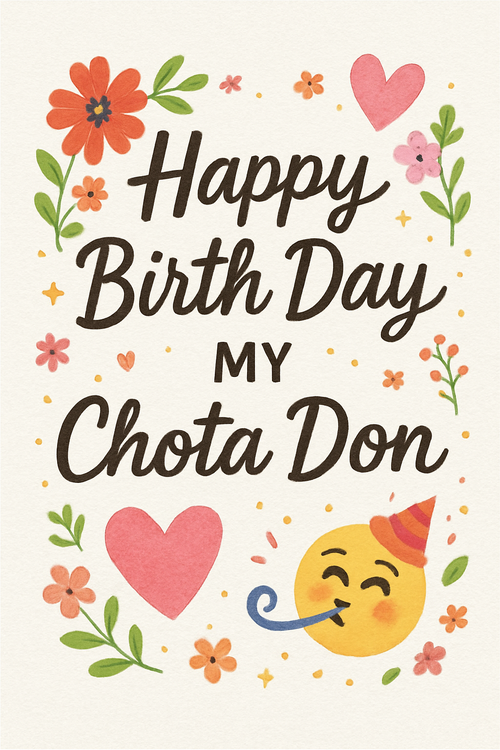
Recently created party invitation cards
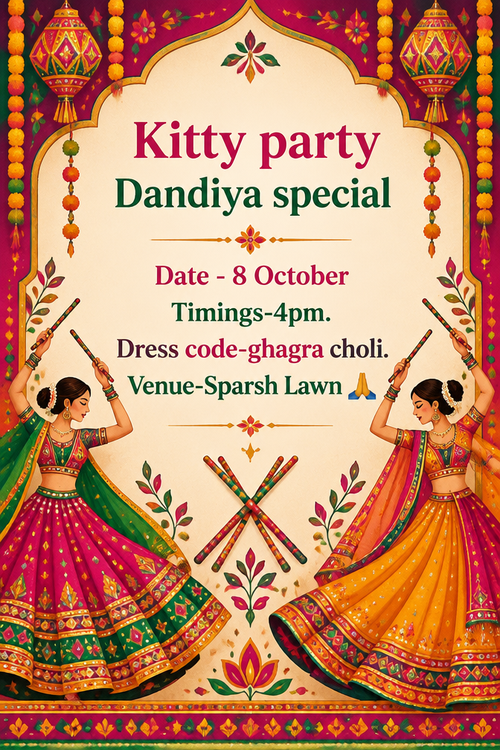
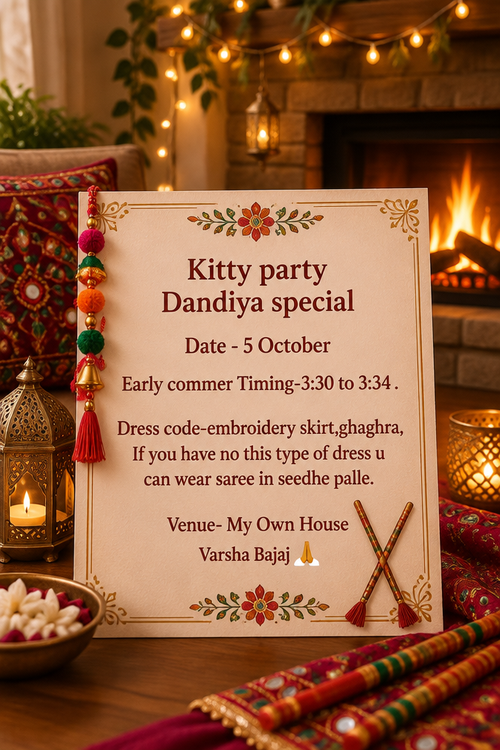
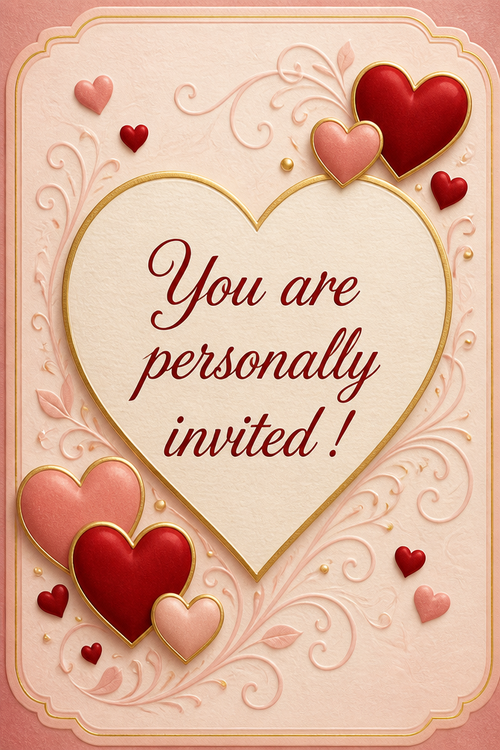
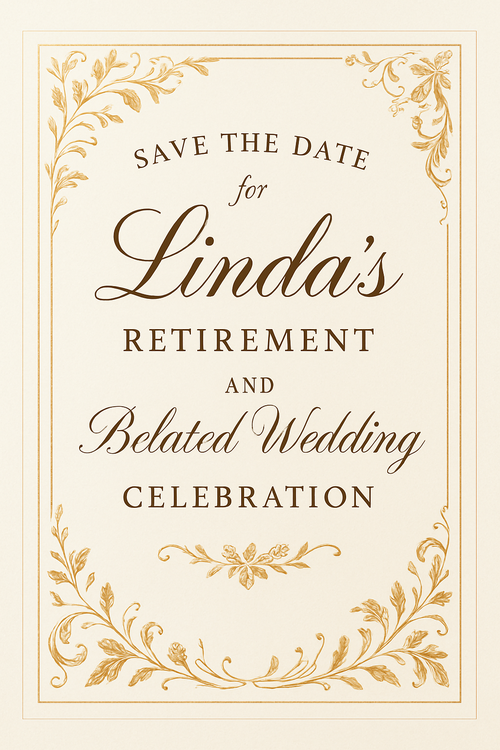
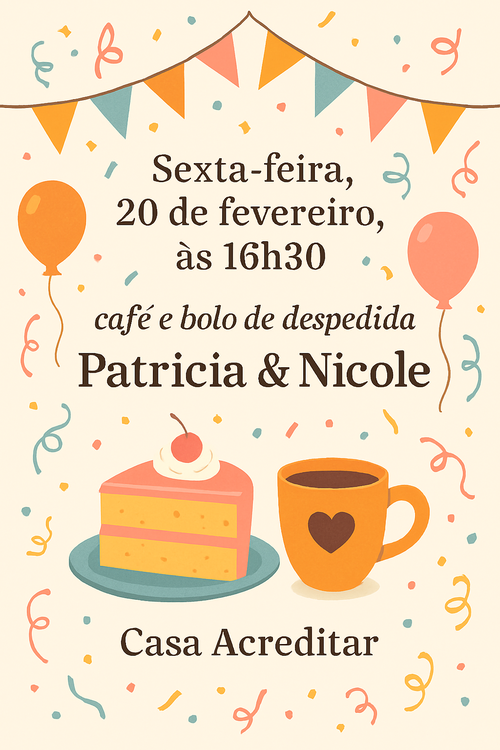
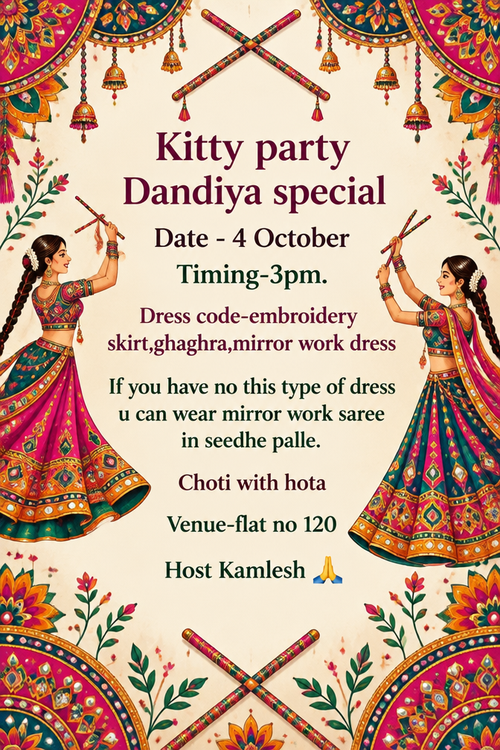
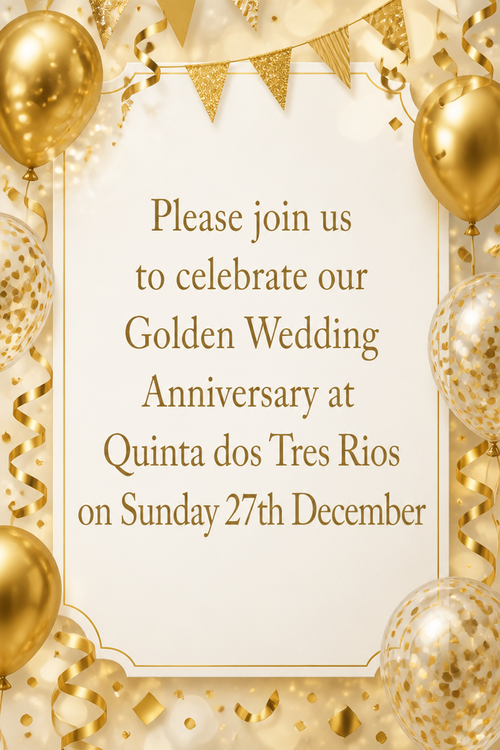
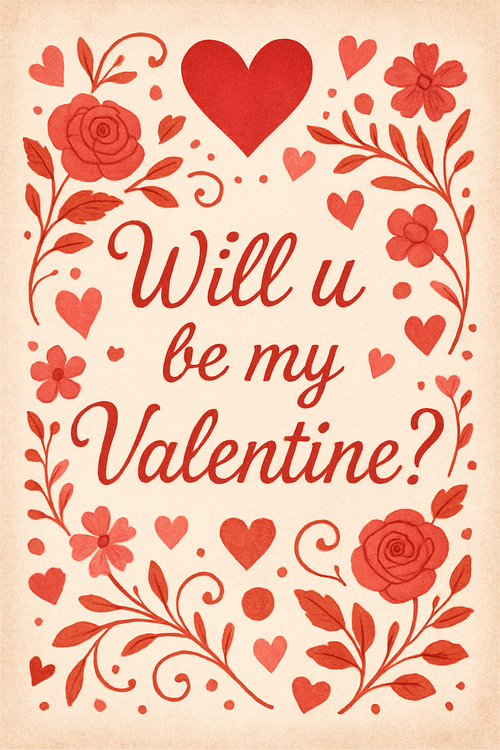
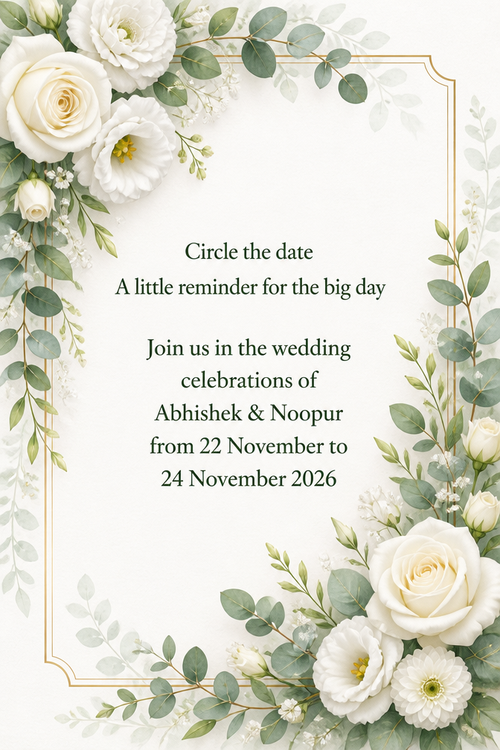
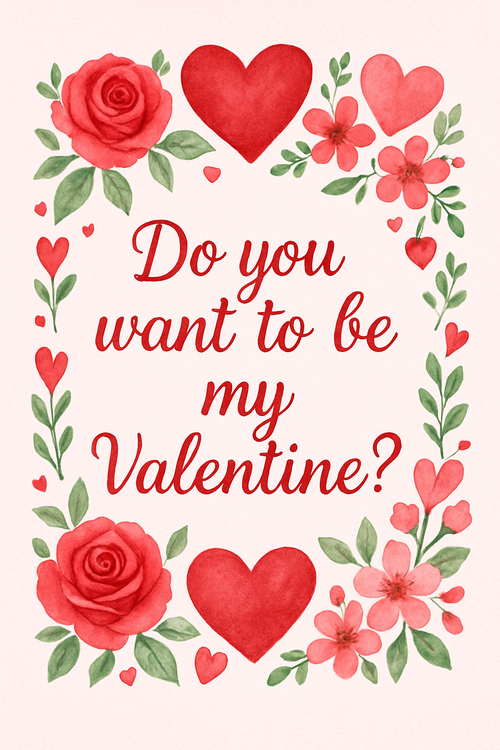
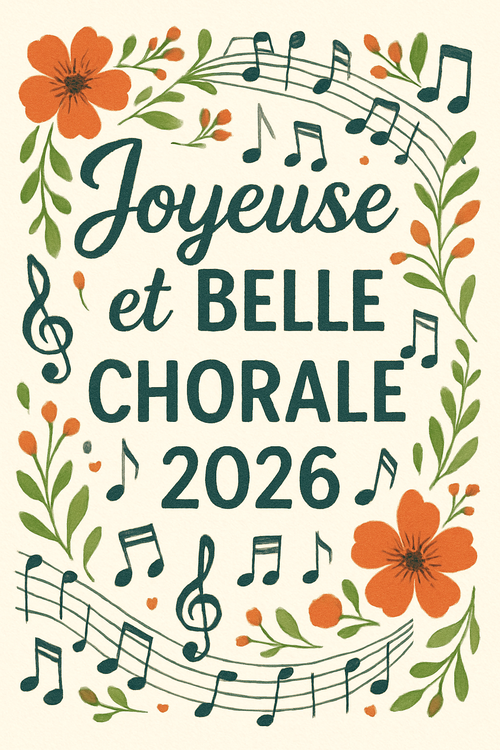
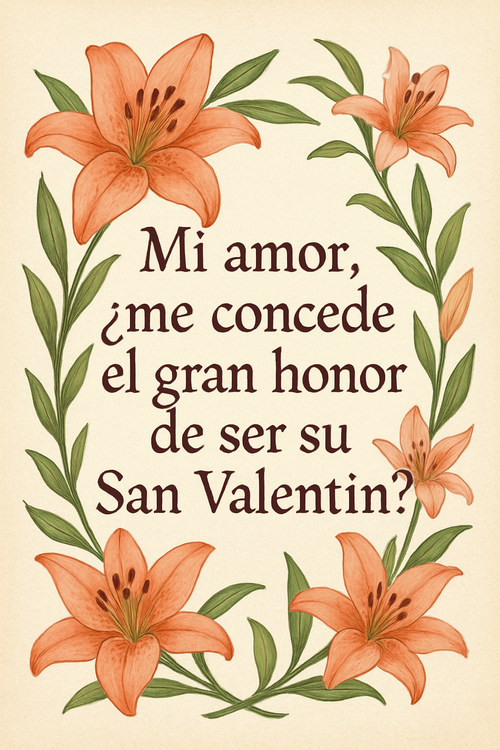
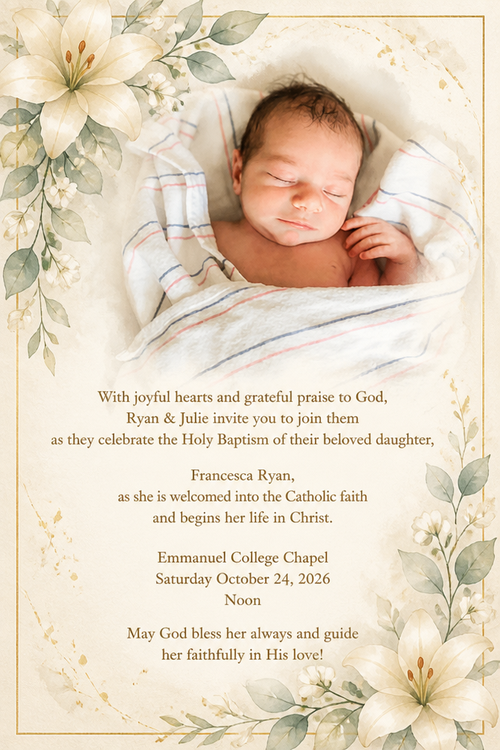
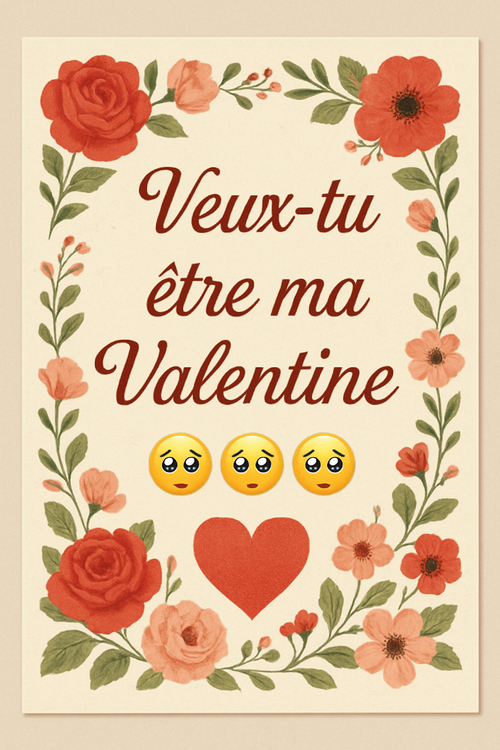
Real cards from the community — click any card to see it up close




Ready to make your party invite card?
Write it, style it, send it — all in under a minute.