Birthday Cards Kids Will Actually Get Excited About
Kids don't care about elegant typography — they care whether there's a dragon on it. Describe whatever they're obsessed with this month and the AI paints a card built entirely around it.

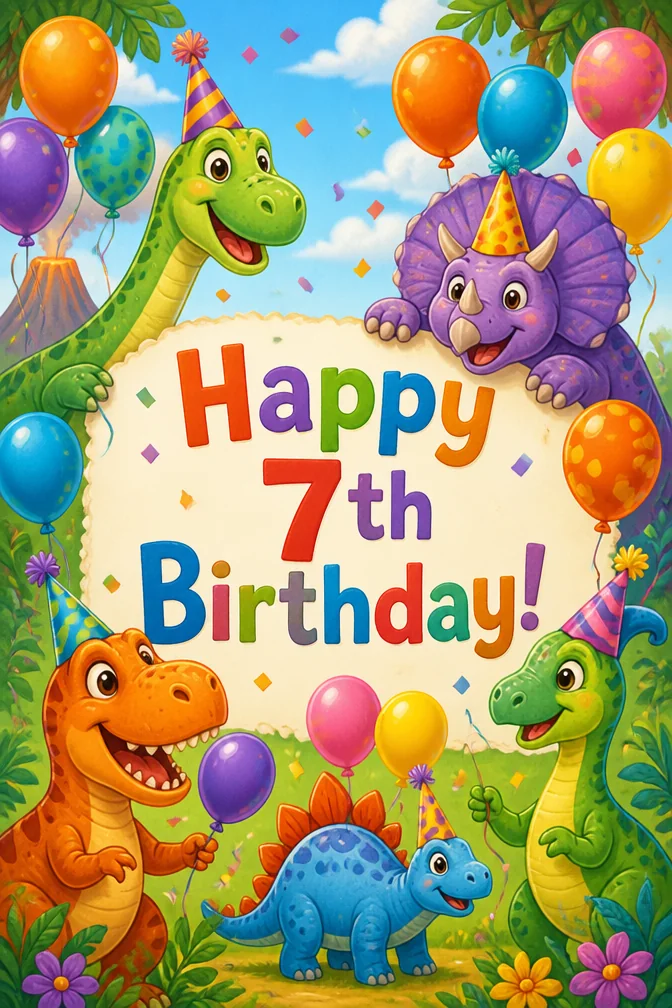
Every parent knows the drill: your kid is deep into dinosaurs, then suddenly it's mermaids, then it's a specific cartoon character you can't legally put on a printed card. A generated card sidesteps all of that. You're not choosing from a rack of generic "Happy Birthday, Kid!" designs — you describe exactly what they're into right now and get artwork built around it.
This works whether you're making the card for your own child or for the birthday kid at a party you're attending. Type the message (their name always helps), then describe the scene — a T-rex at a birthday party, a unicorn parade, a rocket ship blasting through a cake made of stars. The sillier and more specific, the better it usually turns out.
It's also an easy way to make a card feel personal for classroom parties or party invites without buying a box of twenty identical cards for kids who are all into completely different things. Generate a new one for each name in a few seconds each.
One occasion, four completely different cards
Each of these was generated from the message and theme written below it. Click any card to start from that exact combination — then make it yours.
Start from this card →
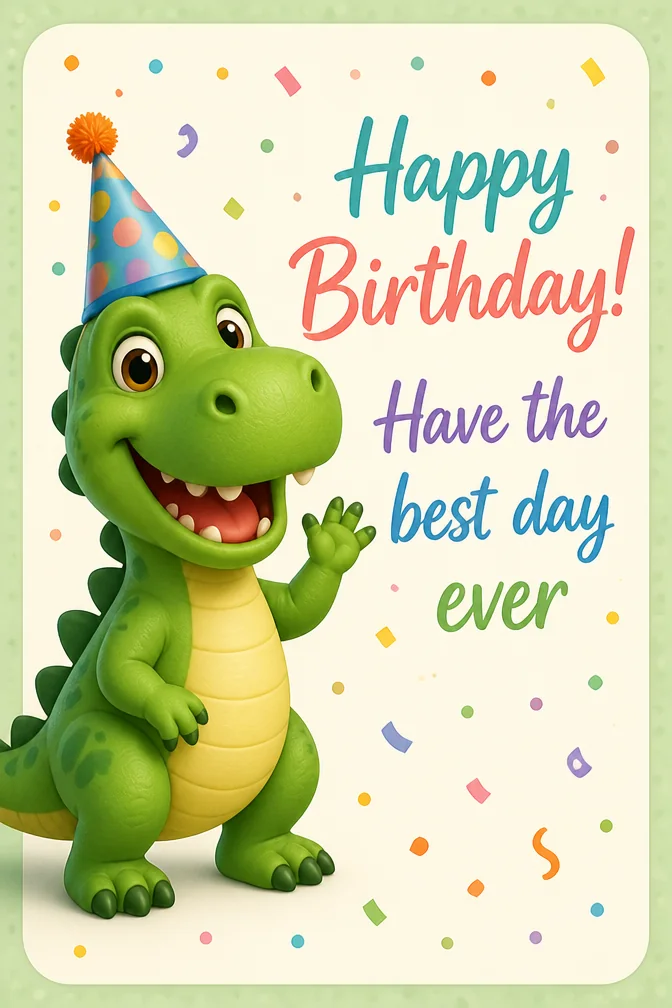
“Happy Birthday! Have the best day ever”
Friendly dinosaur wearing a party hat
Start from this card →
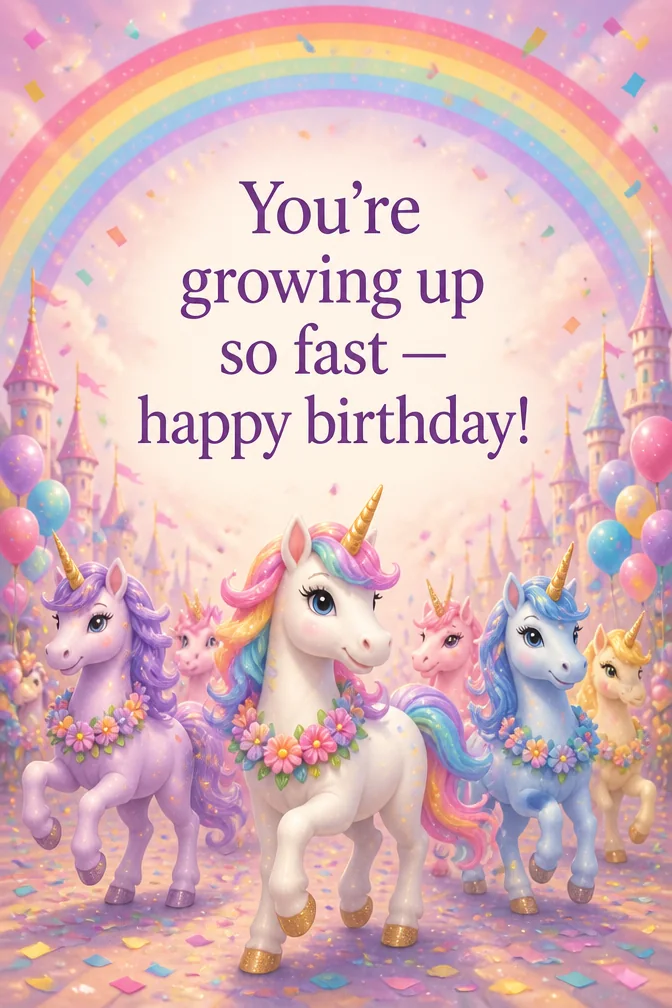
“You're growing up so fast — happy birthday!”
Unicorn parade with rainbow confetti
Start from this card →
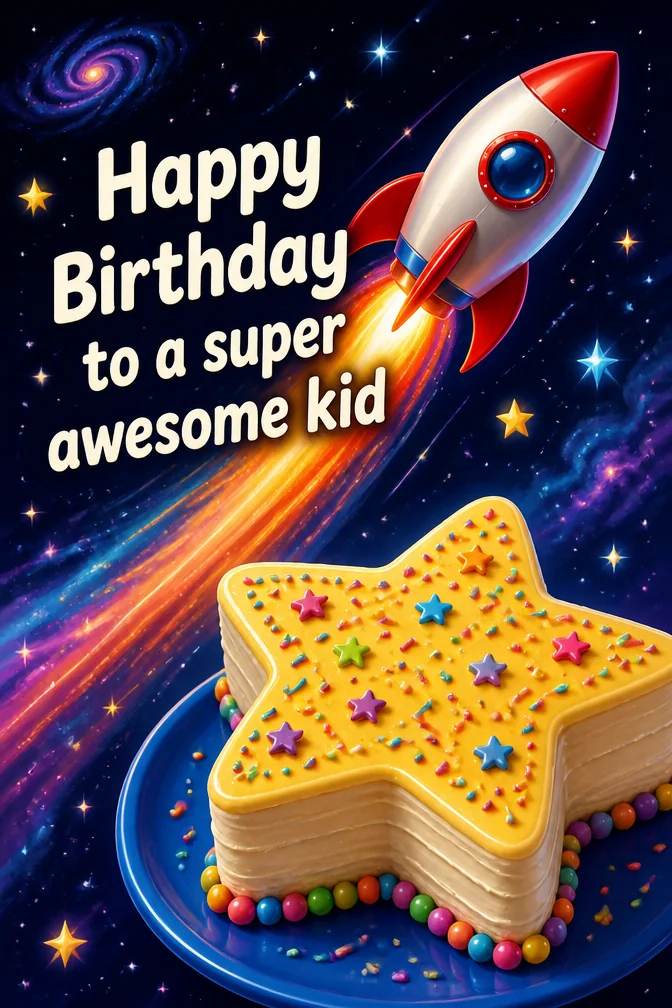
“Happy Birthday to a super awesome kid”
Rocket ship blasting past a star-shaped cake
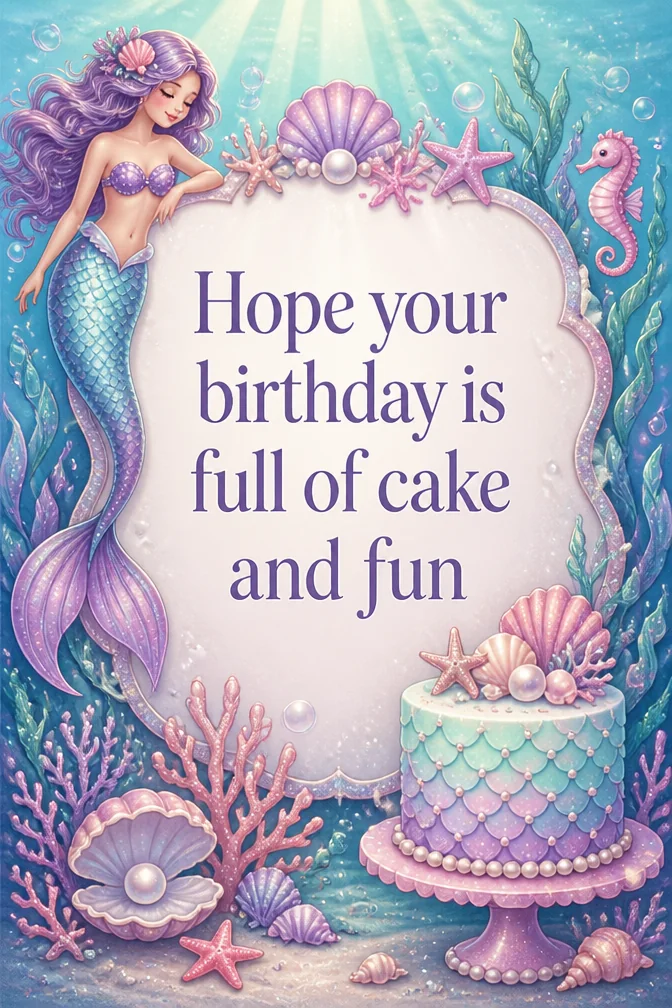
Start from this card →
“Hope your birthday is full of cake and fun”
Underwater mermaid birthday party
What to write on your kids' birthday card
- “Happy Birthday! Have the best day ever”Use this
- “You're growing up so fast — happy birthday!”Use this
- “Happy Birthday to a super awesome kid”Use this
- “Hope your birthday is full of cake and fun”Use this
- “Happy Birthday! You make everything more fun”Use this
- “Wishing you the happiest birthday, little one”Use this
Theme ideas the AI paints beautifully
Friendly dinosaur wearing a party hat
Try this theme →
Unicorn parade with rainbow confetti
Try this theme →
Rocket ship blasting past a star-shaped cake
Try this theme →
Underwater mermaid birthday party
Try this theme →
Superhero cape flying over a city skyline
Try this theme →
Cartoon jungle animals with balloons
Try this theme →
Tips for the perfect card
- Ask the birthday kid (or their parent) what they're currently obsessed with — that's your theme
- Keep the message simple and warm; young kids respond better to "You're the best!" than clever wordplay
- Bright, saturated colors and friendly characters tend to land better than muted or elegant styles
- Making cards for a whole class or party? Reuse the same fun theme with each child's name swapped in
Your kids' birthday card in three steps
Write your message
Type the exact words you want on the card.
Describe a theme
A scene, a style, a mood — anything you can imagine.
Download & share
Get an HD card in seconds. Print it or send the link.
Kids' Birthday card questions, answered
- What should I write in a kid's birthday card?
- Keep it simple and warm — young kids respond best to short, clear excitement like "Happy Birthday! You're the best!" rather than clever adult humor. Use their name and mention something they love, like a favorite animal or game.
- How do I personalize a birthday card for a child?
- Type the birthday message, then describe whatever the child is into right now, whether it's dinosaurs, unicorns, or a specific favorite color. The AI generates an original scene around that theme instead of using a generic template.
- How does sharing the card work?
- Download the finished card in HD or share it as a link by text or email, which is handy for sending to grandparents or party guests. You can also print it out to hand over at the party.
- Is it free to make a kid's birthday card?
- Yes, you can create kids' birthday cards free on the website and in the iOS app. Each card only takes a few seconds to personalize, so making a fresh one for every kid at a classroom party is quick and easy.
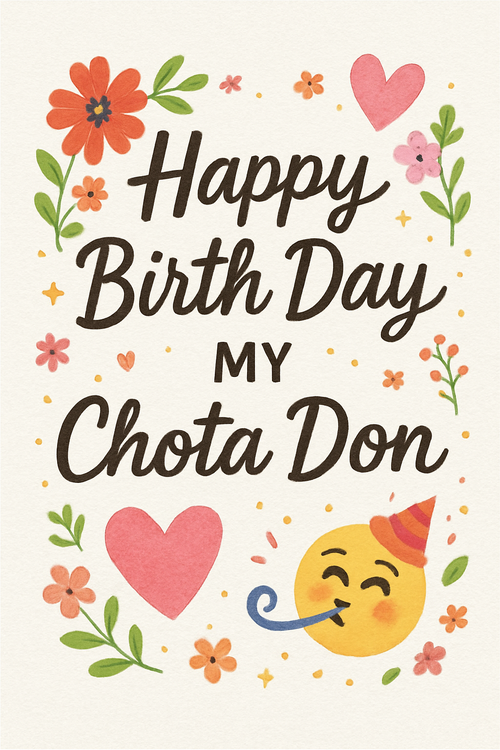
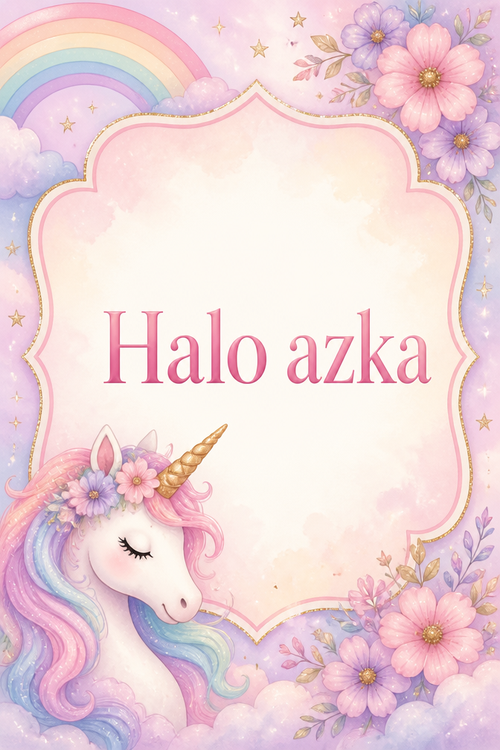
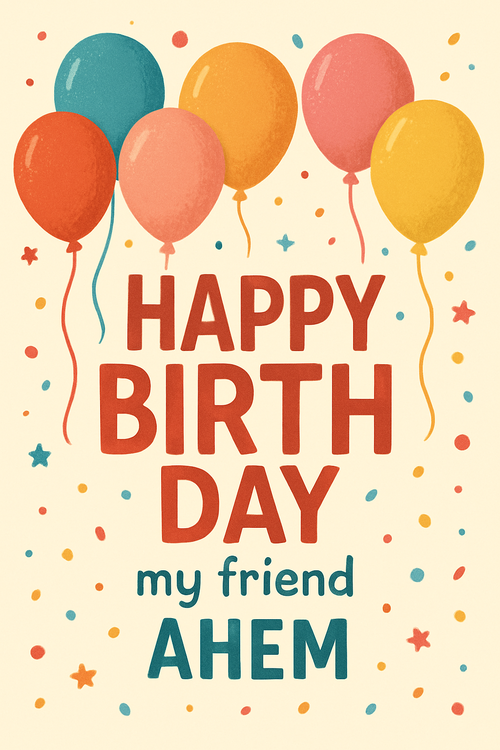
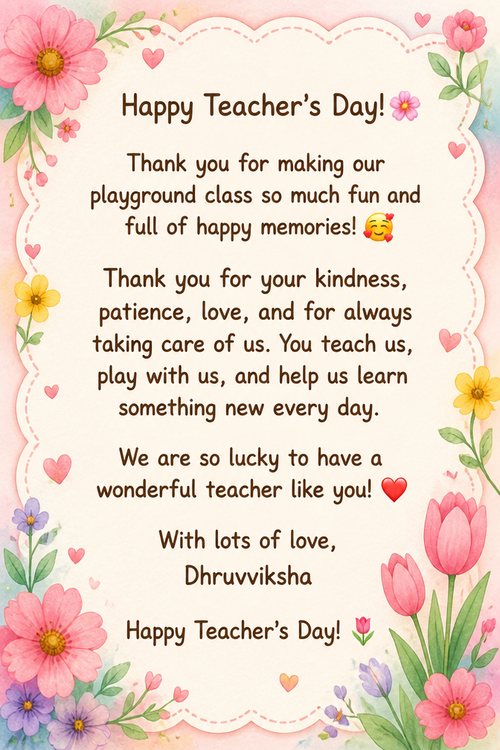
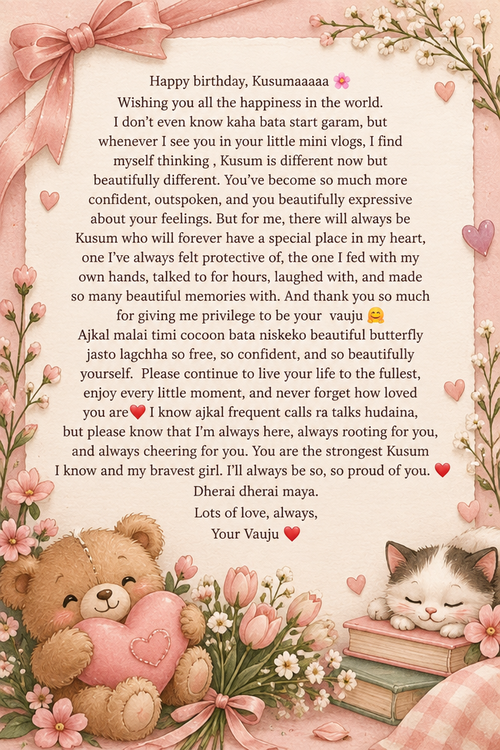
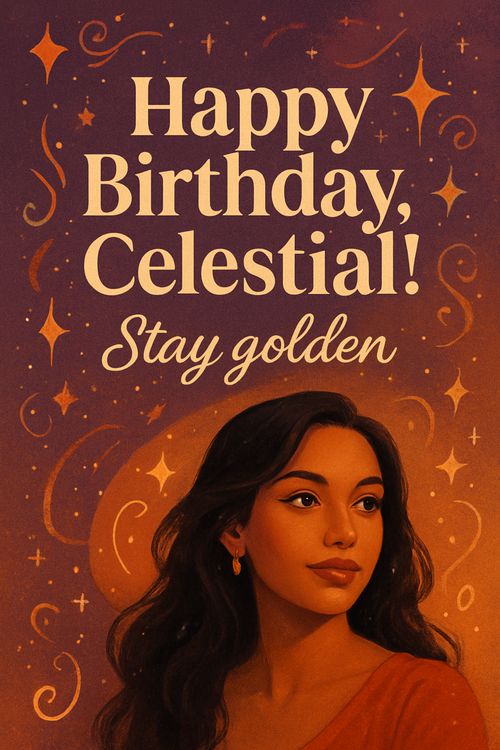
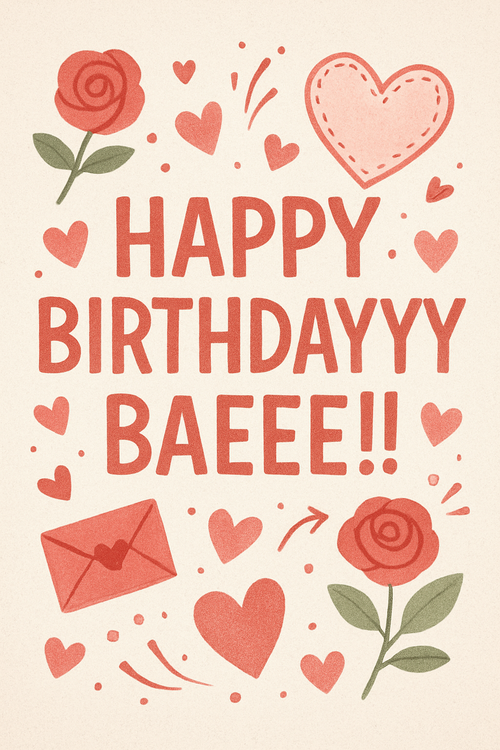
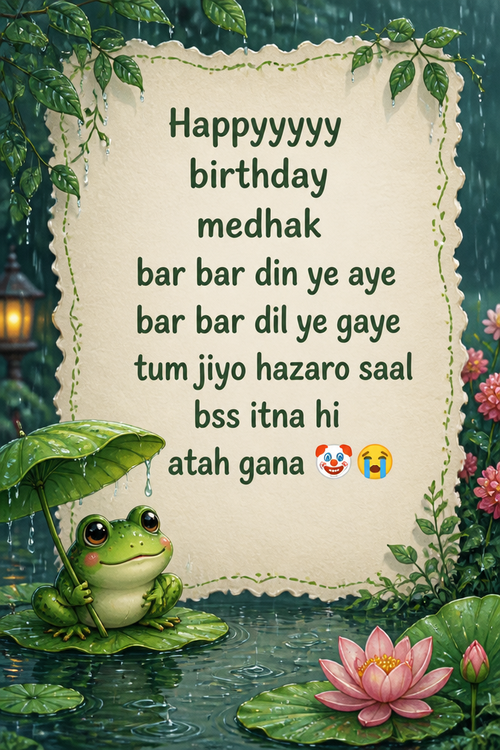
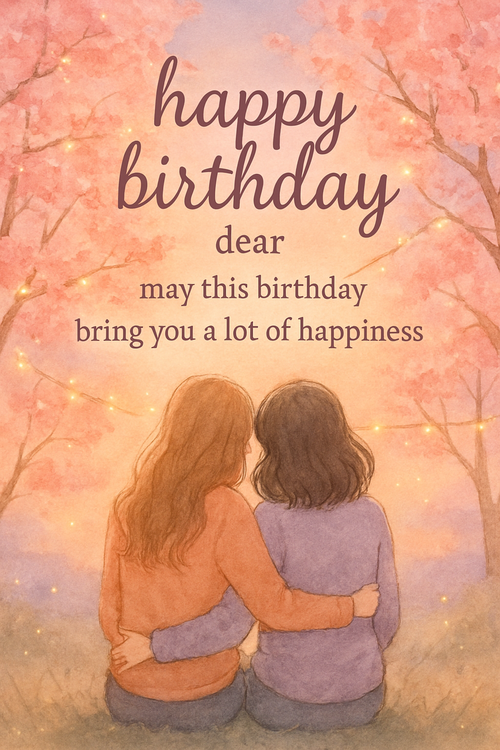
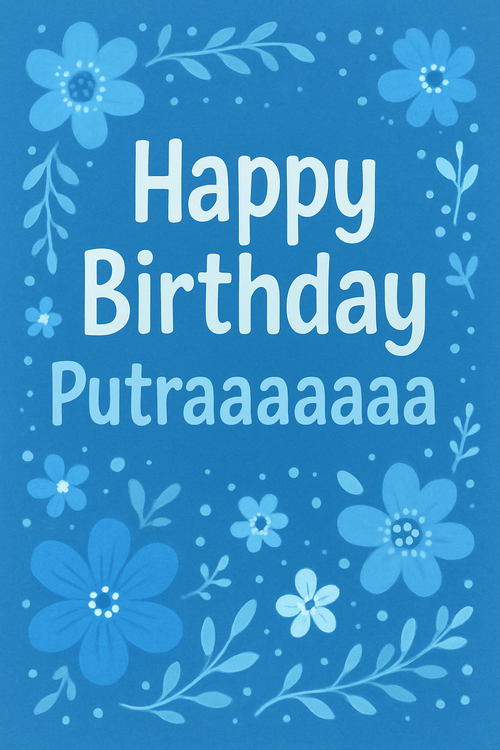
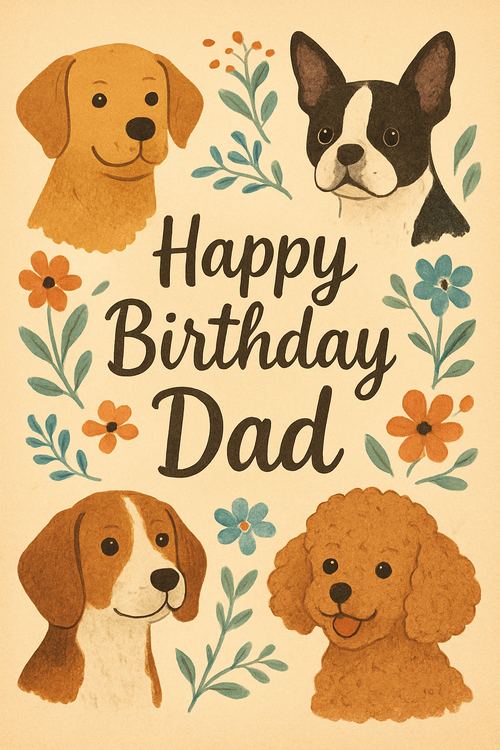
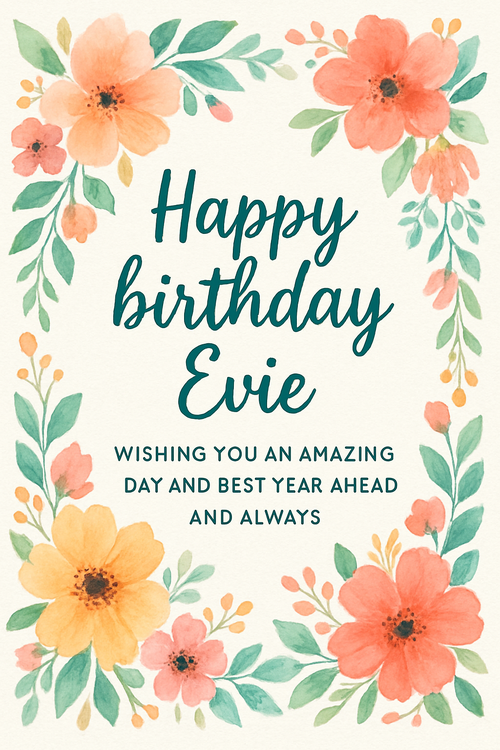
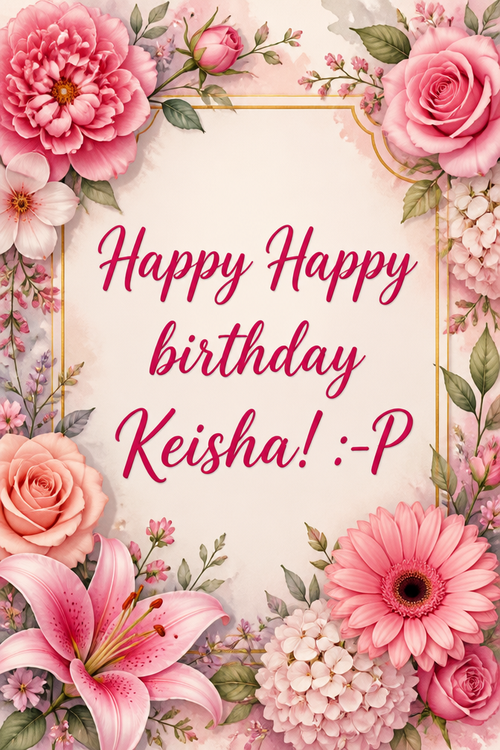
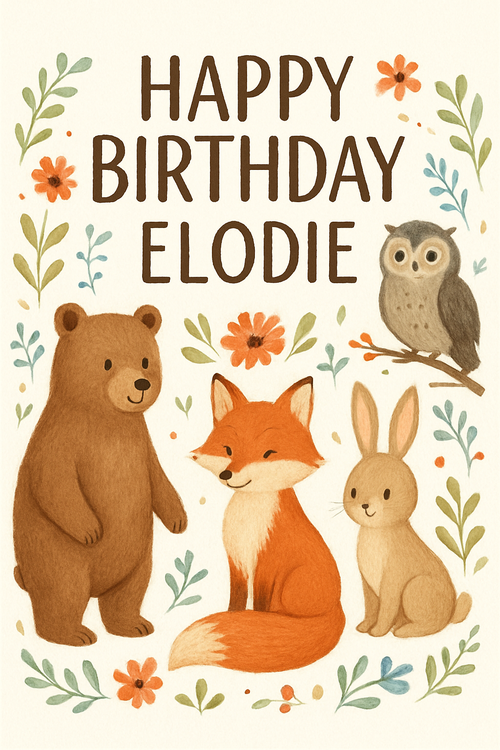
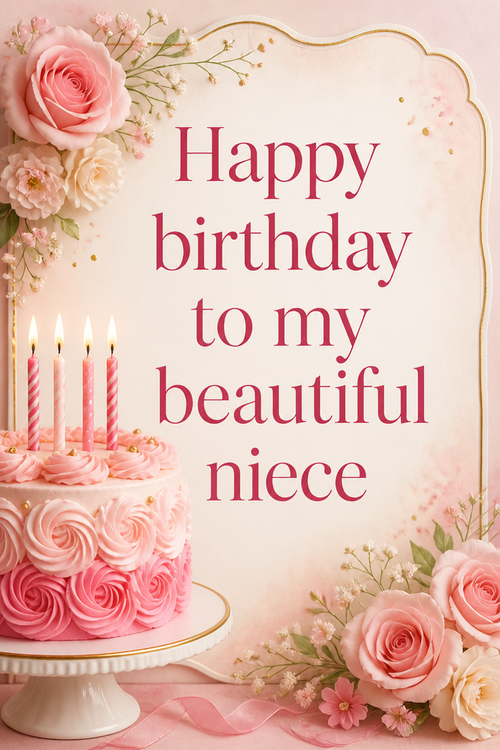
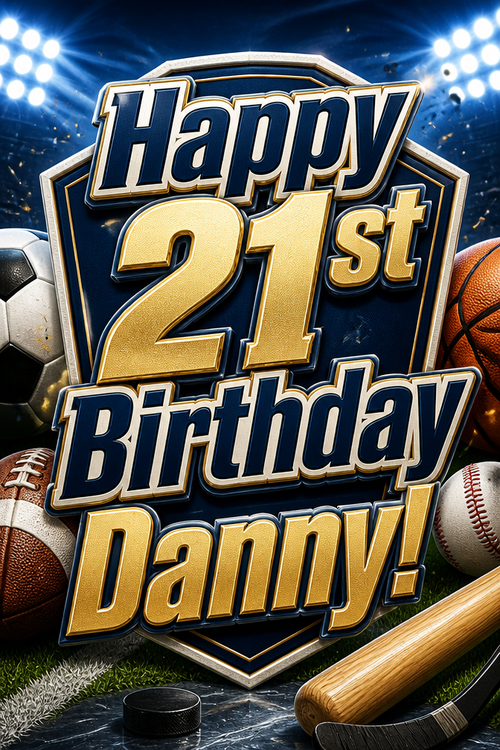
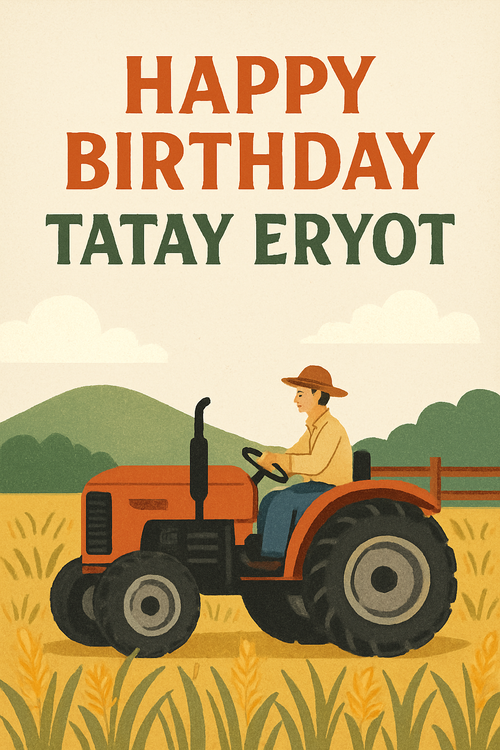
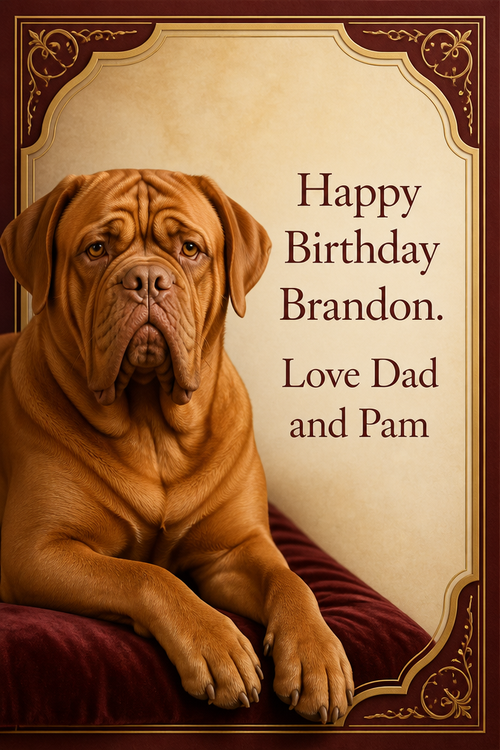
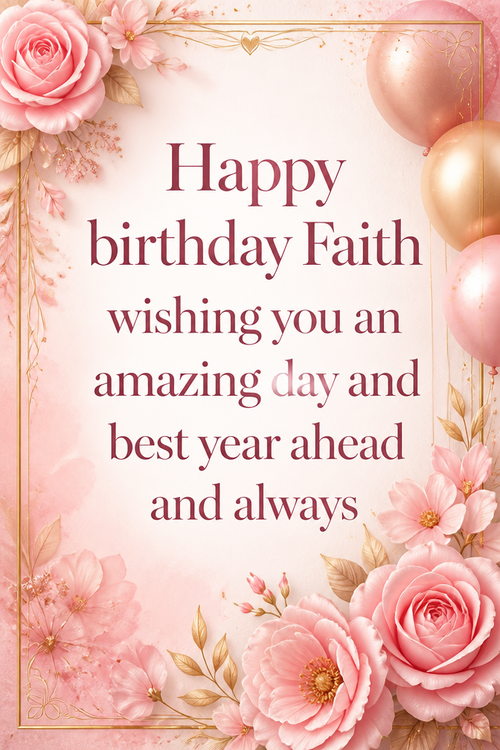
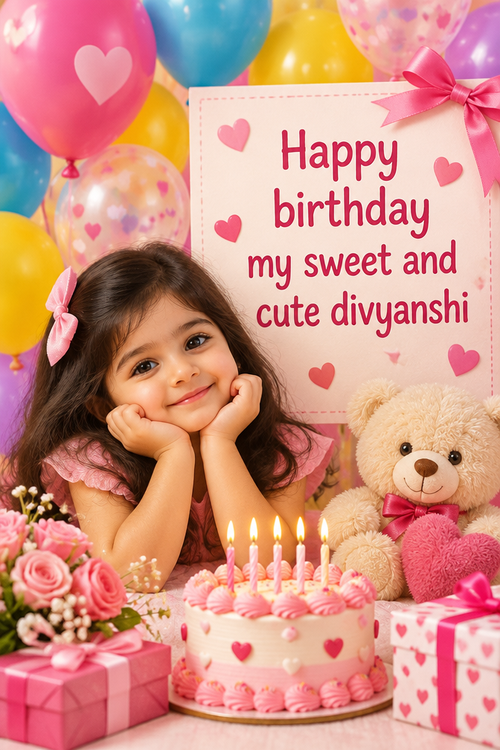
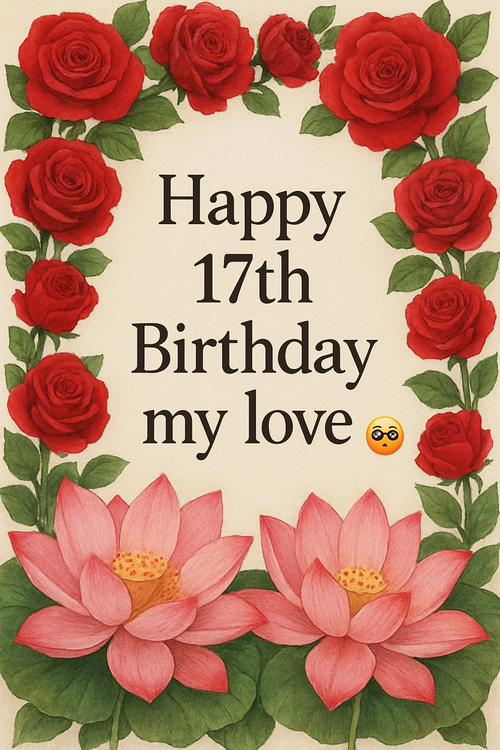
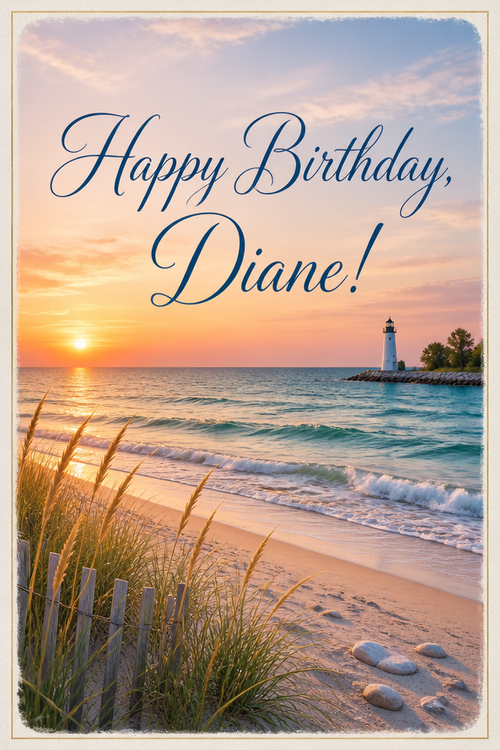
Recently created kids' birthday cards
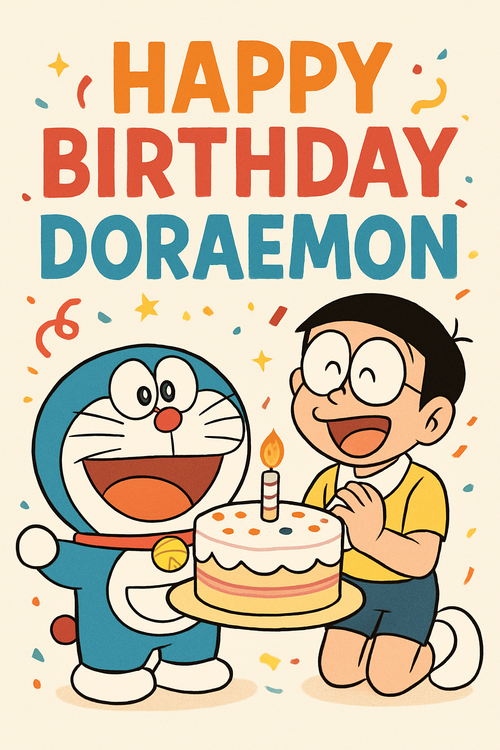
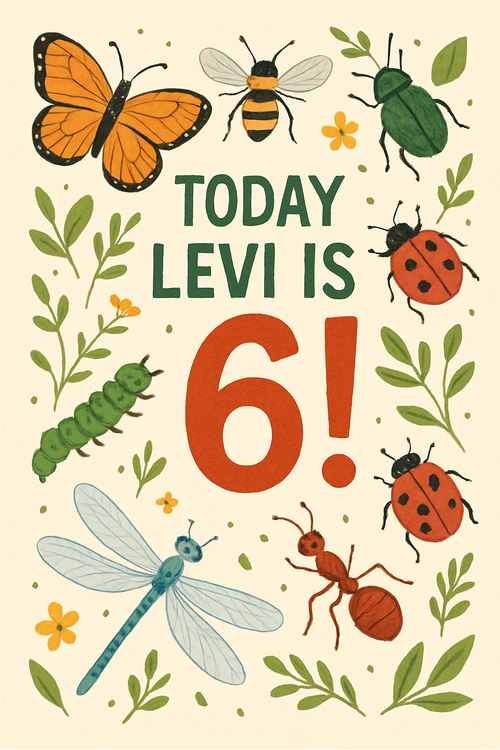
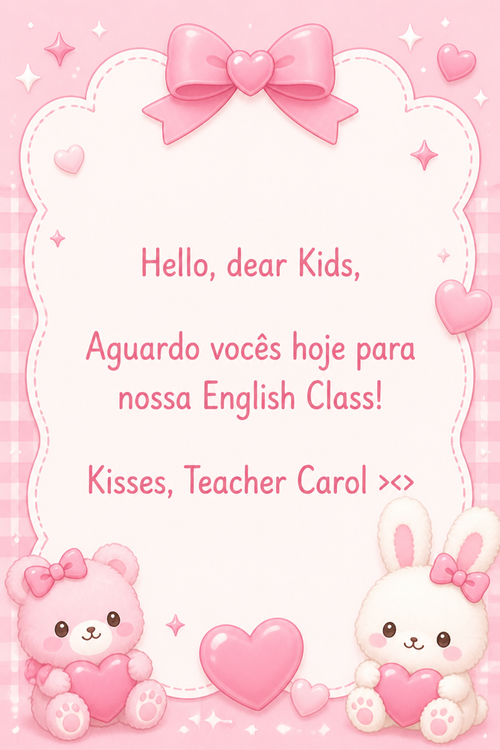
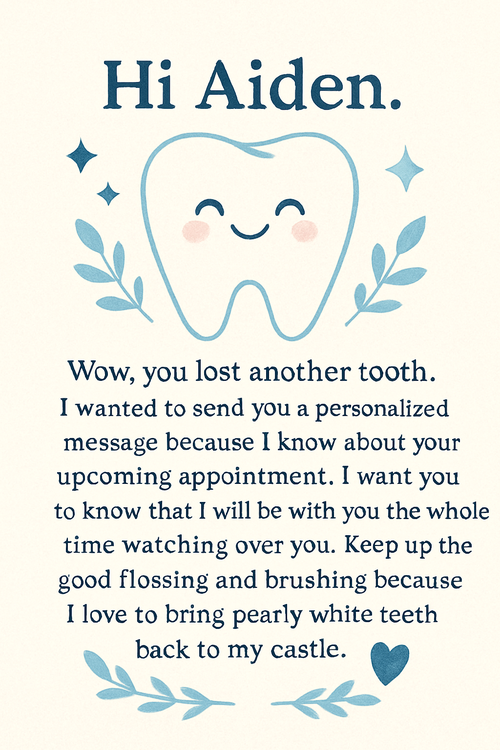
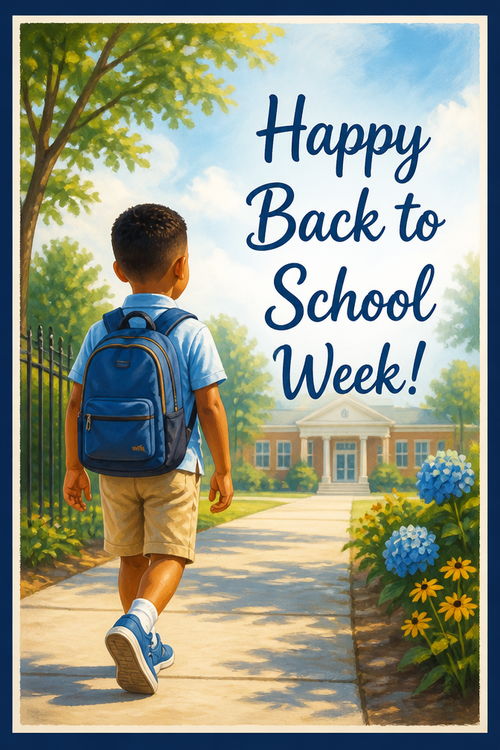
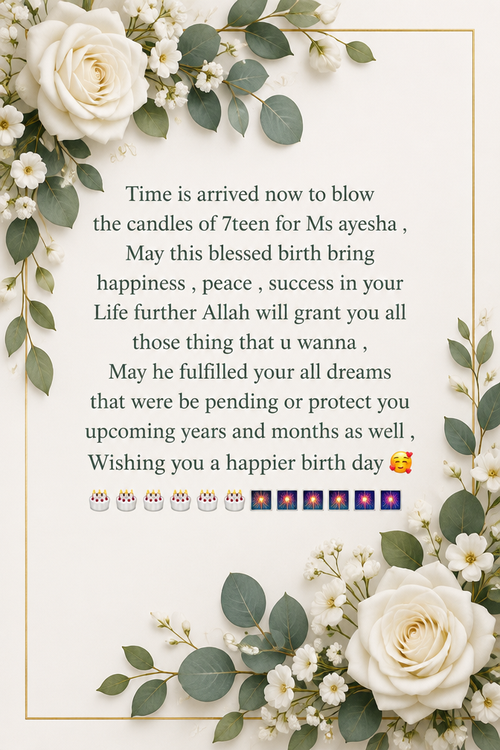
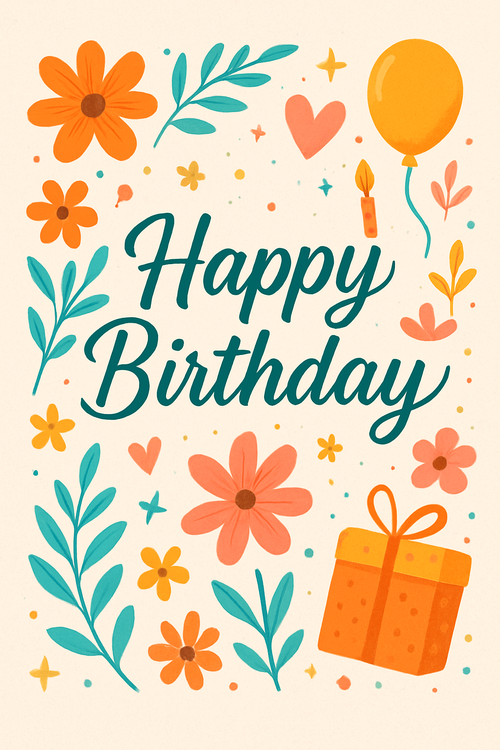
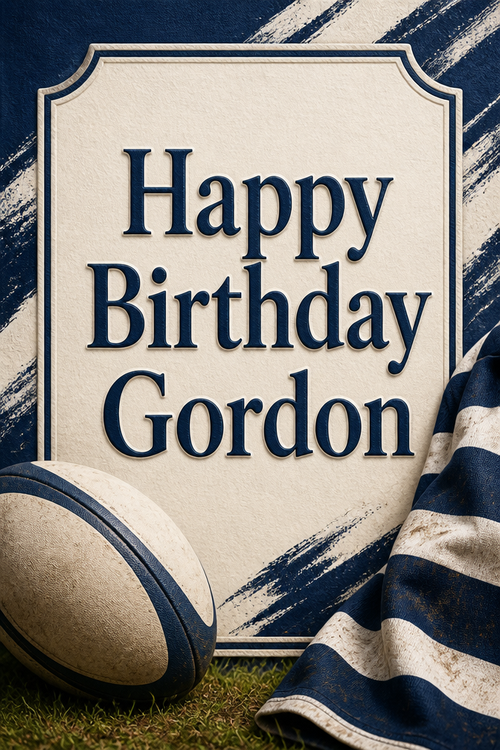
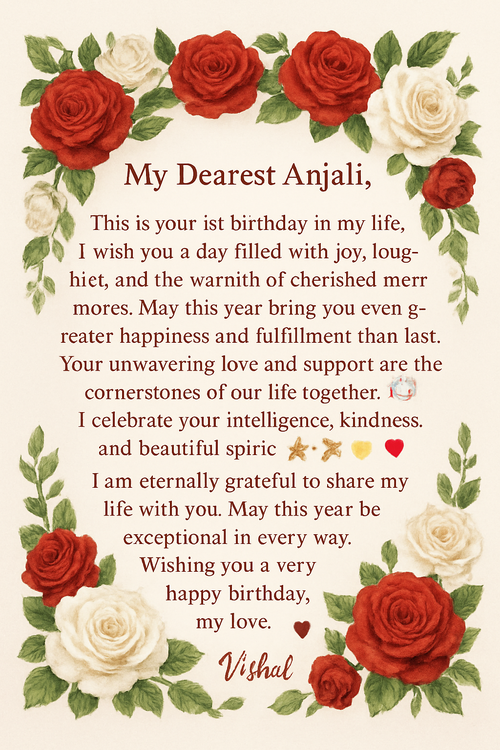
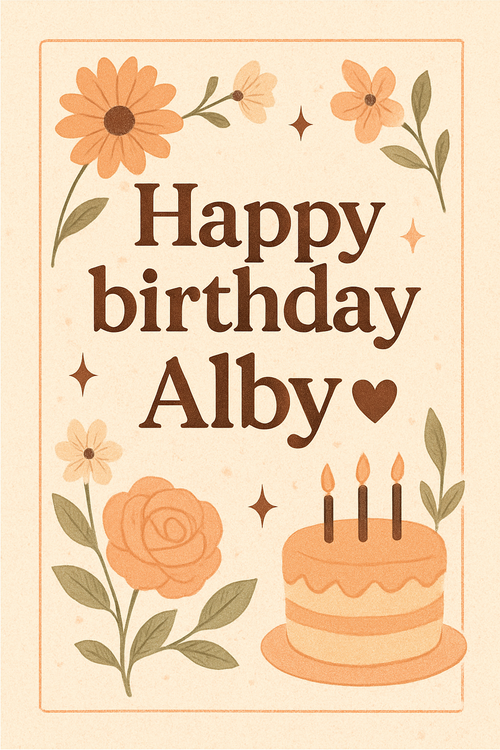
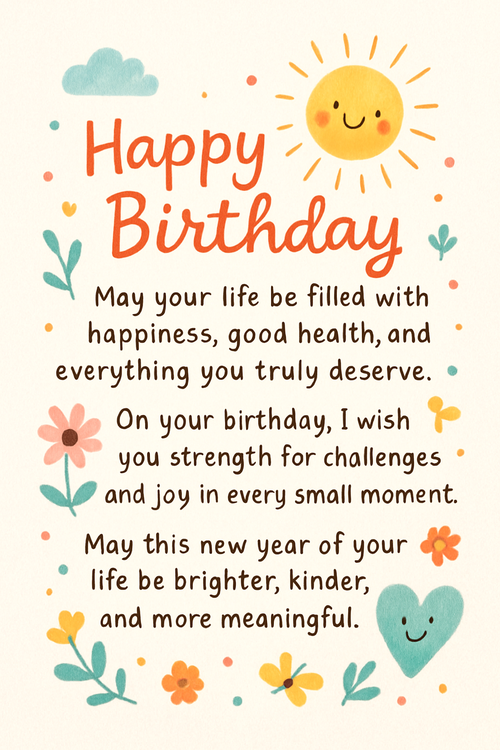
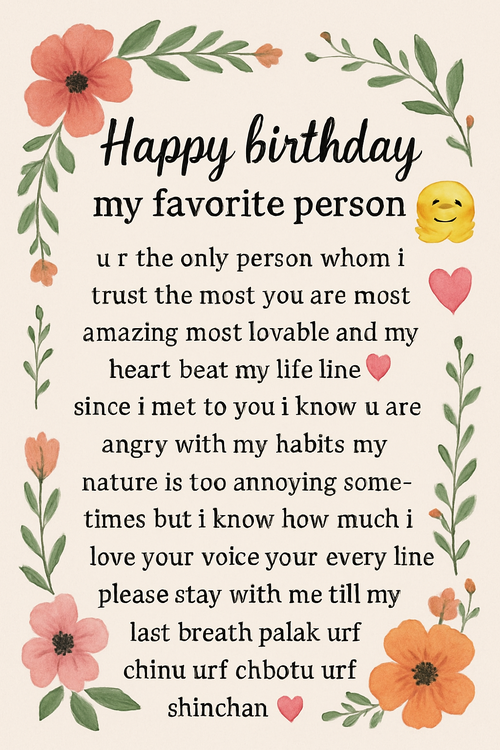
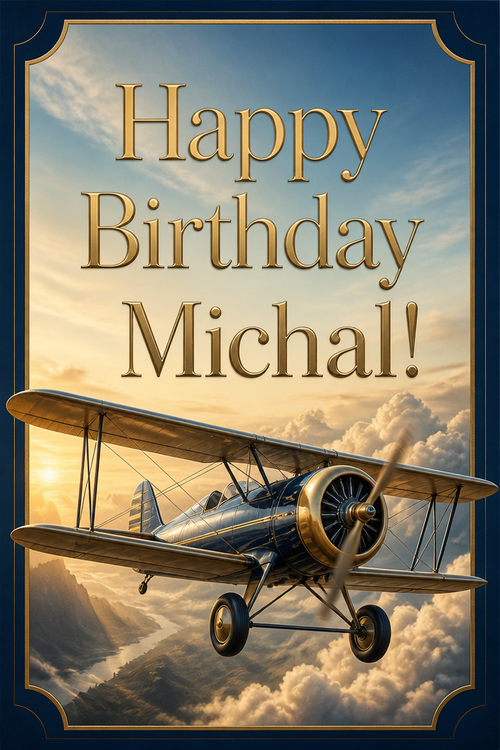
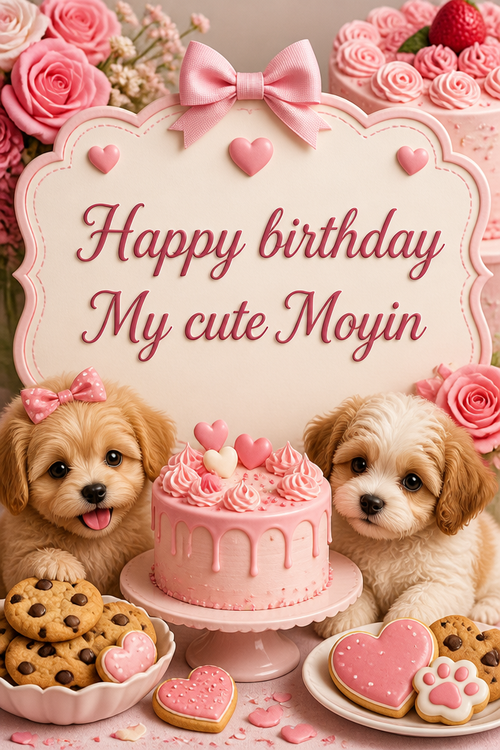
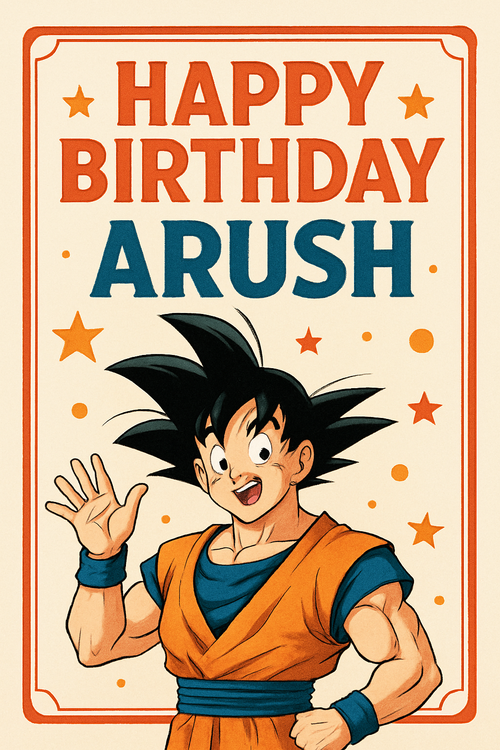
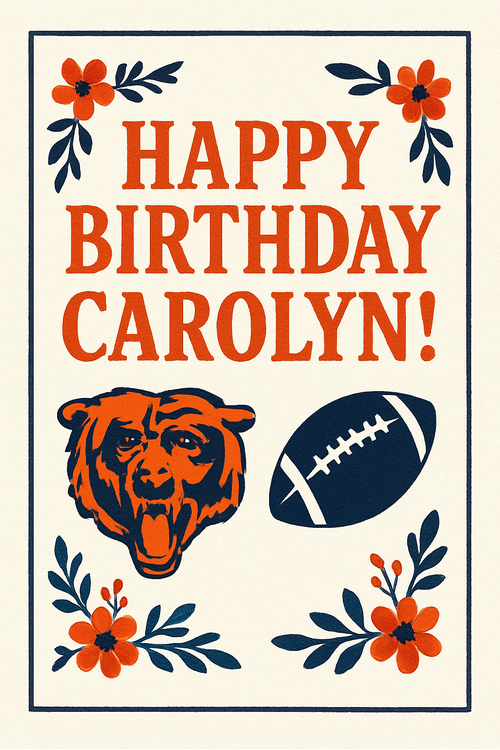
Real cards from the community — click any card to see it up close

Ready to make your kids' birthday card?
Write it, style it, send it — all in under a minute.