Announcement Cards for Sharing Big News
New job, new baby, new address, new chapter — an announcement card gives your news a visual moment instead of getting lost in a group text.


Big news deserves a little more than a wall of text in a group chat. An announcement card gives whatever you're sharing an actual visual moment — something people stop scrolling for, save, or repost, instead of skimming past in a feed.
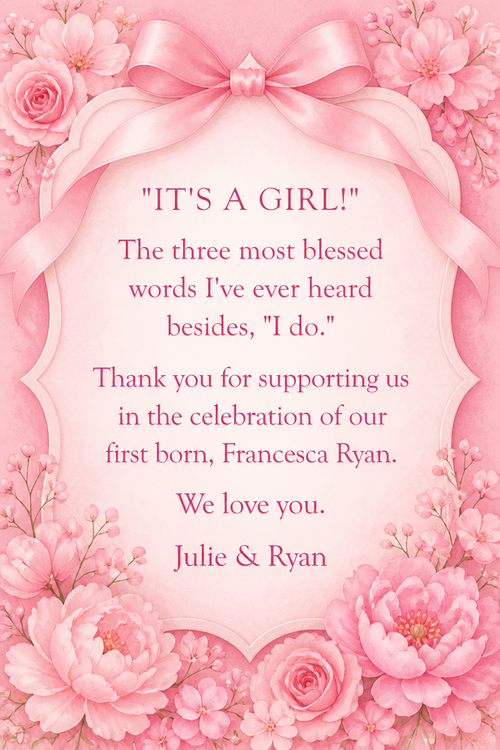
Describe what you're announcing and the mood you want — playful for a new pet, elegant for an engagement, straightforward for a job change — and the AI builds artwork specifically for that news. The words and the image work together instead of a stock graphic with your caption slapped underneath.
These get used for almost any update worth sharing: a new job, a move, a new pet, a retirement, a big decision. Once it's generated, share it anywhere — social media, group texts, or email — as an image or a link.
What to write on your announcement card
Theme ideas the AI paints beautifully
Confetti burst on a clean background
Try this theme →
Elegant script over a soft gradient
Try this theme →
Moving boxes and a new front door
Try this theme →
Playful illustration for pet announcements
Try this theme →
Champagne pop celebration scene
Try this theme →
Minimalist typography design
Try this theme →
Tips for the perfect card
- State the news clearly in the first line — save the details for the caption, not the card
- Match the mood to the news: playful for a pet, elegant for an engagement, upbeat for a job change
- Keep the text short; the artwork should carry most of the emotional weight
- Generate a square or portrait version depending on where you plan to share it
Your announcement card in three steps
Write your message
Type the exact words you want on the card.
Describe a theme
A scene, a style, a mood — anything you can imagine.
Download & share
Get an HD card in seconds. Print it or send the link.
Announcement card questions, answered
- What kind of news works for an announcement card?
- Almost anything worth sharing — a new job, a move, a new pet, an engagement, a retirement, or any life update you want to mark with something more visual than a plain text. Describe the news and the AI matches the tone.
- Can I share the card directly to social media?
- Yes, you can download the finished card as an image and post it anywhere, or share a link directly. It's sized to look good on social feeds as well as in texts and emails.
- How does the AI announcement card maker work?
- Type the news you're sharing and describe the mood or scene you want, and the AI generates original artwork around your words in seconds. Try a couple of versions to find the one that fits your news best.
- Is it free to make an announcement card?
- Yes, announcement cards are free to create and share on the website and in the iOS app, with a higher-resolution download available.
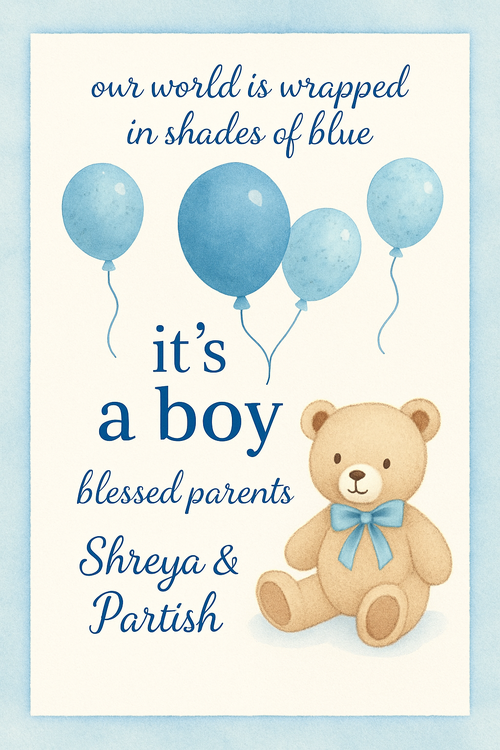
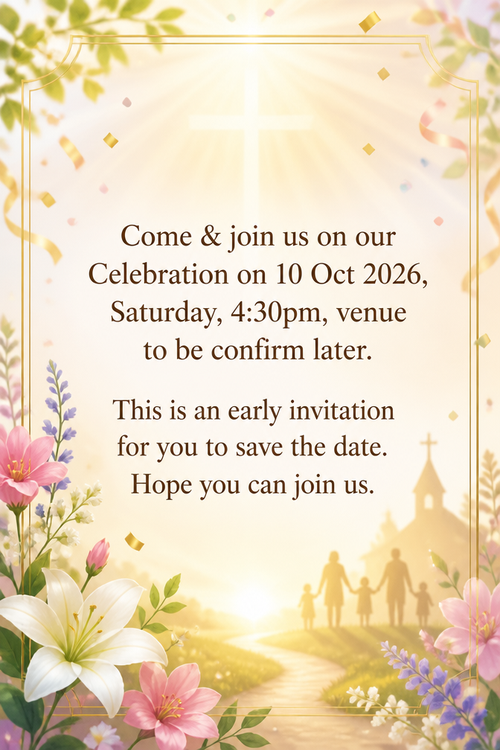
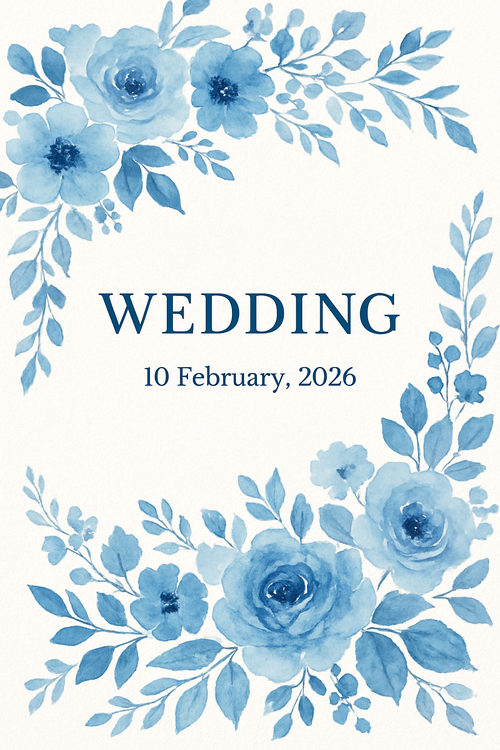
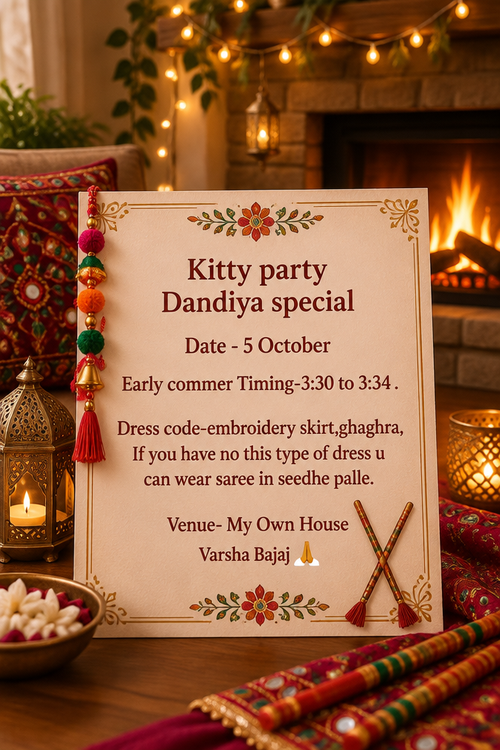
Recently created announcement cards
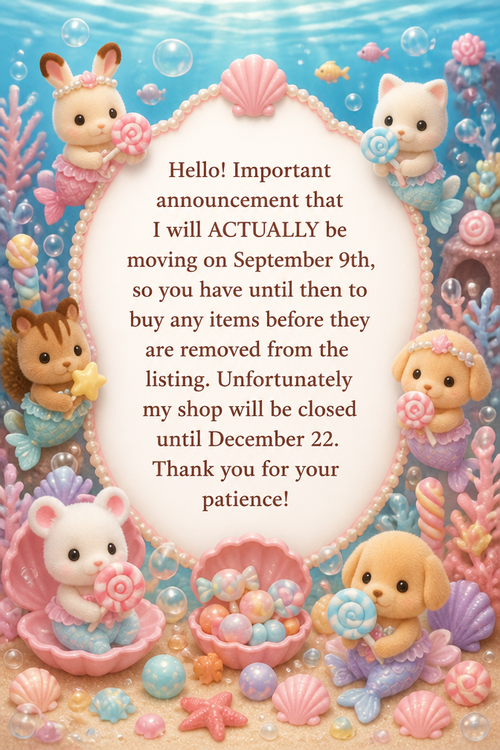
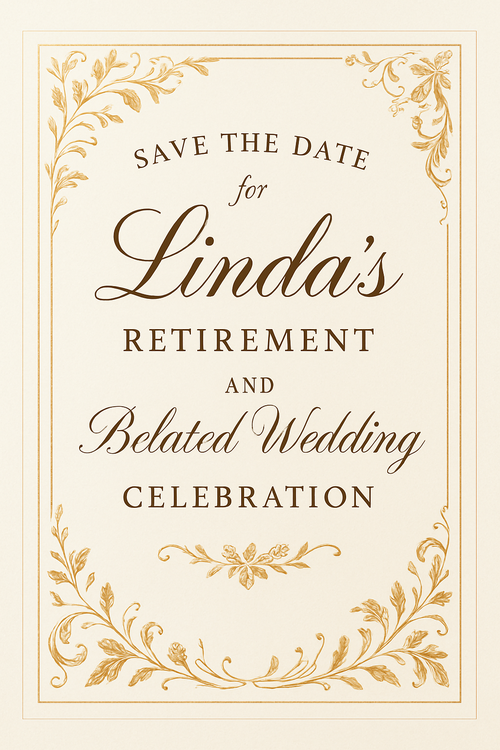
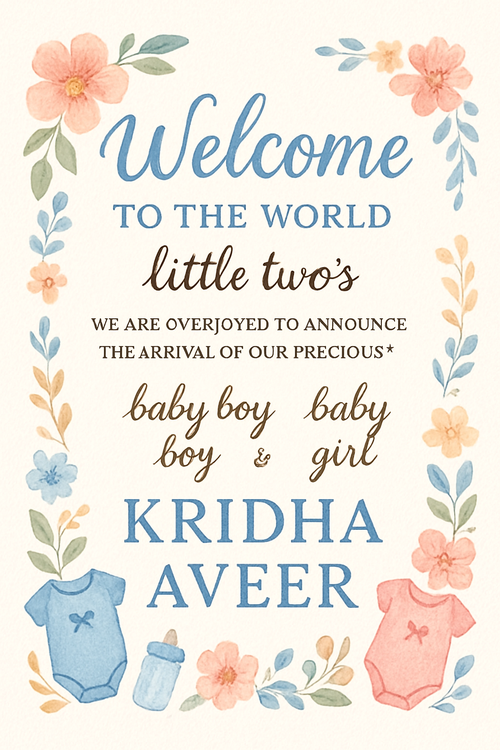
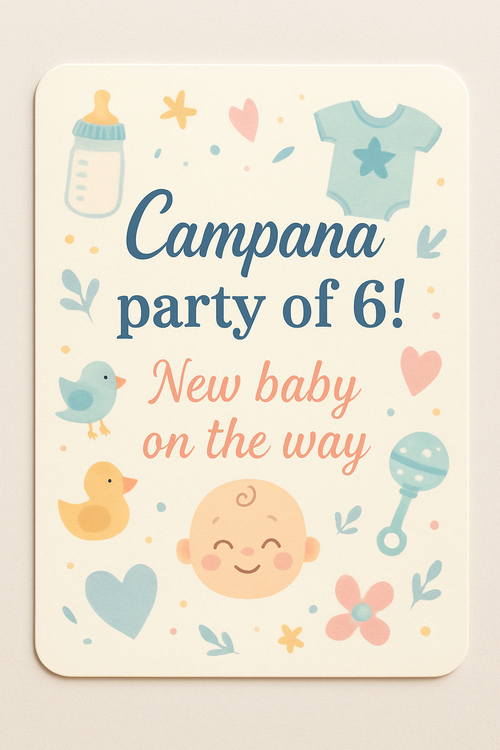
Real cards from the community — click any card to see it up close





Ready to make your announcement card?
Write it, style it, send it — all in under a minute.