Invitations With Art Made for Your Event
Skip the invitation template everyone's seen a hundred times — describe your event and let the AI paint something that actually looks like it belongs to it.

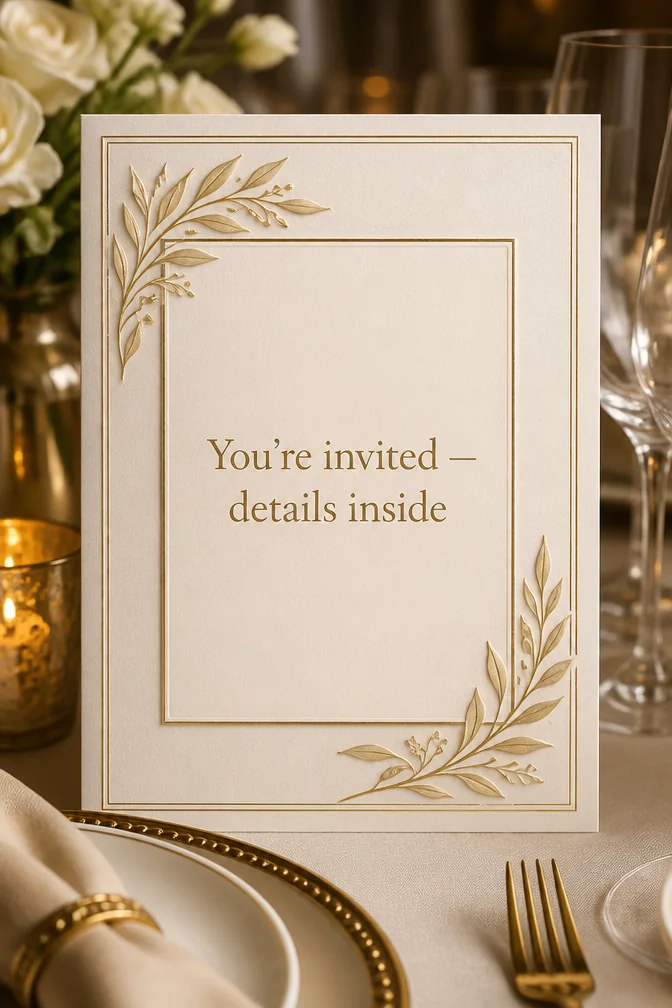
The artwork on an invitation does most of the persuading before anyone reads the details — it tells people what kind of night this is going to be. A stiff, templated design undersells a fun event, and a too-casual one undersells a formal one. Describing your actual event and letting the AI build art specifically for it solves that mismatch.
Type the event details you want on the invite — date, time, what to expect — and describe the mood: elegant dinner party, backyard bonfire, rooftop gathering. The AI generates original artwork around that description, so the invitation looks purpose-built instead of pulled from a generic template pack.
Because it's digital, you can share it by text or link the moment it's done — no printing, no stamps, no waiting. It works for dinner parties, reunions, open houses, or any gathering that deserves an invite with a little more personality than a group text.
What to write on your invitation card
Theme ideas the AI paints beautifully
Elegant dinner party table setting
Try this theme →
String lights over a backyard
Try this theme →
Rooftop skyline at dusk
Try this theme →
Botanical illustrated border
Try this theme →
Cozy bonfire gathering
Try this theme →
Minimalist gold-foil style design
Try this theme →
Tips for the perfect card
- Include the essentials in your message — date, time, and location — so they're baked into the card itself
- Describe the mood you're going for, not just the event type, for art that matches the vibe
- Keep text on the card short; save extra details for a follow-up message
- Share the link directly in a group chat for the fastest RSVPs
Your invitation card in three steps
Write your message
Type the exact words you want on the card.
Describe a theme
A scene, a style, a mood — anything you can imagine.
Download & share
Get an HD card in seconds. Print it or send the link.
Invitation card questions, answered
- Can I use an AI-generated card as an actual event invitation?
- Yes — include your event details in the message and the AI builds artwork around them, giving you a finished, shareable invitation in seconds. You can share it by link or text, so guests get it instantly.
- What information should I put on the invitation?
- At minimum, include the date, time, and location or event name in your message so they appear on the card itself. Save extra logistics, like parking or dress code, for a follow-up text if needed.
- How does the AI invitation maker work?
- You type your event details and describe the mood or theme you want, and the AI generates a one-of-a-kind invitation around your words. Try a few themes to find the one that fits the occasion.
- Is it free to make a digital invitation?
- Yes, you can design and share invitations free on the website and in the iOS app, with a higher-resolution download available if you want to print them.
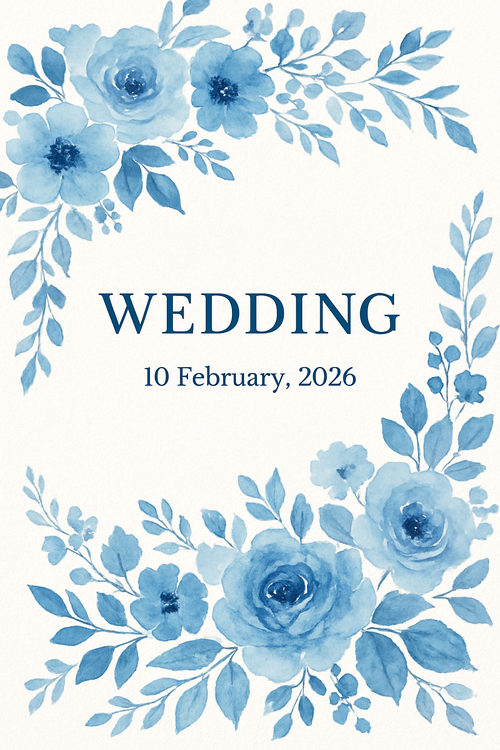
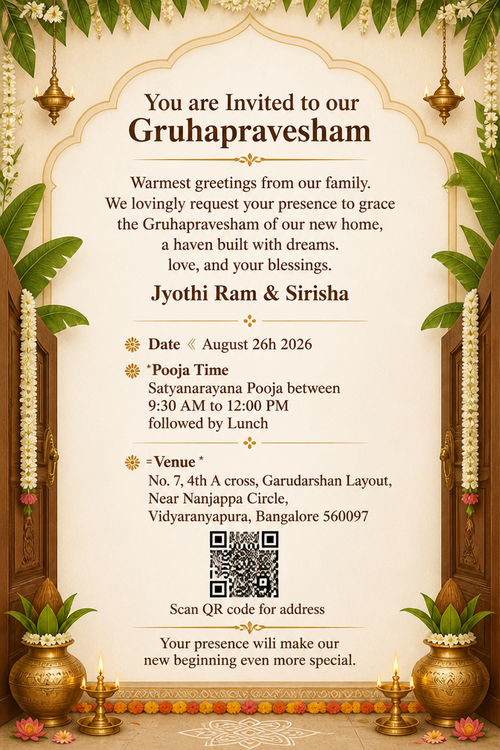
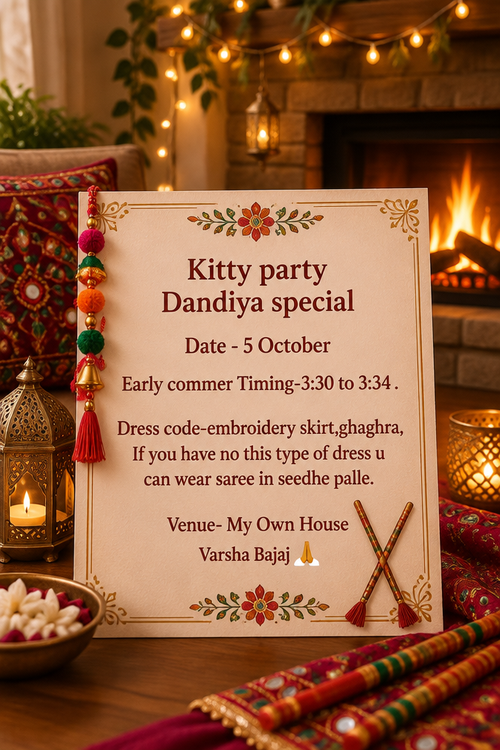
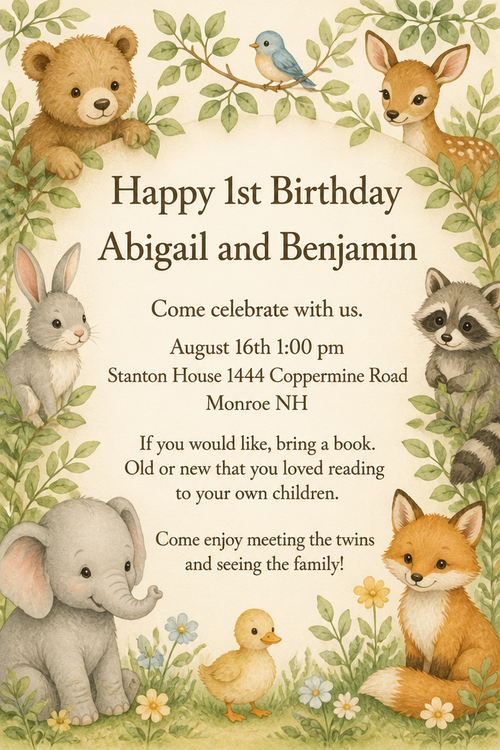
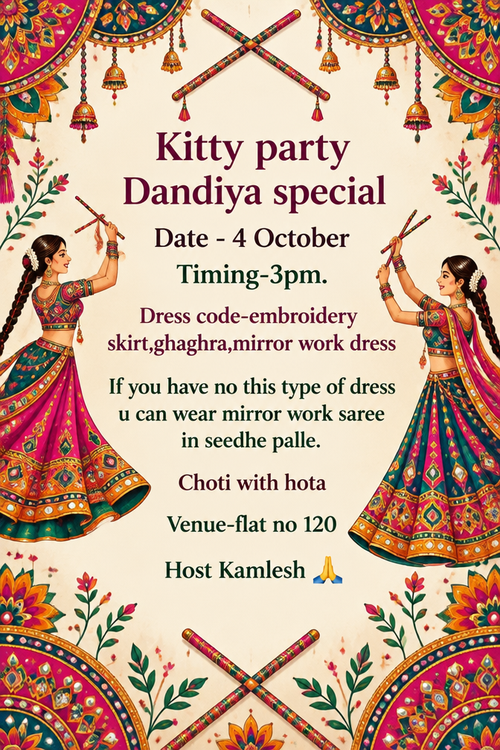
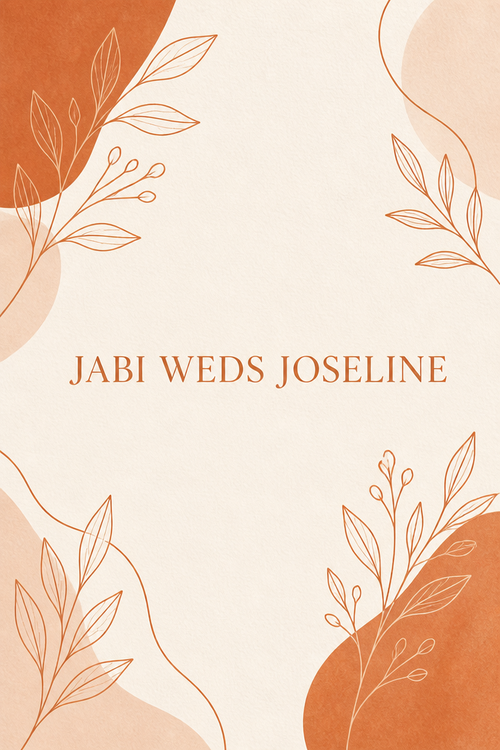
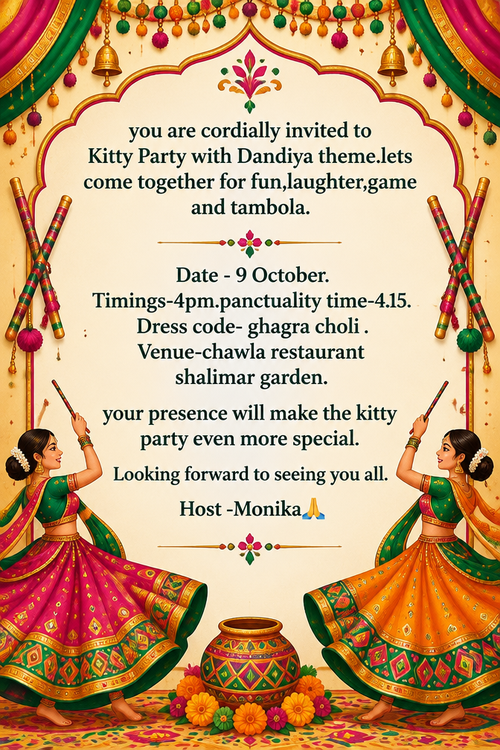
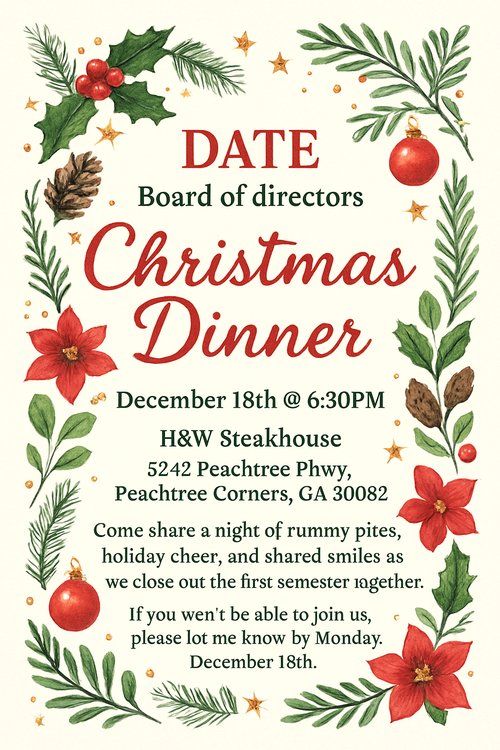
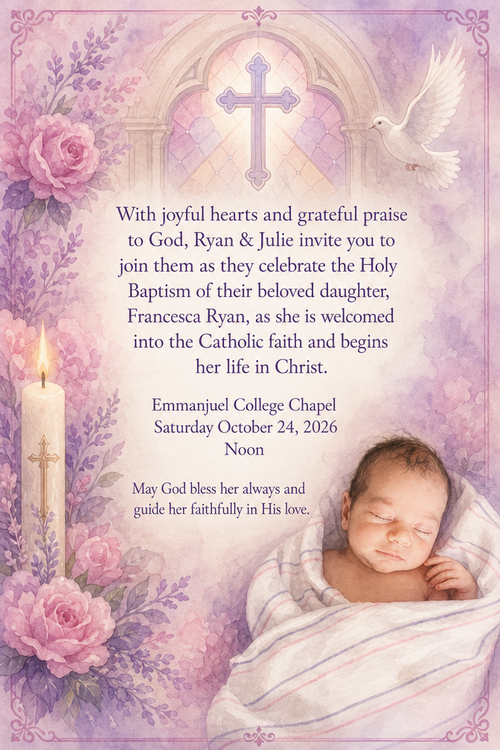
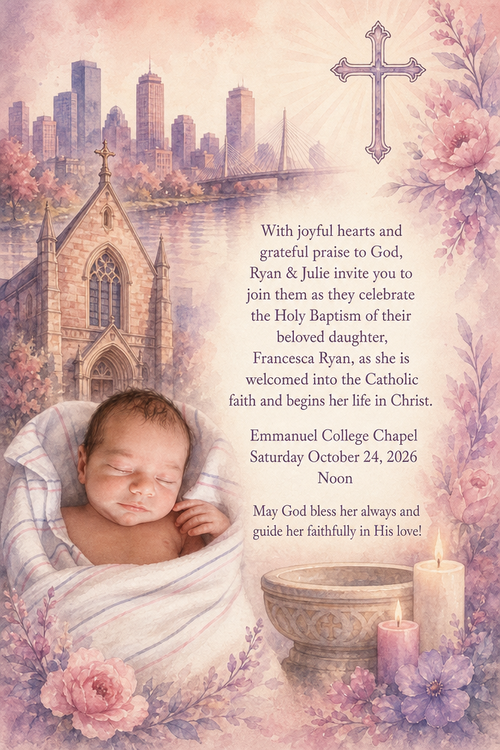
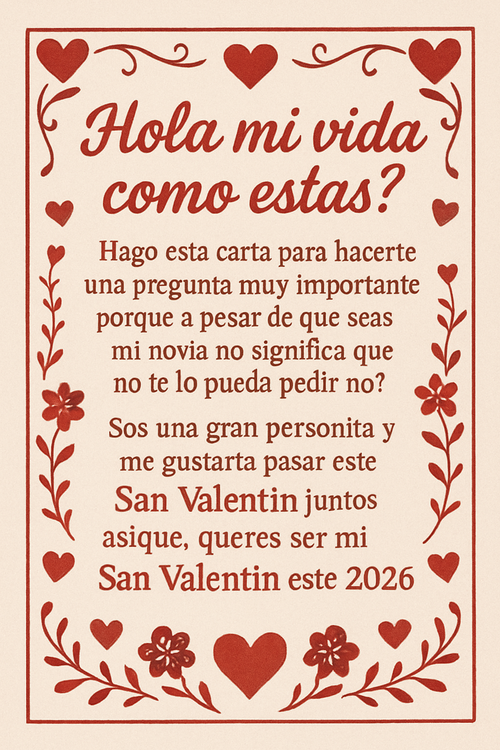
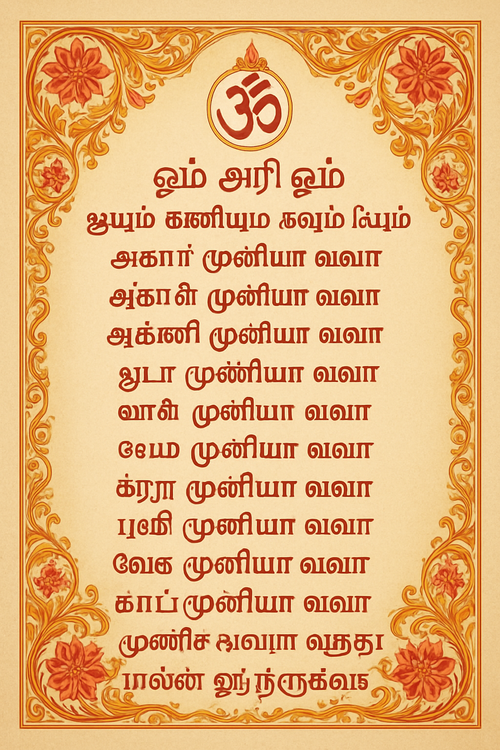
Recently created invitation cards
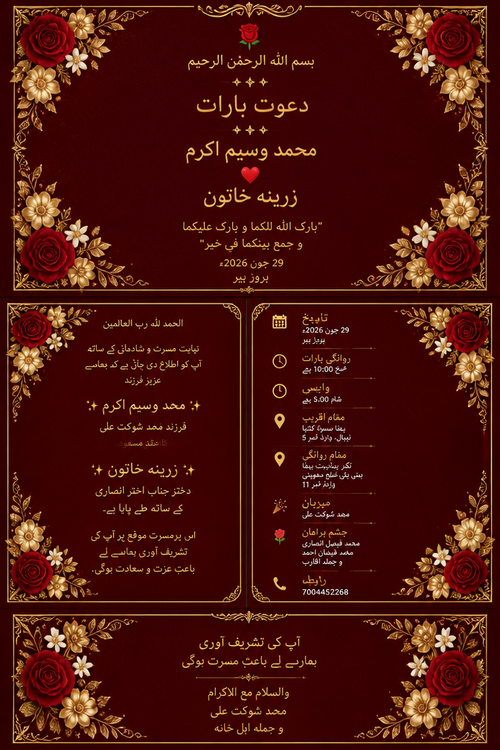
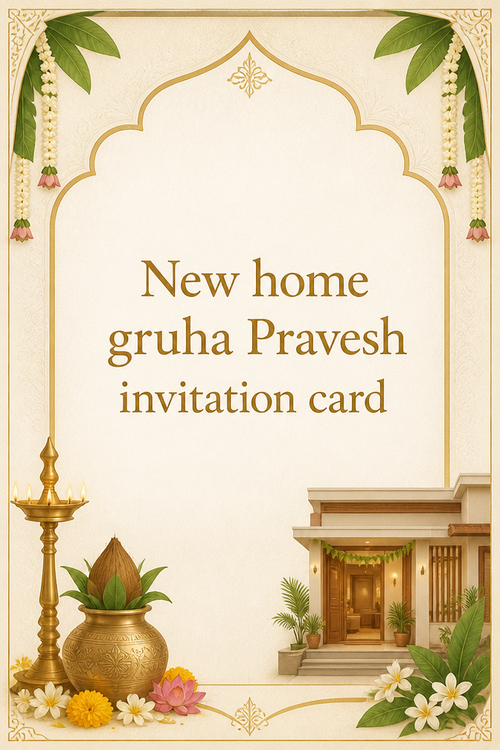
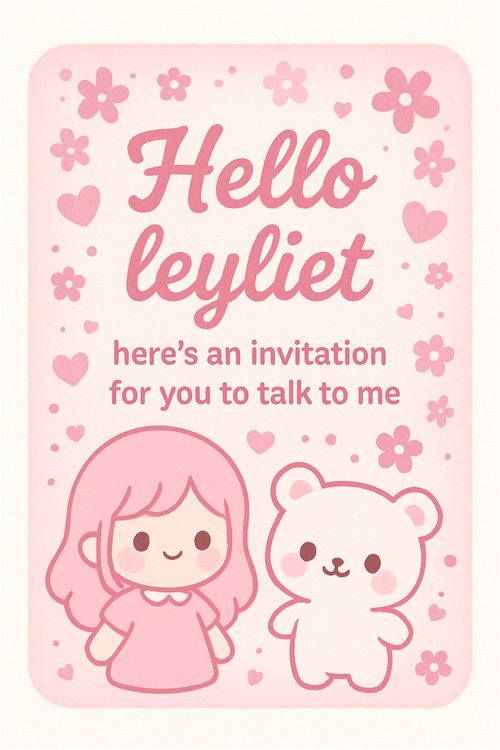
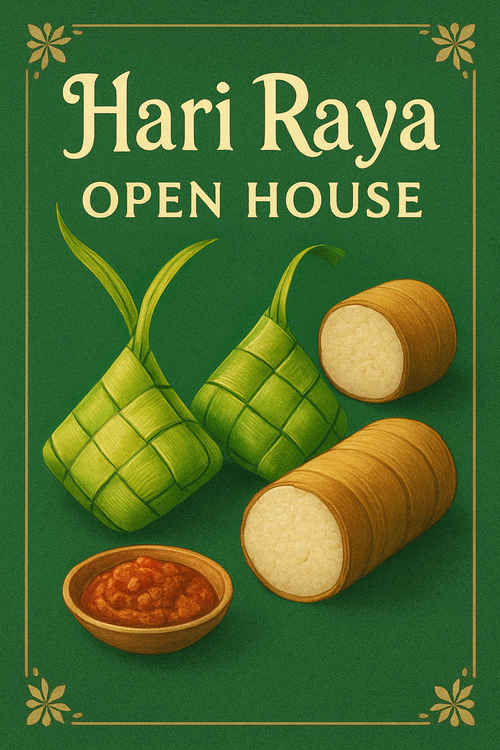
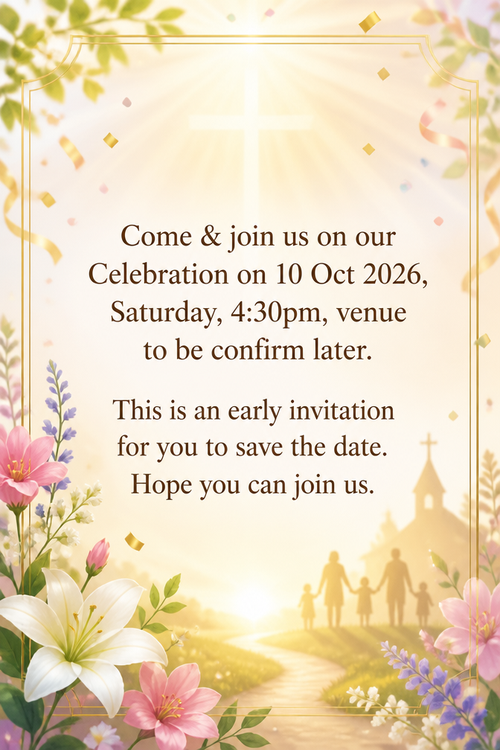
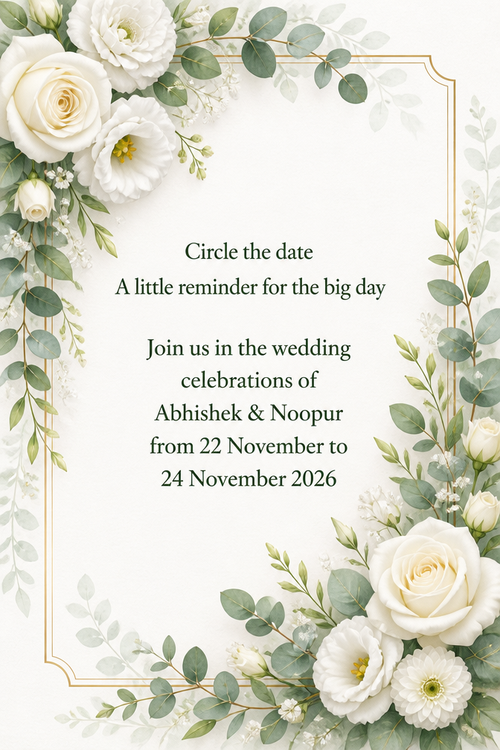
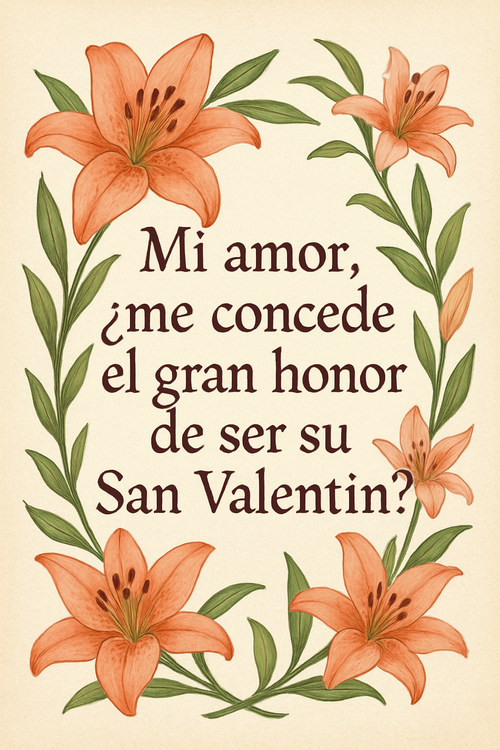
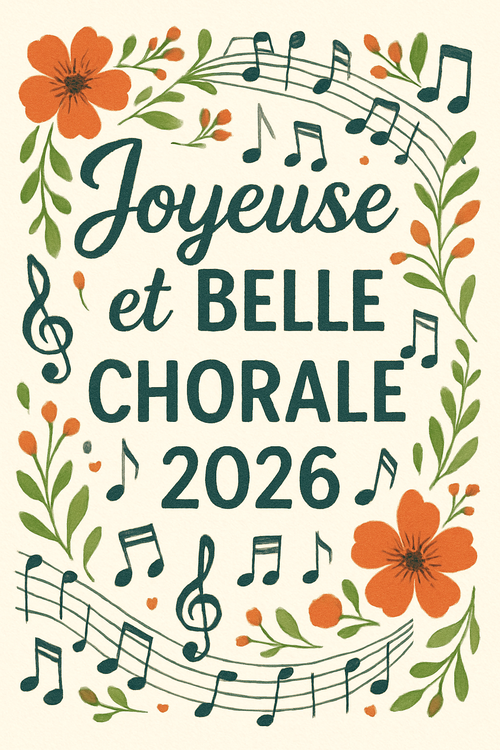
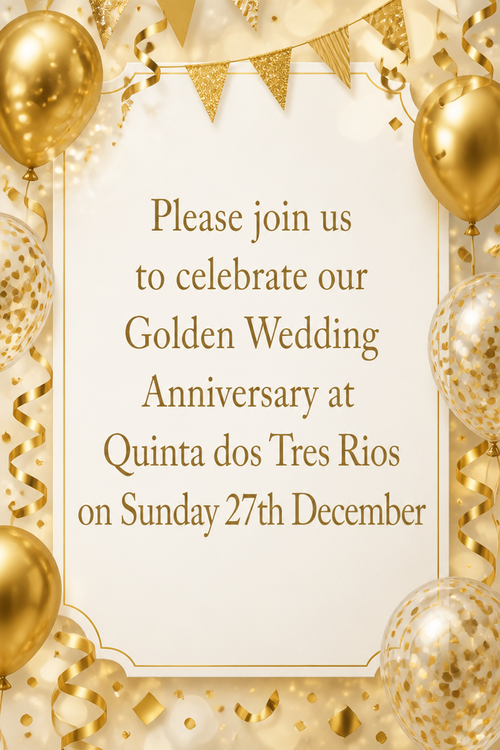
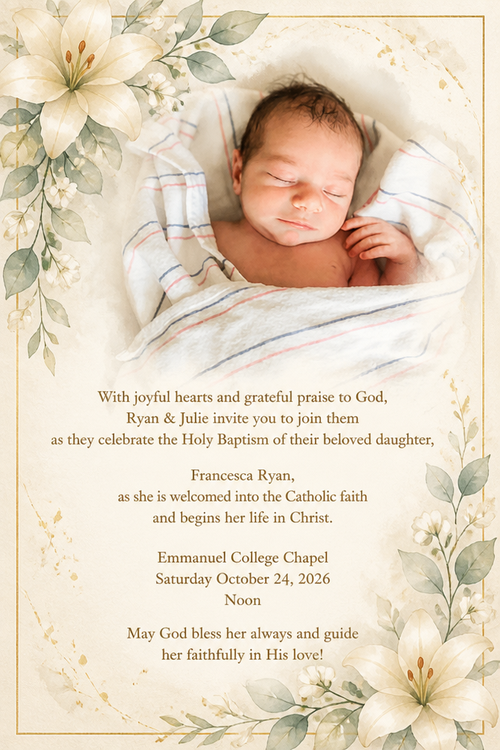
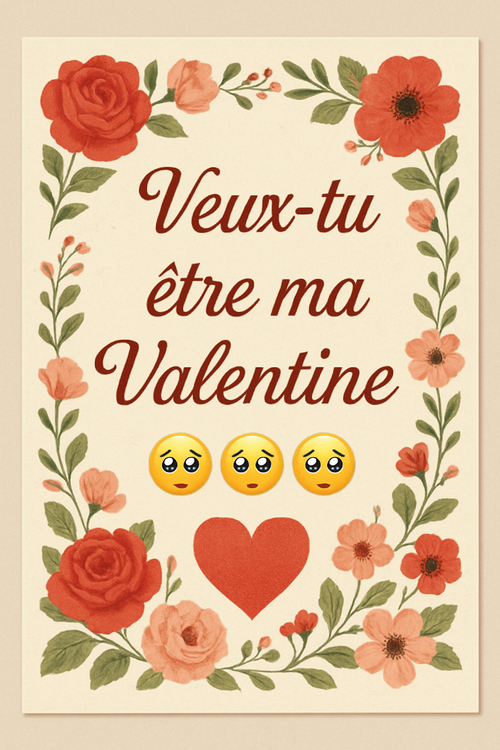
Real cards from the community — click any card to see it up close











Ready to make your invitation card?
Write it, style it, send it — all in under a minute.