Halloween Cards as Spooky or Silly as You Want
Describe the scene — a grinning jack-o'-lantern, a haunted house, a costume in-joke — and the AI turns it into a Halloween card in seconds.

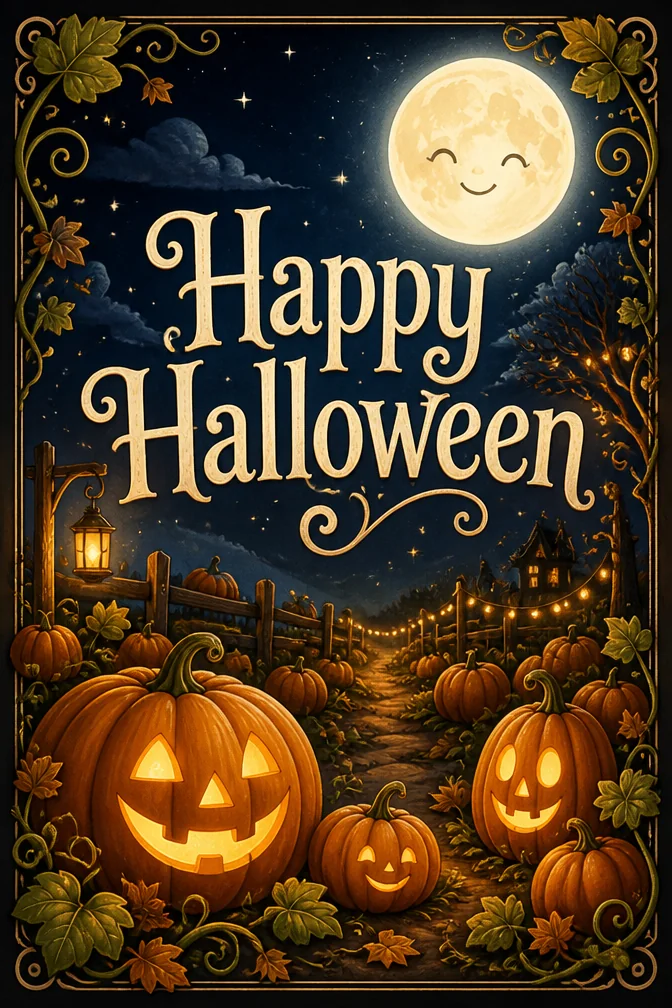
Halloween cards get to be whatever mood fits the recipient — genuinely eerie for someone who loves a good scare, or cartoonish and cute for a card going to a kid. An AI card maker can render either extreme from the same starting point: a short message and a description of the scene.
It's also an easy way to send a costume-party invite or a trick-or-treat meetup plan without designing a flyer from scratch. Add the details to your message, pick a Halloween scene, and the card doubles as both greeting and invitation.
Since it's digital, there's no printing deadline to worry about — a card can go out the same night as the party, or the morning of, styled around whatever the group's costume theme ends up being.
One occasion, four completely different cards
Each of these was generated from the message and theme written below it. Click any card to start from that exact combination — then make it yours.
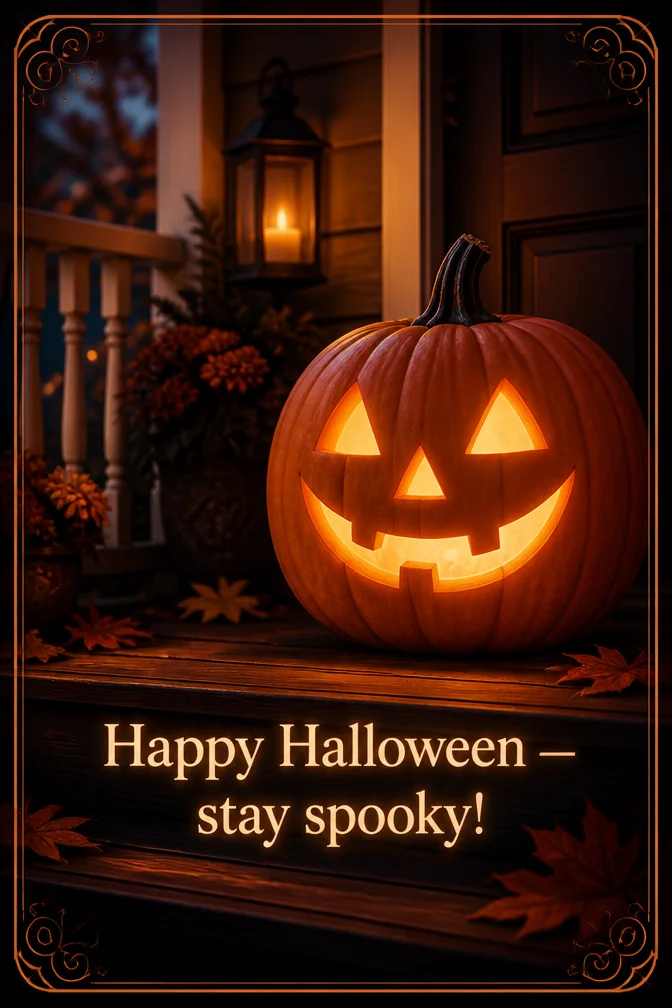
Start from this card →
“Happy Halloween — stay spooky!”
Grinning jack-o'-lantern on a porch
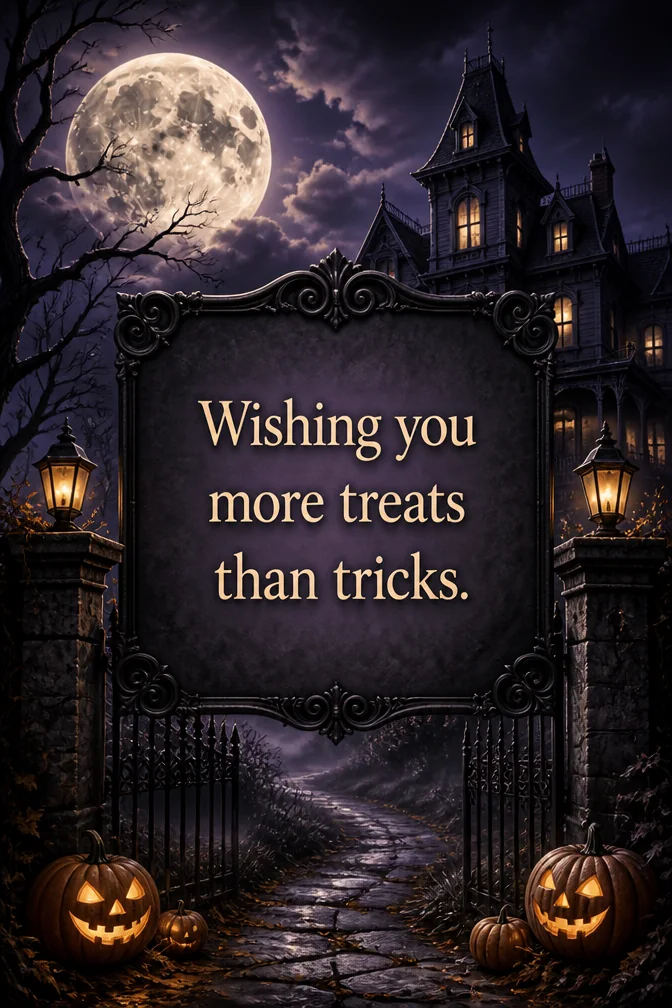
Start from this card →
“Wishing you more treats than tricks.”
Haunted house under a full moon
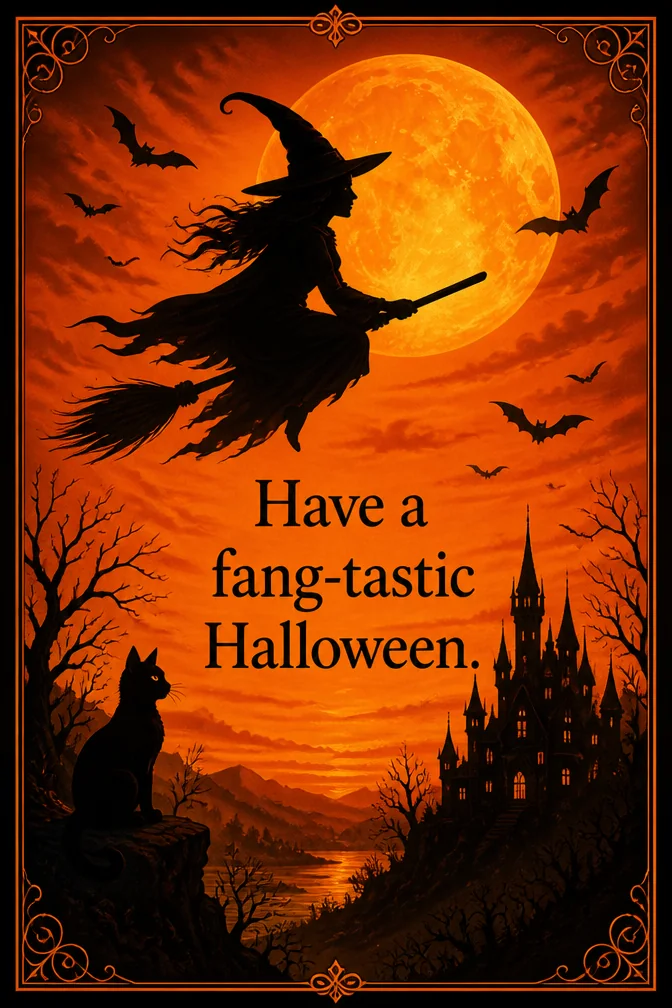
Start from this card →
“Have a fang-tastic Halloween.”
Witch silhouette against orange sky
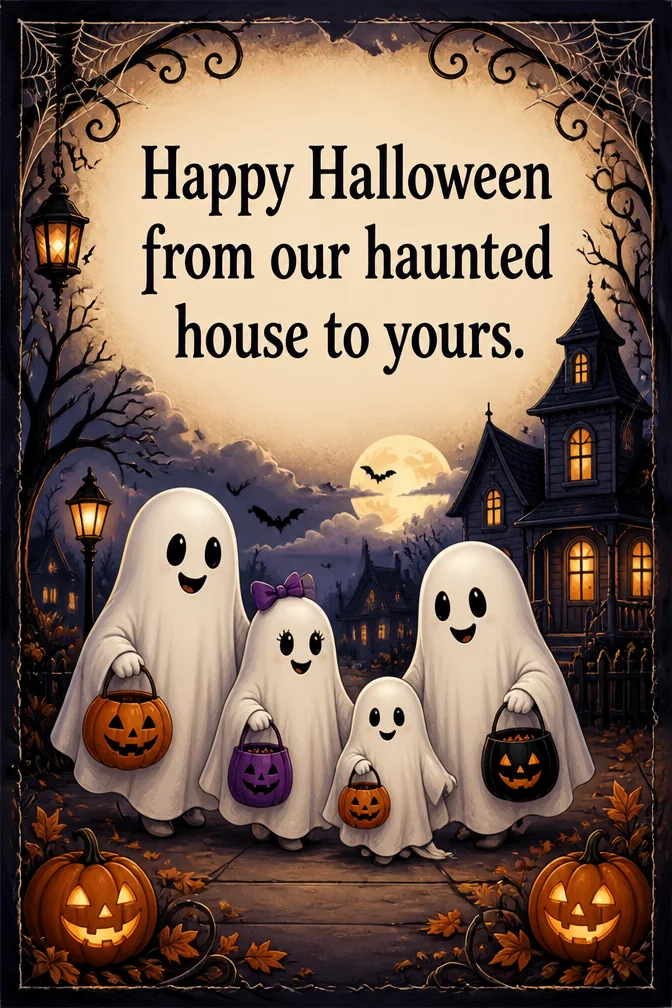
Start from this card →
“Happy Halloween from our haunted house to yours.”
Cartoon ghost family trick-or-treating
What to write on your halloween card
Theme ideas the AI paints beautifully
Grinning jack-o'-lantern on a porch
Try this theme →
Haunted house under a full moon
Try this theme →
Witch silhouette against orange sky
Try this theme →
Cartoon ghost family trick-or-treating
Try this theme →
Candy corn and cobwebs
Try this theme →
Black cat on a fence at dusk
Try this theme →
Tips for the perfect card
- Pick a mood first — spooky and cute render very differently even with a similar message
- For party invites, put the date, time, and costume theme right in the card text
- A single strong subject (one pumpkin, one witch, one haunted house) renders more clearly than a crowd of them
- Kids' cards tend to land better with cartoonish, colorful scenes rather than genuinely scary ones
Your halloween card in three steps
Write your message
Type the exact words you want on the card.
Describe a theme
A scene, a style, a mood — anything you can imagine.
Download & share
Get an HD card in seconds. Print it or send the link.
Halloween card questions, answered
- Can I make a Halloween card that isn't scary?
- Yes — describe a cute or cartoonish scene, like a friendly ghost or a smiling pumpkin patch, and the AI will keep the tone light. The card follows whatever mood you describe, from genuinely spooky to kid-friendly.
- Can I use this as a Halloween party invitation?
- Yes, add the date, time, and location to your message and choose a Halloween scene — the card works as an invite you can text or share by link to your whole guest list.
- How does the AI Halloween card maker work?
- Type your message and describe the scene, spooky or silly, and the AI generates original artwork to match. It takes about ten seconds, and the finished card is ready to download or share.
- Is the Halloween card maker free to use?
- Yes, it's free on the website and in the iOS app, with a higher-quality rendering option available if you want to print your card.
Recently created halloween cards
Real cards from the community — click any card to see it up close
No cards here yet — be the first to create one!
Ready to make your halloween card?
Write it, style it, send it — all in under a minute.